B520
B520 Page 6 840D/828D SINUMERIK Operate
Notes
Section 2
Operating mode "JOG"
Reference point approach, i.e. calibration of the position measuring sys-
tem
Preparing a machine for executing a program in automatic mode, i.e.
measuring tools, measuring the workpiece and, if necessary, defining
the work offsets used in the program
Traversing axes, e.g. during a program interruption
Positioning axes
2.1 Selecting the operating mode “JOG”
The operating mode "JOG" can be selected as follows:
Press the button on the machine control panel
(MCP).
The operating mode opens directly.
- OR -
control panel.
Press the VSK 1 in the yellow vertical softtkey
bar on the right hand side of the screen to switch
directly to the operating mode
-
key on the operator panel and the yellow HSK 1
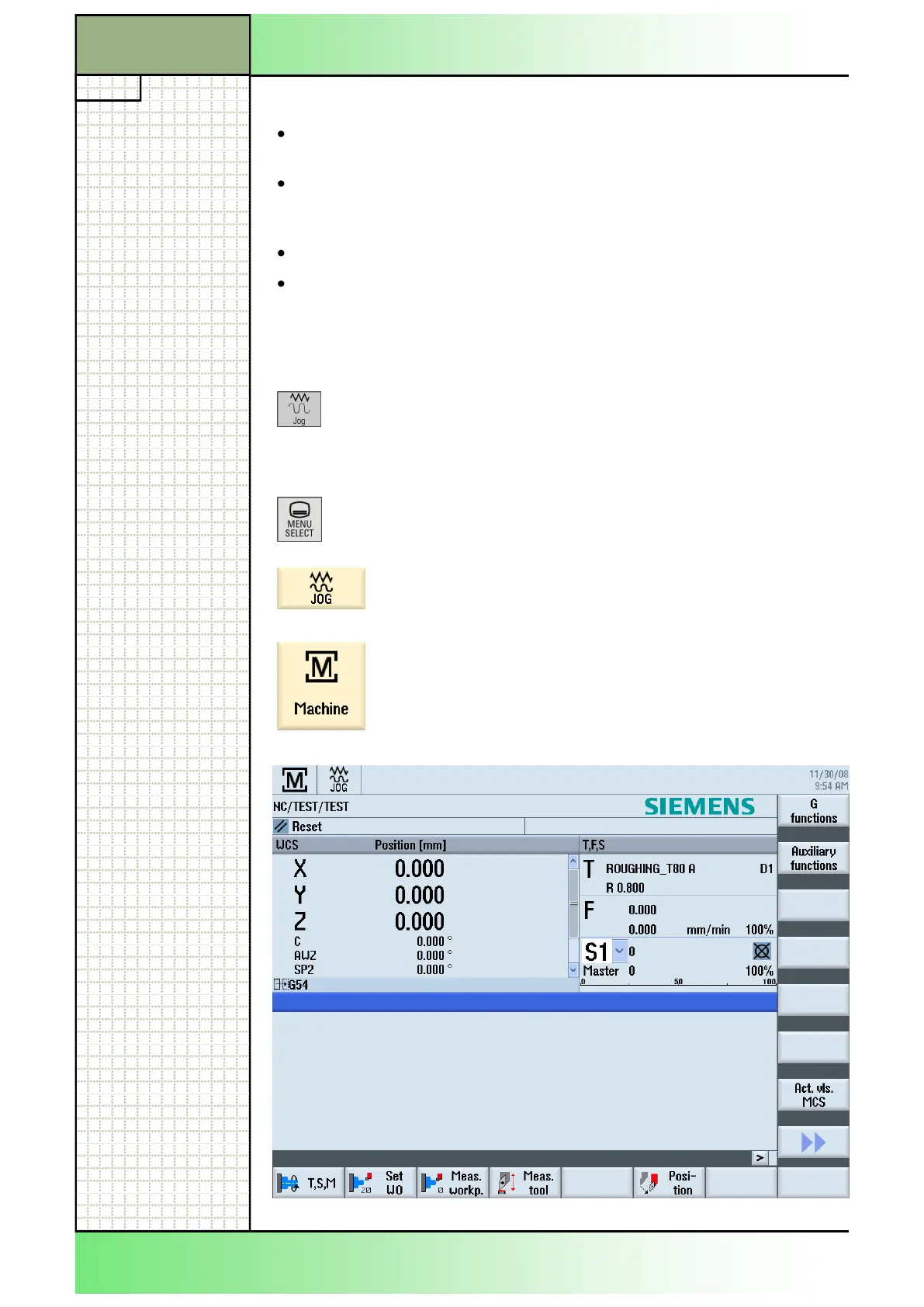
The following screen opens:
















 To Next Page