B520
B520 Page 12 840D/828D SINUMERIK Operate
Notes
Section 4
Work offset
4.1 Setting the "Work offset"
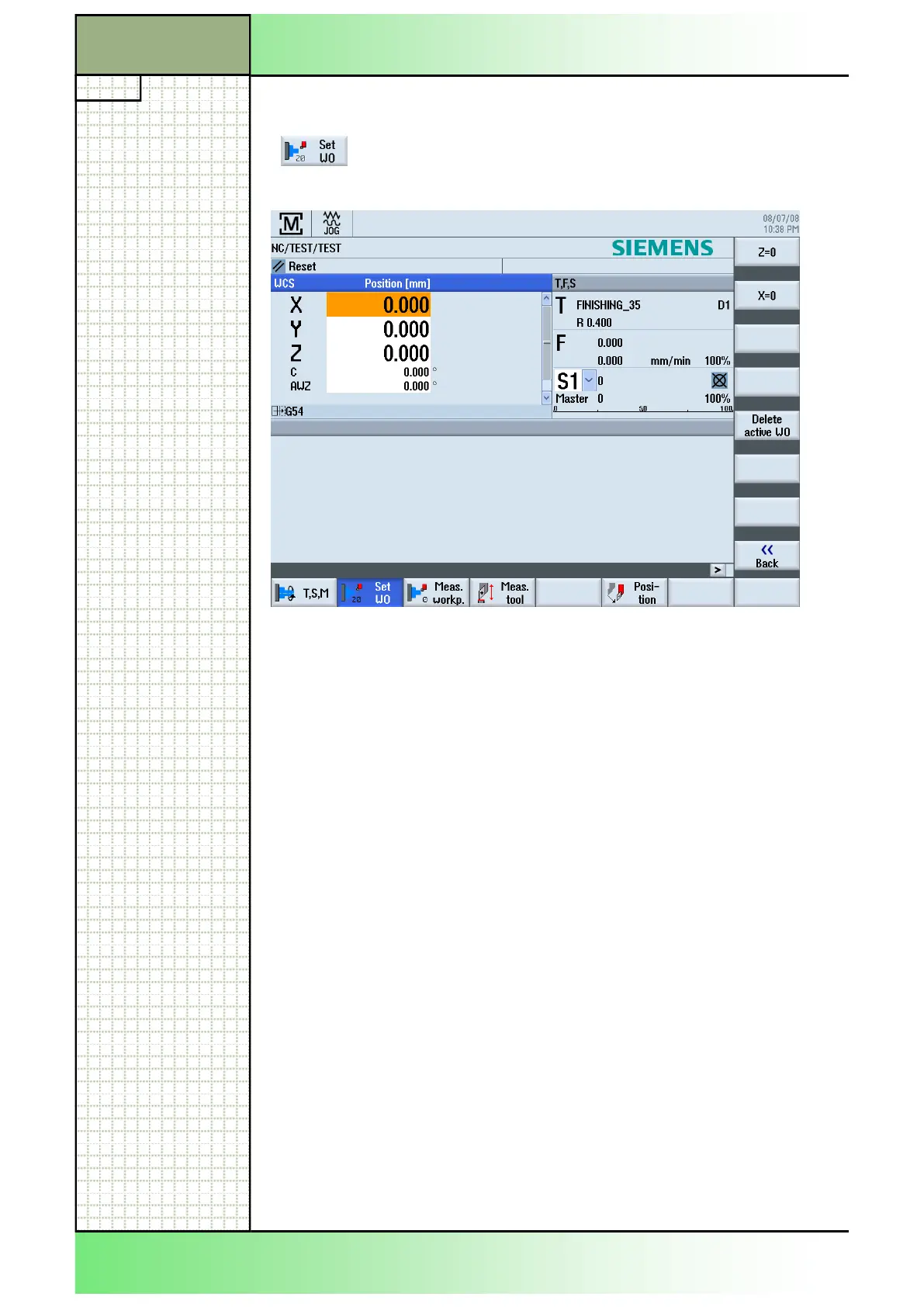
By pressing the HSK 2 "Set WO" (Set Work Offset)
the input mask for the programming of a work offset
will be called up, like displayed below.
Input value: By selecting an axis you can insert a value for the
zero point offset in the orange marked field (see the
picture above).
Hint: The horizontal softkey 2 "Set WO" is only select-
able if the tool coordinate system is adjusted and a
zero point offset (in this example G54) is active.
The entered values for a zero point offset of the
axis will be accepted and displayed in the tool coor-
dinate system (TCS).
The difference between the original position to the
new entered value will be written to the active zero
point offset.
















 To Next Page