B521
B521 Page 4 840D/828D SINUMERIK Operate
Notes
Section 2
Operating mode “MDA“
2.2 Vertical softkey bar 1 and 2
Display area Description
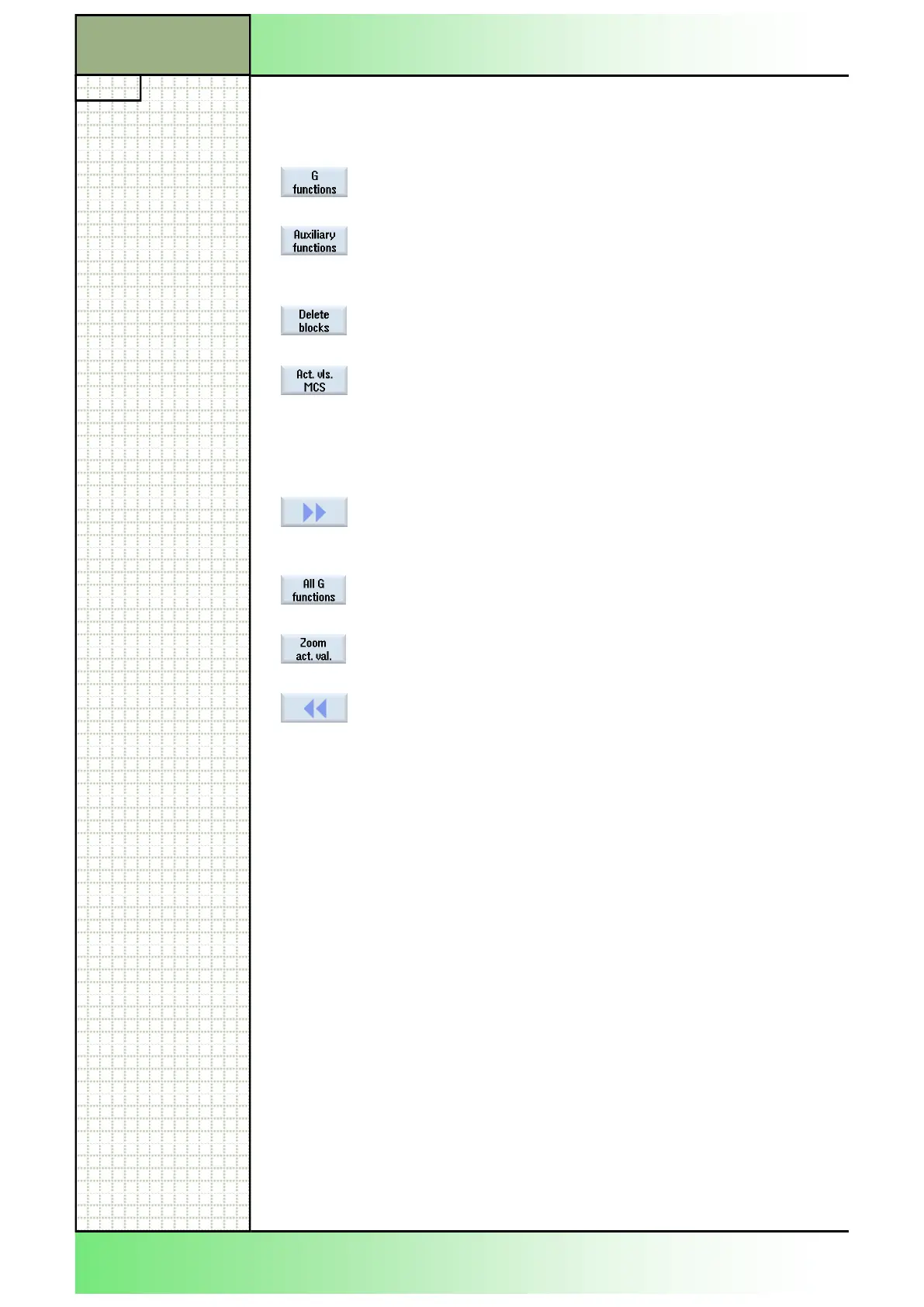
By pressing the VSK 1.1 “G functions“ the most im-
portant G-functions are displayed in a window.
Available auxiliary functions are displayed in a sub-
window by pressing the VSK 1.2 "Auxiliary func-
tions" at the time of the output.
By pressing the VSK 1.5 “Delete blocks” entered
program blocks can be deleted.
By pressing the VSK 1.7 "Act. vls. MCS", the coor-
dinate system will be toggled between the machine
coordinate system (MCS) and the tool coordinate
system (TCS).
Note the machine manufacturer‘s documentation.
By pressing the VSK 1.8 "Forward" on the operator
panel (OP) the selection of additional softkeys on
the vertical softkey bar is possible
By pressing the VSK 2.2 "All G functions" all G-
functions will be shown.
By pressing the VSK 2.6 "Zoom act. val." all actual
values are displayed full screen.
By pressing the VSK 2.8 "Back" on the operator
panel (OP) the vertical softkey bar switches back to
the menu of the VSK 1.
















 To Next Page