B523
B523 Page 22 840D/828D SINUMERIK Operate
Notes
3.8.3 Installing a new cutting edge
1. Either press the “OFFSET“-key on the keyboard or
press “MENU SELECT“ on the operator panel, then
the HSK 2 “Parameter” and the HSK 1 “Tool list” to
switch to the tool list.
2. In the tool list, position the cursor on the tool for
which you would like to store more cutting edges.
Press the VSK 1.3 “Edges”.
3. Press the VSK1 “New cutting Edge”.
A new data set is stored in the list.
The cutting edge number is incremented by 1 and
the offset data is assigned to the values of the cut-
ting edge on which the cursor is positioned.
4. Enter the offset data for the new cutting edge.
5. Repeat the steps 3 - 4 if you wish to create more tool
edge offset data.
3.8.2 Vertical softkey bar
Display area Description
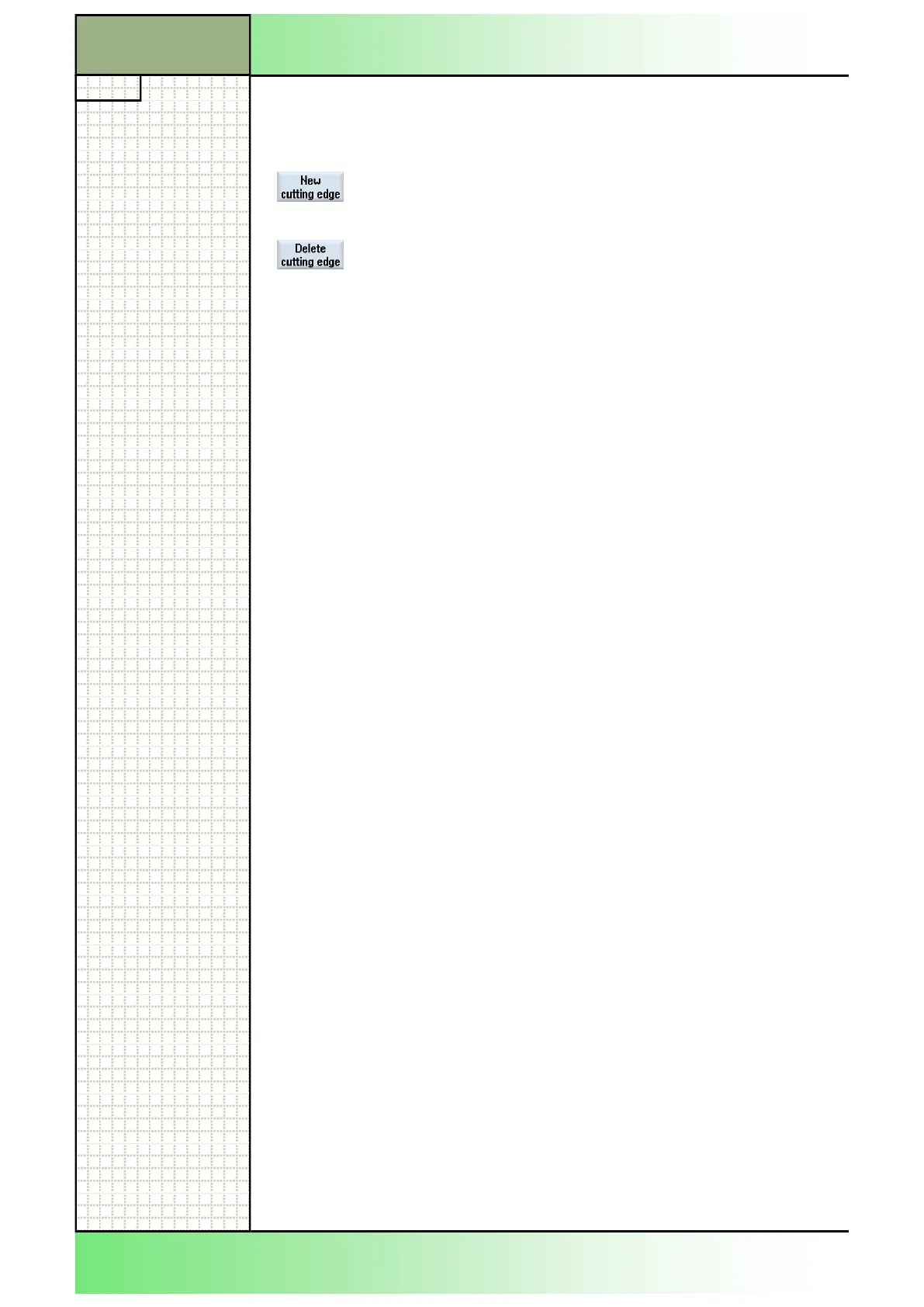
Pressing the VSK 1 “New cutting edge” installs a
new cutting edge for a tool in the tool list.
Pressing the VSK 2 “Delete cutting edge” deletes a
selected cutting edge of a tool.
3.8.4 Deleting a cutting edge
1. Either press the “OFFSET“-key on the keyboard or
press “MENU SELECT“ on the operator panel, then
the HSK 2 “Parameter”.
2. Press the HSK 1 “Tool list” to switch to the tool list.
3. In the tool list, position the cursor on the tool for
which you would like to delete cutting edges.
Press the VSK 1.3 “Edges”.
4. Press the VSK 2 “Delete cutting edge”.
The data set is deleted from the list.
The first tool cutting edge cannot be deleted.
Section 3
Tool list
















 To Next Page