840D/828D SINUMERIK Operate
Notes
Work offset
Section 7
7.7 Settable zero offset
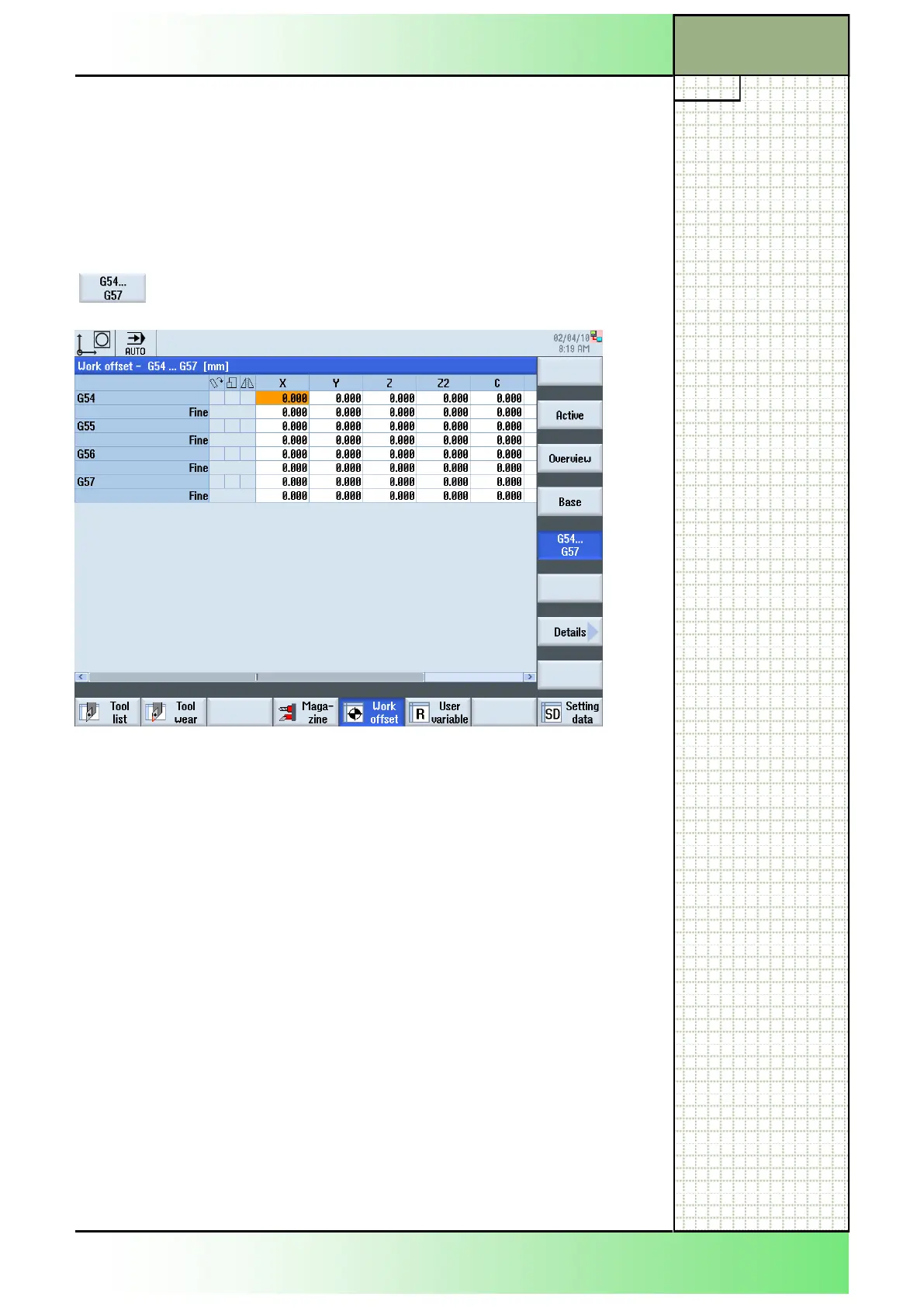
All settable offsets, divided into coarse and fine offsets, are displayed in
the "Work offset - G54...G57" window.
Rotation, scaling and mirroring are displayed.
7.7.1 Selecting the function “Work offset - G54...G57”
By pressing VSK 4 G54...G57“ the following window
opens.
7.7.2 Displaying and editing settable zero offset
1. Press the “MENU SELECT“-key on the operator
panel, then the HSK 2 “Parameter” to open the oper-
ating area “Parameter”. Alternatively press the
“OFFSET”-key on the keyboard.
2. Press the HSK 5 “Work offset“.
3. Press th VSK 4 “G54…G57“.
The “Work offset - G54...G57” window opens.
4. Values can be edited directly in the table.
Note:
The settable work offsets must first be selected in the program before they
have an impact.
















 To Next Page