B523
B523 Page 50 840D/828D SINUMERIK Operate
Notes
Section 8
User variables
8.3 R variables
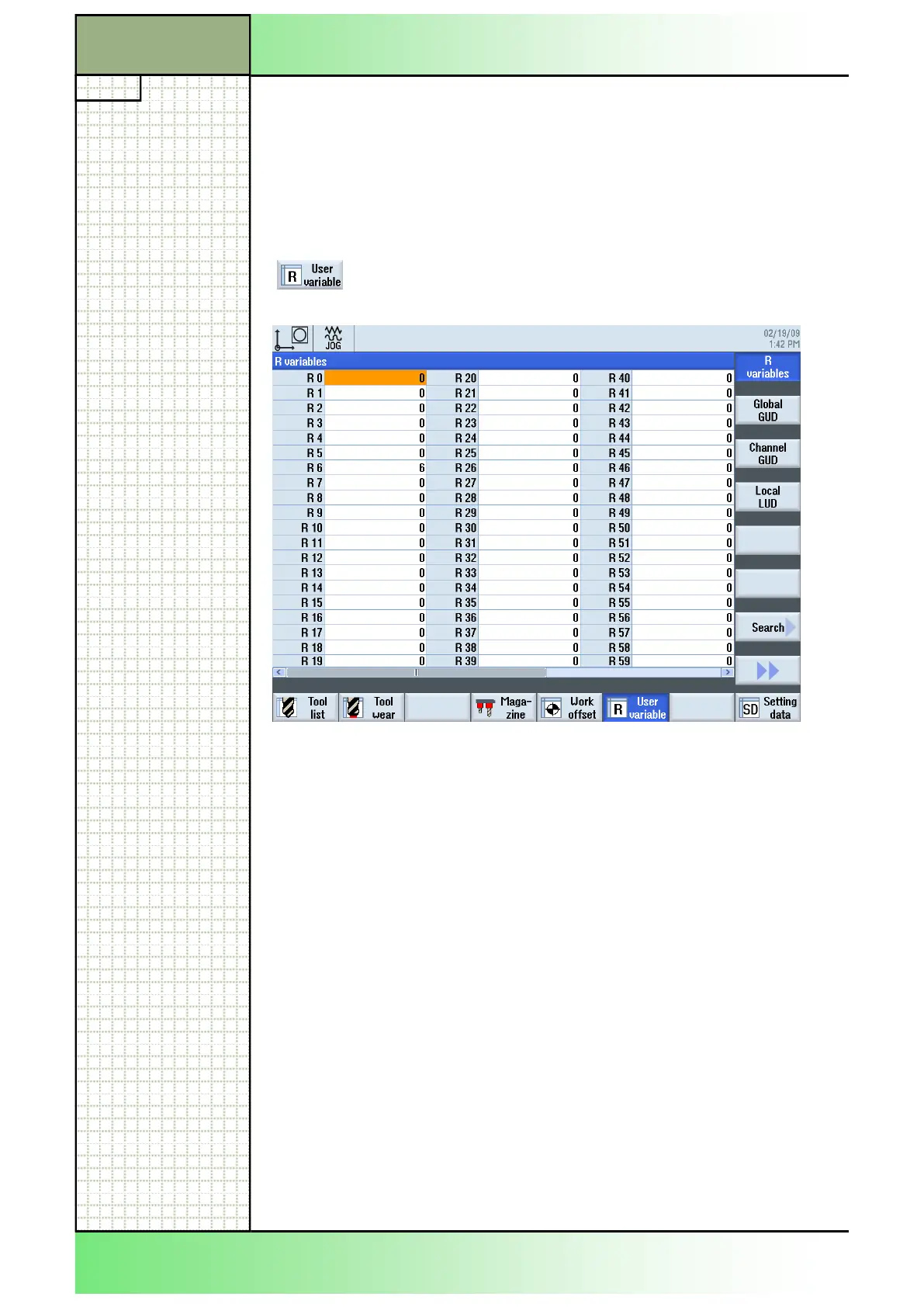
“R variables” (arithmetic parameters) are channel-specific variables that
can be used within a G code program.
G code programs can read and write “R variables”.
8.3.1 Selecting the function “R variables”
By pressing the VSK 1.1 “User variable” the follow-
ing window opens.
8.3.2 Displaying and editing R variables
1. Press the “MENU SELECT“-key on the operator
panel and the yellow HSK 2 ”Parameter” to open the
operating area “Parameter”.
Alternatively press the “OFFSET”-key on the key-
board to switch to the operating area “Parameter”
directly.
2. Press the HSK 6 “User variable”.
3. Press the VSK 1.1 “R variables“.
The “R variables” window opens
4. Enter the desired “R variable” value in the corre-
sponding “R variable” field.
















 To Next Page