840D/828D SINUMERIK Operate
Notes
Section 9
Setting data
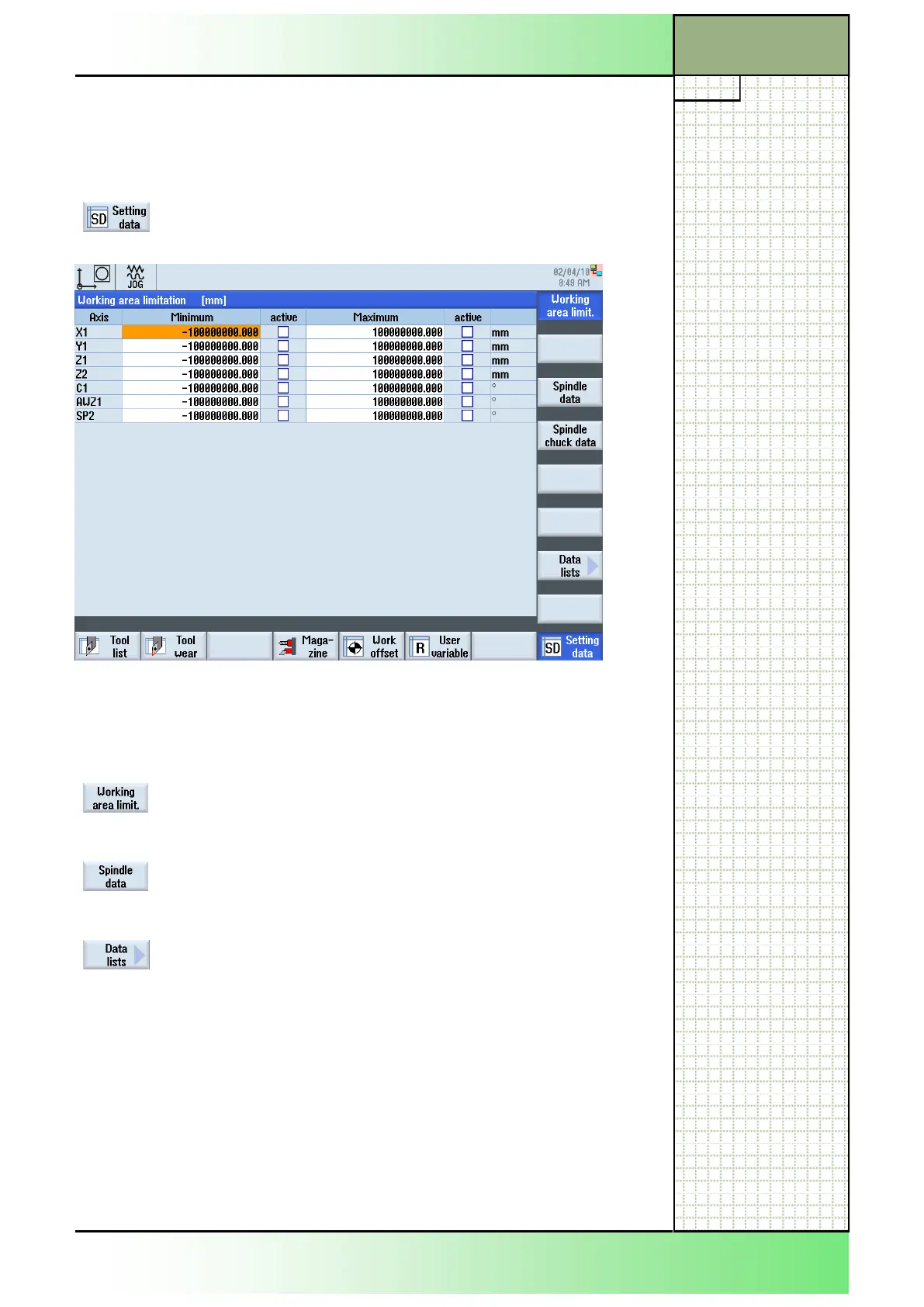
With the function “Setting data” you have the option to install safety areas
for the tool movement and to alter parameters for the spindle speed.
9.1 Selecting the function “Setting data”
By pressing the HSK 8 “Setting data” the following
screen will be displayed.
9.2 Vertical softkey bar
Display area Description
By pressing the VSK 1 “Working area limit.” the
working area limitation window opens, where you
can install safety zones for the tool movement.
By pressing the VSK 3 “Spindle data” the “Spindles”
window opens, where you can set limitations for the
Spindle speed.
By pressing the VSK 6 “Data lists” the window
“Setting data list” opens where you can select pre-
defined lists of setting dates.
Please refer to the machine manufacturer's docu-
mentation.
.
















 To Next Page