B525
B525 Page 6 840D/828D SINUMERIK Operate
Notes
Section 3
Storage medium “NC”
3.2 Vertical softkey bar 1
Display area Description
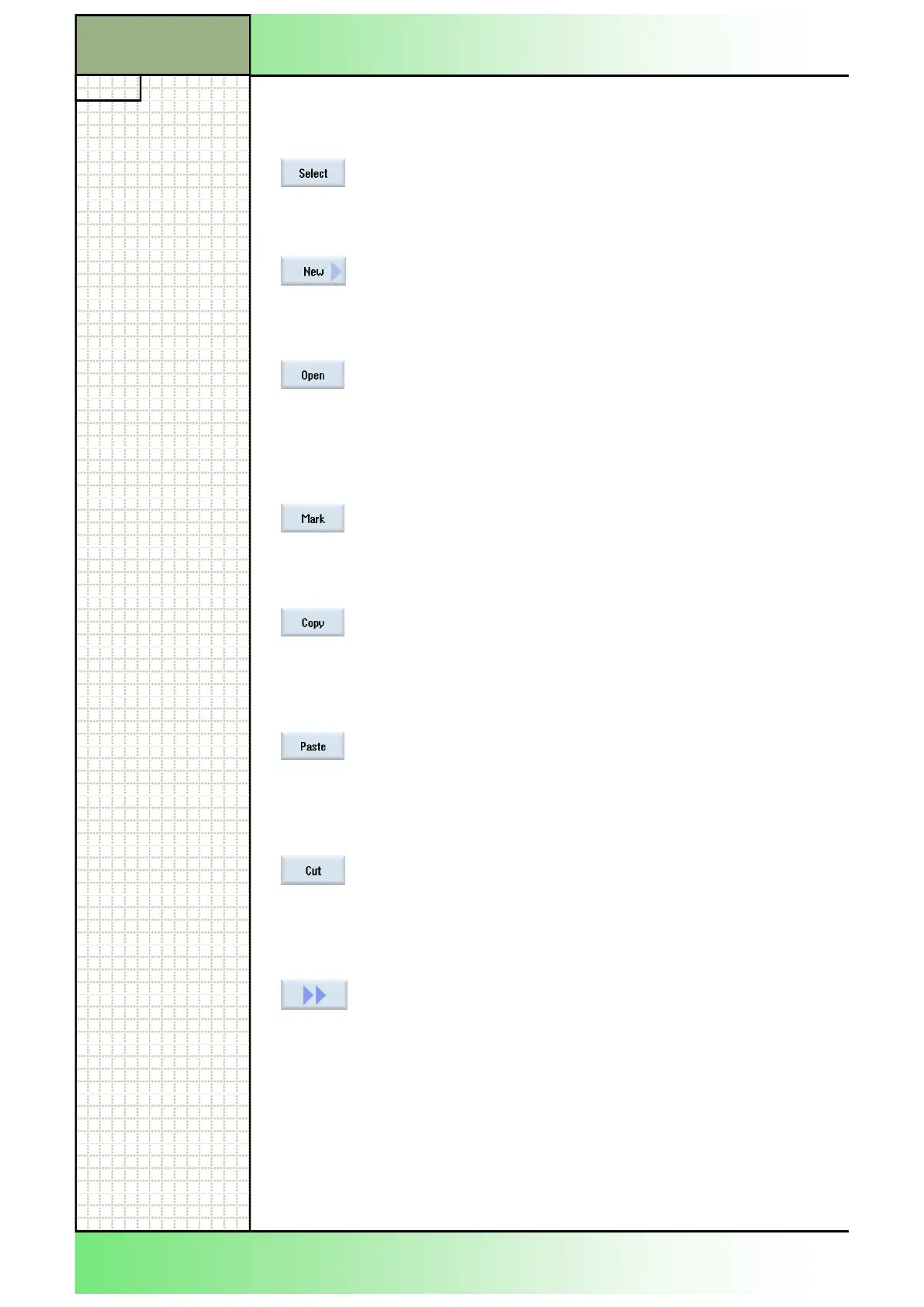
By pressing the VSK 1.1 “Select“ you can select a
program and change over to the operating area
“Machine” in order to start machining the selected
program.
By pressing the VSK 1.2 “New“ you can create a
new ShopTurn- or programGUIDE-program in the
selected directory (see section 3.4 in this module).
By pressing the VSK 1.3 “Open“ the selected pro-
gram (marked with an orange cursor) will be
opened.
Alternatively you can press the yellow “INPUT”-key
on the keyboard or the blue “cursor to the right”-key
to open a program too.
By pressing the VSK 1.4 “Mark“ several programs
or (sub-)directories can be marked for copying or
cutting (see section 3.5 in this module).
By pressing the VSK 1.5 “Copy” one to several pro-
grams or (sub-)directories are copied to the internal
memory, ready for inserting into another location on
the NC, local drive or USB drive (see section 3.6 in
this module)
By pressing the VSK 1.6 “Paste” the copied pro-
gram(s) or directorie(s) are inserted into the se-
lected place in the directory tree of the NC, of a lo-
cal drive or an USB drive (see section 3.6 in this
module).
By pressing the VSK 1.7 “Cut“ one to several pro-
grams or directories can be cut out and inserted
somewhere else on a location in the directory tree
of the NC, a local drive or on an external USB drive
(see section 3.7 in this module).
By pressing the VSK 8 “Extend” the extended verti-
cal softkey bar 2 with new functions will be dis-
played.
















 To Next Page