840D/828D SINUMERIK Operate
Notes
Section 3
Storage medium “NC”
You can create a program of any type in every directory or subdirectory.
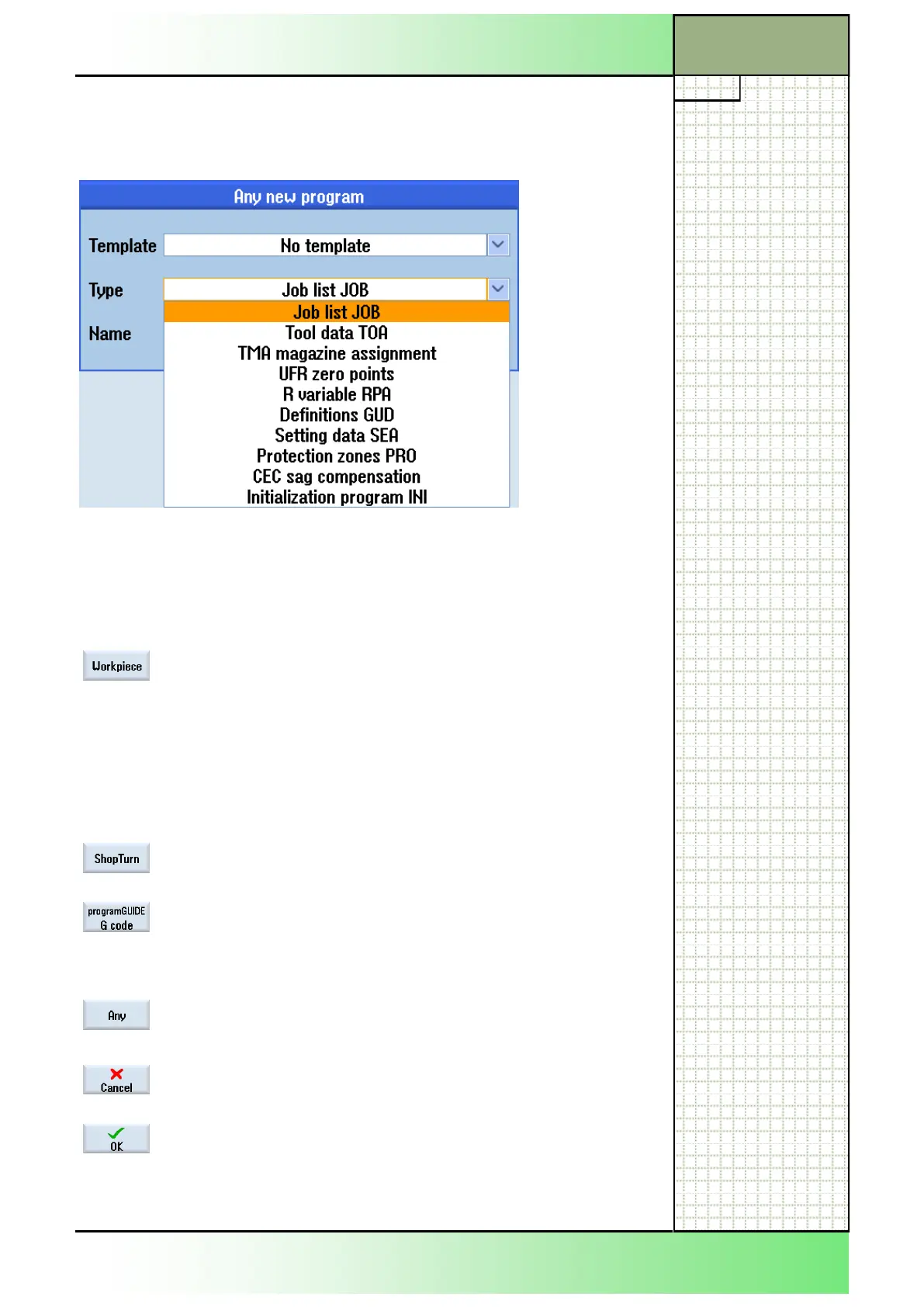
However, this does not apply to the NC-memory. Here, only in the
“Workpieces” folder you can create a program of different type by pressing
the VSK 5 “Any” (see the type list below).
After pressing the VSK 1.2 “New” the following functions in the vertical
softkey bar are available.
3.4.1 Vertical softkey bar
Display area
Description
By pressing the VSK 2 “Workpiece“ you can create
a new workpiece program.
The current cursor position determines the folder
where the workpiece is created.
The “New workpiece” window opens.
Note: The softkey is only available if the HSK 1
“NC“ was selected before.
By pressing the VSK 2.3 “ShopTurn” a new se-
quential program will be created.
By pressing the VSK 2.4 “programGUIDE G code”,
a new main program or subprogram will be created,
depending on the program type selected in the in-
put mask.
By pressing the VSK 2.6 “Any“ an arbitrary program
can be created (see the picture above).
By pressing the VSK 2.7 “Cancel“ the actual selec-
tion will be discarded and the window closed.
By pressing the VSK 2.8 “OK“ or pressing the
“INPUT”-key on the keyboard the entered values or
selection made will be accepted and the window
closed.
















 To Next Page