B525
B525 Page 16 840D/828D SINUMERIK Operate
Notes
Section 4
Storage medium “Local drive“
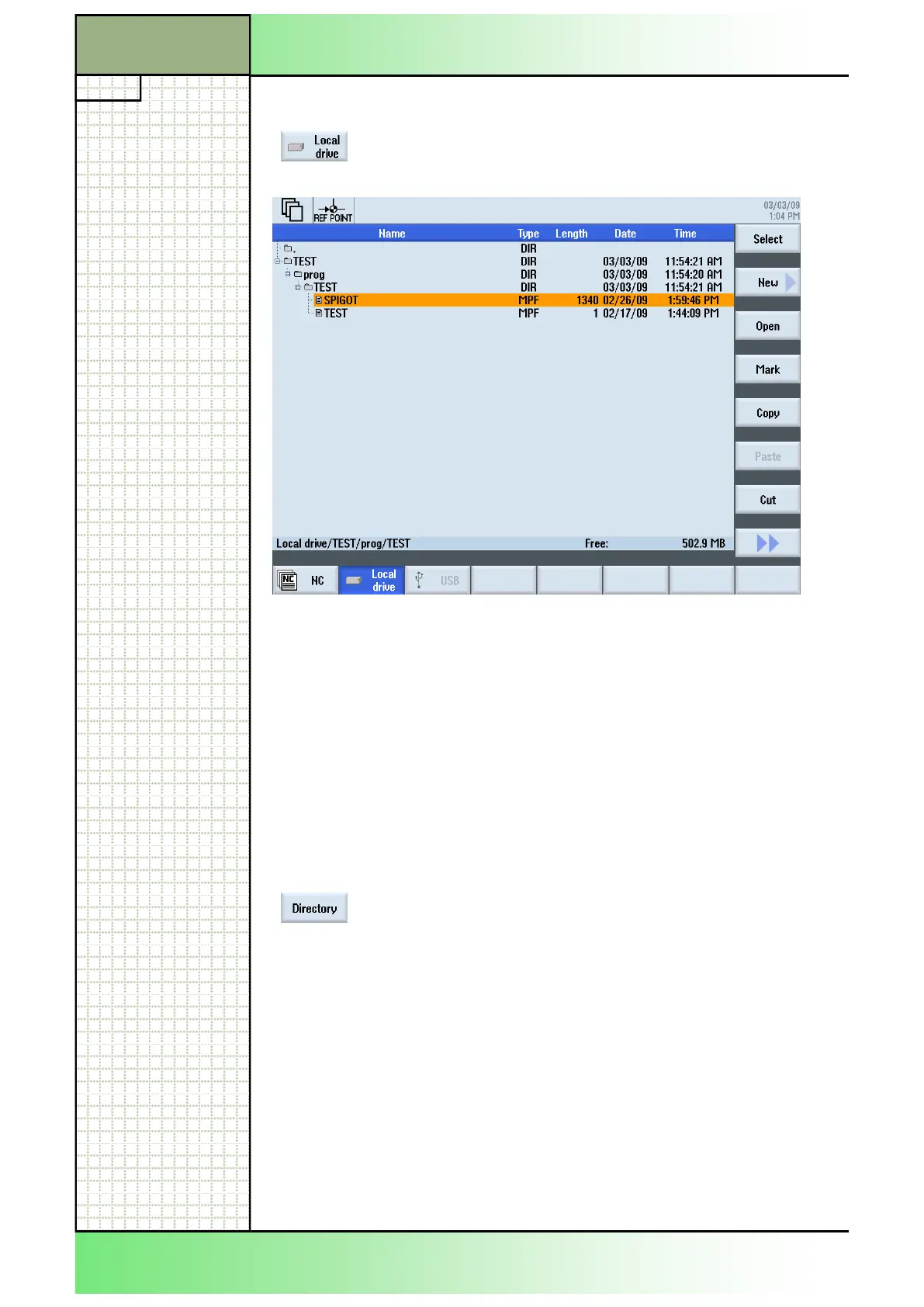
A complete listing of all folders and files of the local drive is shown in the
program manager window.
For a description of the information displayed in this window, see section
3.1.
4.1 Selecting the function “Local drive“
By pressing the HSK 2 “Local drive“ the program
manager shows the directory structure of the local
drive.
4.2 Vertical softkey bar
The full functionality available under the NC program manager window is
available under the local drive program manager window too (see section
3 in this module).
Additional, here you can create a new directory by pressing the VSK 1
“Directory”.
By pressing the VSK 1 “Directory” the “New direc-
tory” input mask opens where you can create a new
directory on the local drive.
Enter a name for the new directory and accept with
pressing the VSK 8 “OK”, or abort with the VSK 7
“Cancel”.
















 To Next Page