840D/828D SINUMERIK Operate
Notes
5.2 Vertical softkey bar
The full functionality available under the NC program manager window is
available under the USB program manager window too (see section 3 in
this module).
Additional, here you can create a new directory by pressing the VSK 1
“Directory”.
By pressing the VSK 1 “Directory” the “New direc-
tory” input mask opens where you can create a new
directory on the USB drive.
Enter a name for the new directory and accept with
pressing the VSK 8 “OK”, or abort with the VSK 7
“Cancel”.
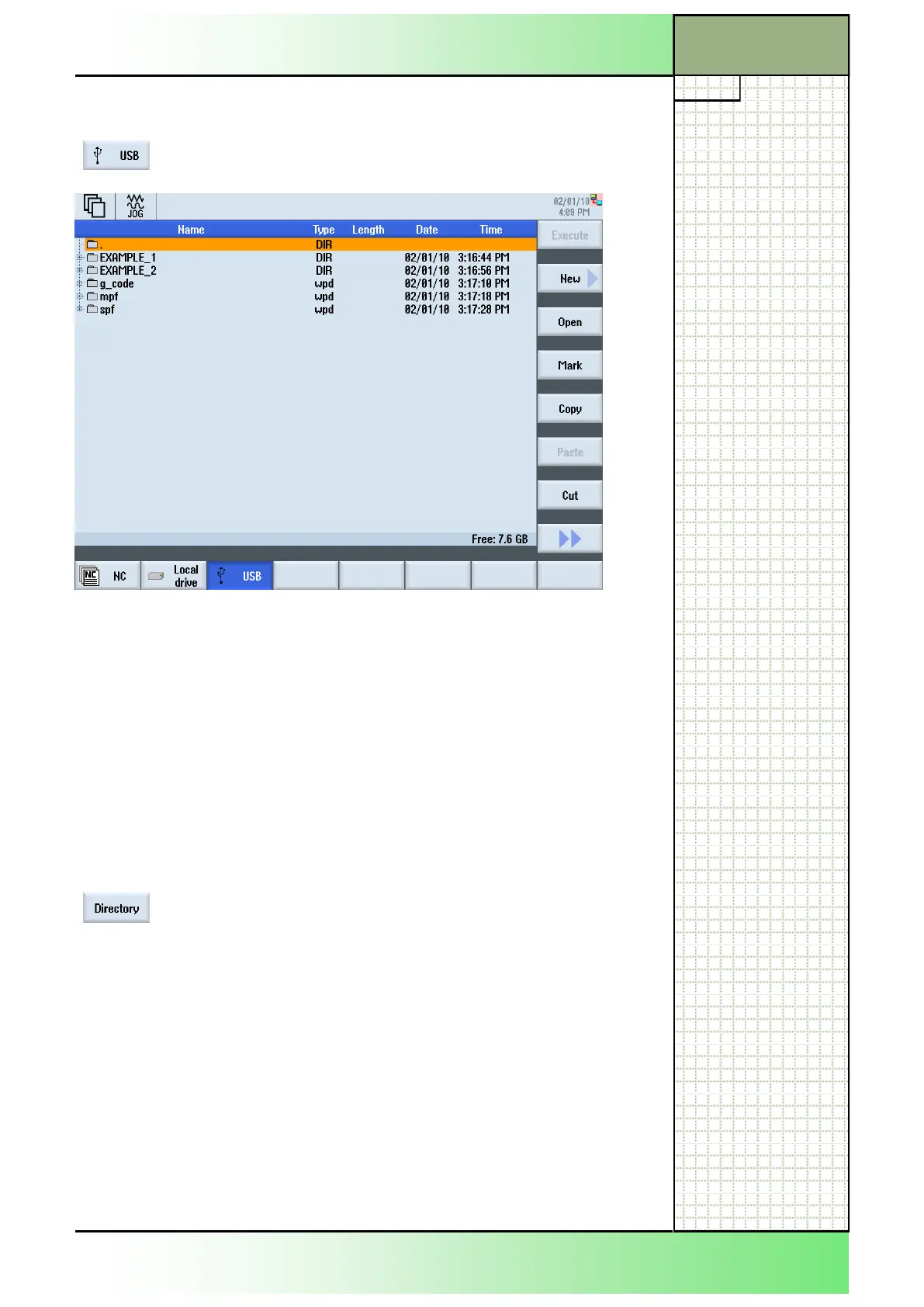
A complete listing of all folders and files of the USB drive is shown in the
program manager window.
For a description of the information displayed in this window, see section
3.1.
5.1 Selecting the function “USB“
By pressing the HSK 3 “USB“ the program manager
shows the directory structure of the local drive.
Section 5
Storage medium “USB” drive
















 To Next Page