840D/828D SINUMERIK Operate
Notes
4.4 Renumbering
With the function “Renumbering” you can renumber manually the program
steps in the work plan with an increment you can select here.
4.4.1 Selecting the function “Renumbering“
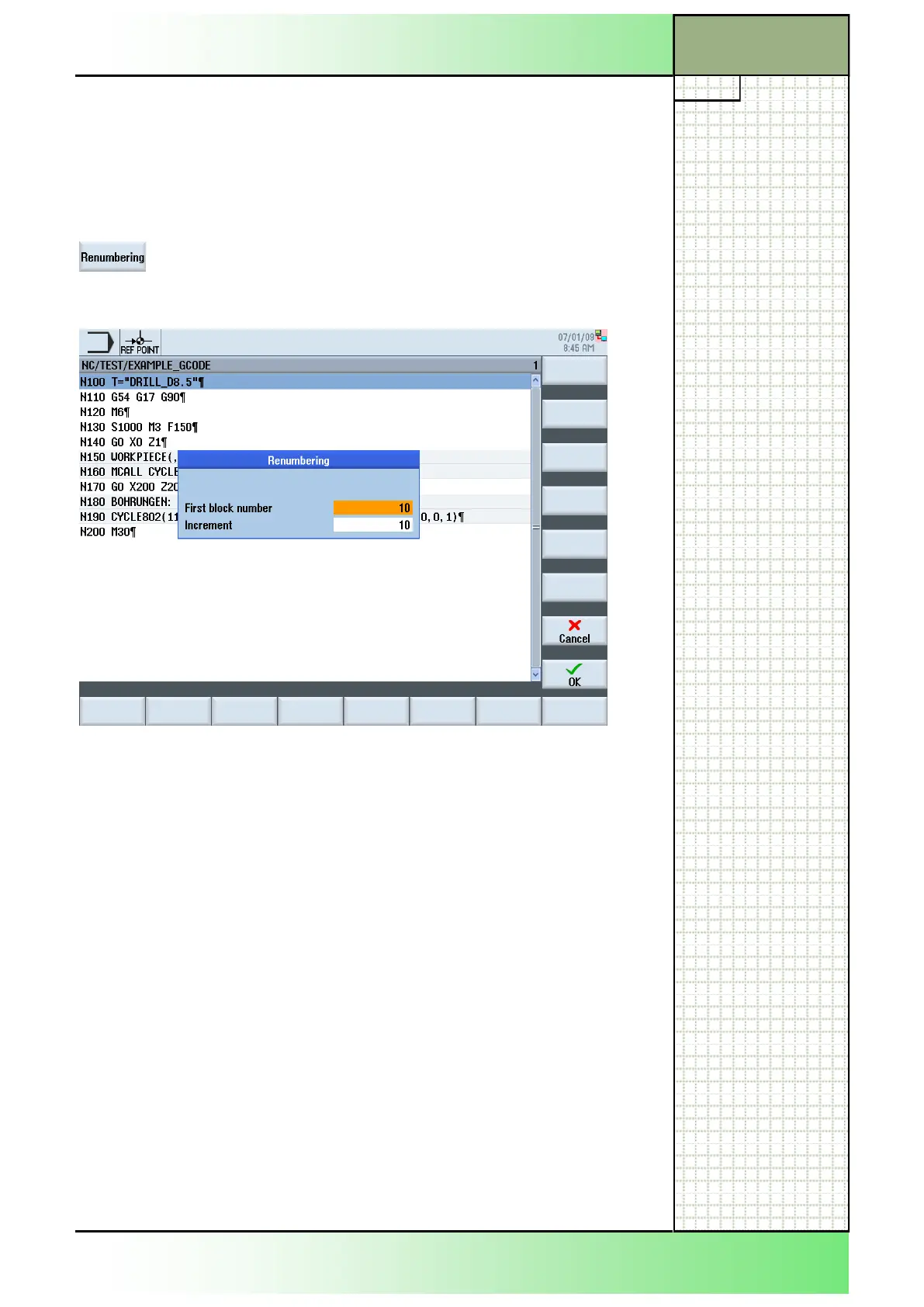
By pressing the VSK 2.3 “Renumbering” the input
window opens where you can change the settings
for the renumbering of the program blocks in the edi-
tor window.
4.4.2 Parameters for “Renumbering”
Parameter Meaning
First block number The first block number you want to start with.
The values shown here by default can be adjusted
under the function “Settings” in the input field “First
block number” (see section 4.5).
Increment The Increment between the program blocks.
The values shown here by default, can be adjusted
under the function “Settings” in the input field
“Increment” (see section 4.5).
Section 4
Edit
















 To Next Page