B605
B605 Page 20 840D/828D SINUMERIK Operate
Notes
and an outline drawing.
5.3.4 Changing the settings for the blank
1. In the operating area “Program” press the HSK 1.6
“Various”.
2. Press the VSK 1.1 “Blank”.
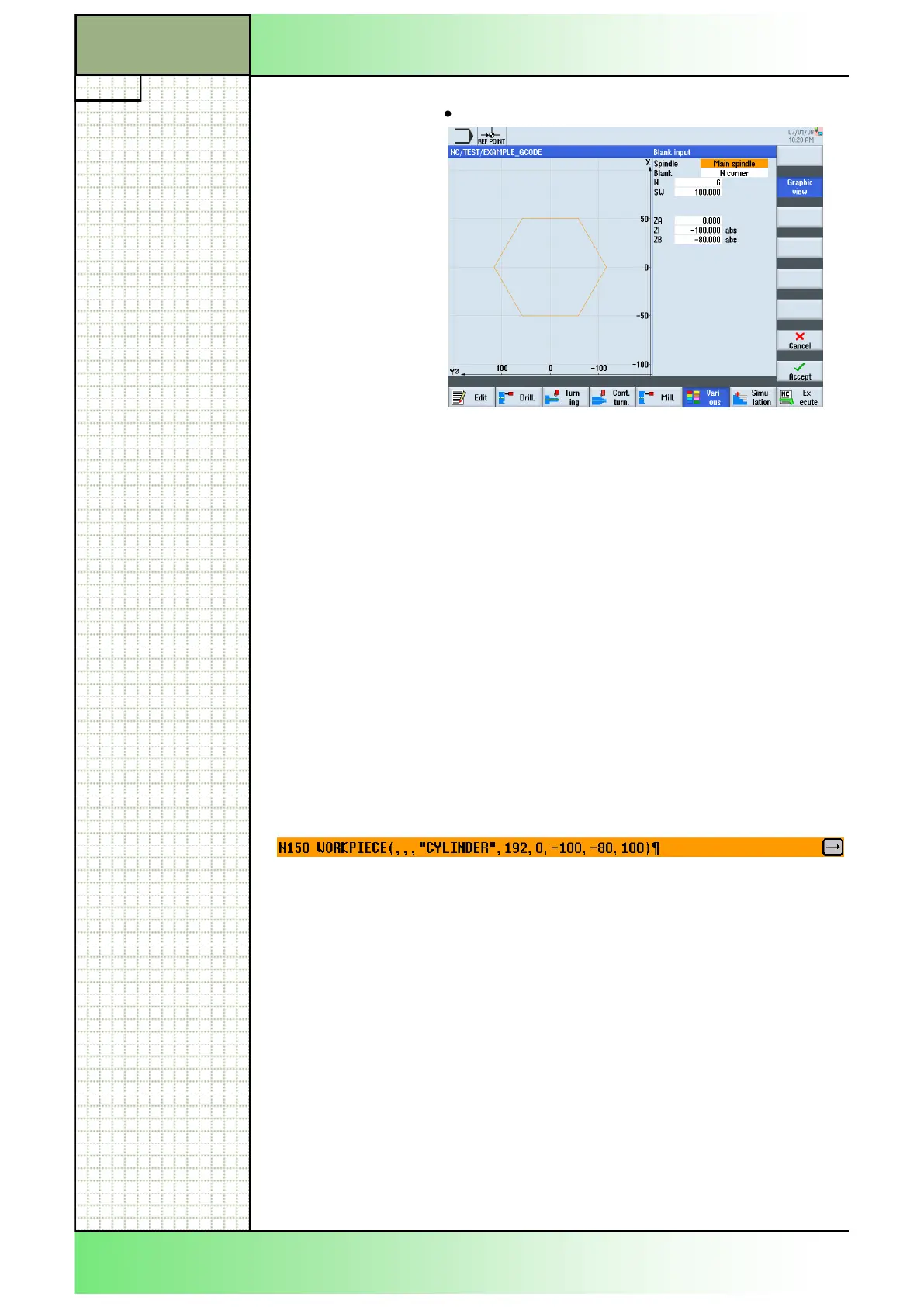
The setting window for the blank opens.
3. Optionally change the graphic view on the blank by
pressing the VSK 2 “Graphic view”.
4. Enter the parameters for the blank in the corre-
sponding input fields (see parameter list in section
5.3.2).
5. Confirm your inputs by pressing the VSK 8 “Accept”
or abort with pressing the VSK 7 “Cancel”.
A new program block “WORKPIECE” is inserted into
the Work plan (alike the picture below).
5.4 Subprogram
If you require the same machining steps in the programming of different
workpieces, you can define these machining steps in a separate routine.
You can then call this subroutine in any program.
Identical machining steps therefore only have to be programmed once.
ShopTurn does not differentiate between main program and subprogram.
This means that you can call a "standard" sequential control or G code
program as subprogram in another sequential control program.
In this subprogram, you can also call another subprogram.
The maximum nesting depth is 8 subroutines.
If you want to call a sequential control program as a subroutine, the
program must already have been calculated once (load or simulate
program in “AUTO” mode). This is not necessary for G code
subroutines.
Section 5
Various
















 To Next Page