840D/828D SINUMERIK Operate
Notes
Parameter Meaning (continuation)
XA
Outside diameter (only with pipe or cylinder)
XI
Inside diameter (absolute or incremental)
N
Number of edges (only with N corner)
SW
Width across flats (only with N corner)
W
Width of blank (only with Block centered)
L
Length of blank (only with Block centered))
5.3.3 Changing the graphical view on the blank
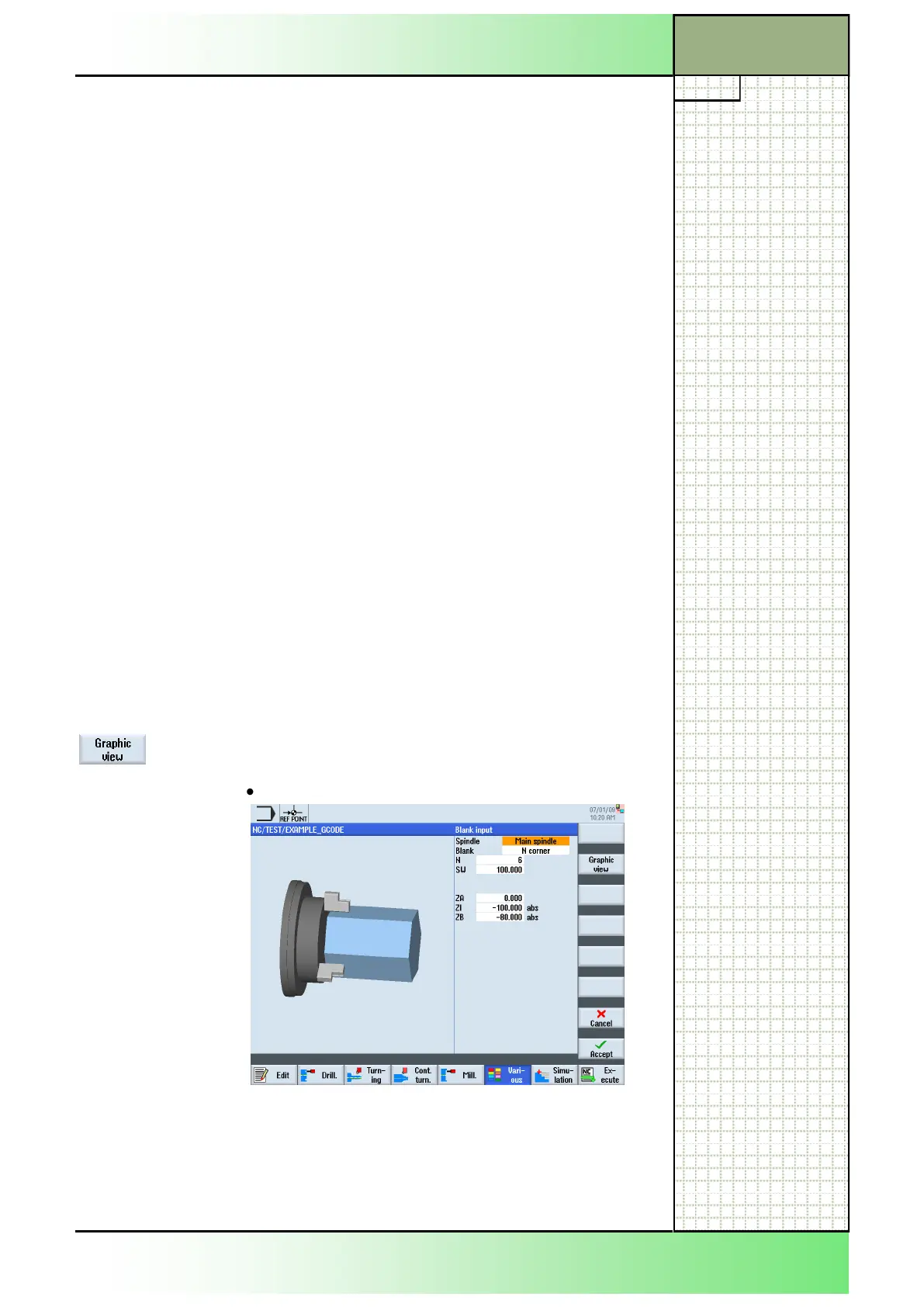
The graphic view on the blank is adjustable under the function “Various” ,
as well as under the technologies Drilling”, “Turning” and “Milling”, by
pressing the VSK 2 “Graphic view”.
Help pictures and animations are only displayed if the VSK 2 “Graphic
view” is deselected.
You can change the graphic view on the blank as follows:
1. In the operating area “Program” press the HSK 1.6
“Various”.
2. Press the VSK 1.1 “Blank” to open the input mask
for the blank settings.
Activate or deactivate the VSK 2 “Graphic view” to
switch between a:
3D view/side view
Section 5
Various
















 To Next Page