B618
B618 Page 8 840D/828D SINUMERIK Operate
Notes
Section 3
Complex programming example
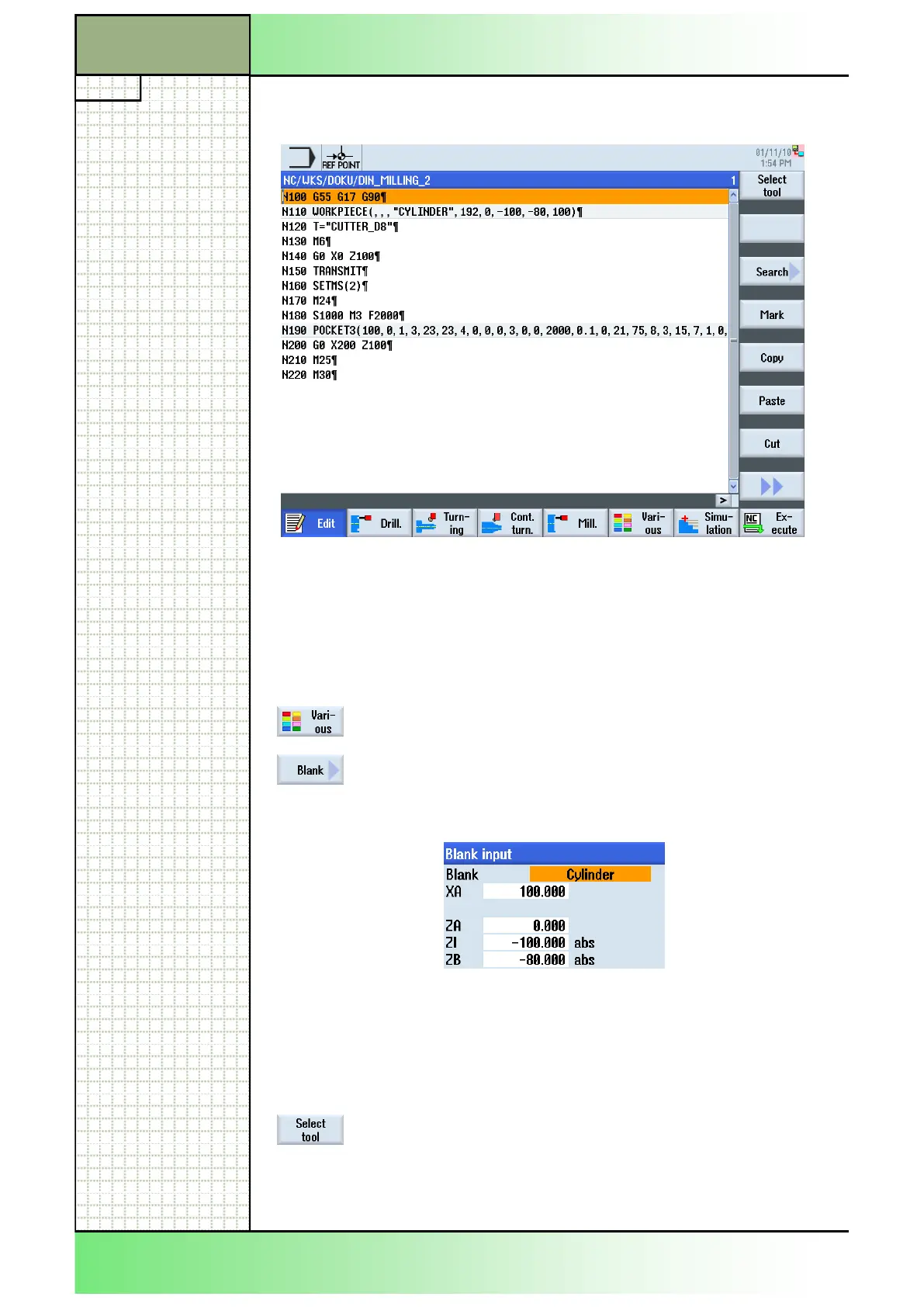
The following program, with the call up of a rectangular pocket cycle is to
be programmed.
Create a new G code programGUIDE-program in ShopTurn, like described
in section 2.1 in this module.
Give the program a name, for example “DIN_MILLING_2.MPF”.
1. Program the first G code line of the program:
N100 G55 G17 G90
2. Insert now a blank for the simulation.
Press the HSK 1.6 “Various” to open the work area
“Various”.
Press the VSK 1 “Blank” to open the parameter
mask for the blank.
3. Insert the values into the parameter mask like dis-
played below:
Confirm your inputs by pressing the VSK 8 “Accept”.
The following line will be inserted into the program:
N110 WORKPIECE(,,"","CYLINDER",192,0,-100,-
80,100)
4. Now, insert a cutter tool into the program.
Press the VSK 1.1 “Select tool“.
The tool list window opens.
Select the tool “CUTTER_D8” by using the blue cur-
sor key on the keyboard.
















 To Next Page