B626
B626 Page 16 840D/828D SINUMERIK Operate
Notes
Confirm your inputs by pressing the VSK 8 “Accept”.
The following program line is inserted into the pro-
gram:
N250 CYCLE952("SEMI_ROUGHING",
"REST_ROUGHING","",1301311,0.25,0.2,0,1,0.1,0.
1,0.2,0.2,0.1,0,1,0,,,,,,2,2,,,0,1,,0,112,1100110)
21. Program the following G code command:
N260 G0 X200 Z200
22. Insert another tool into the program.
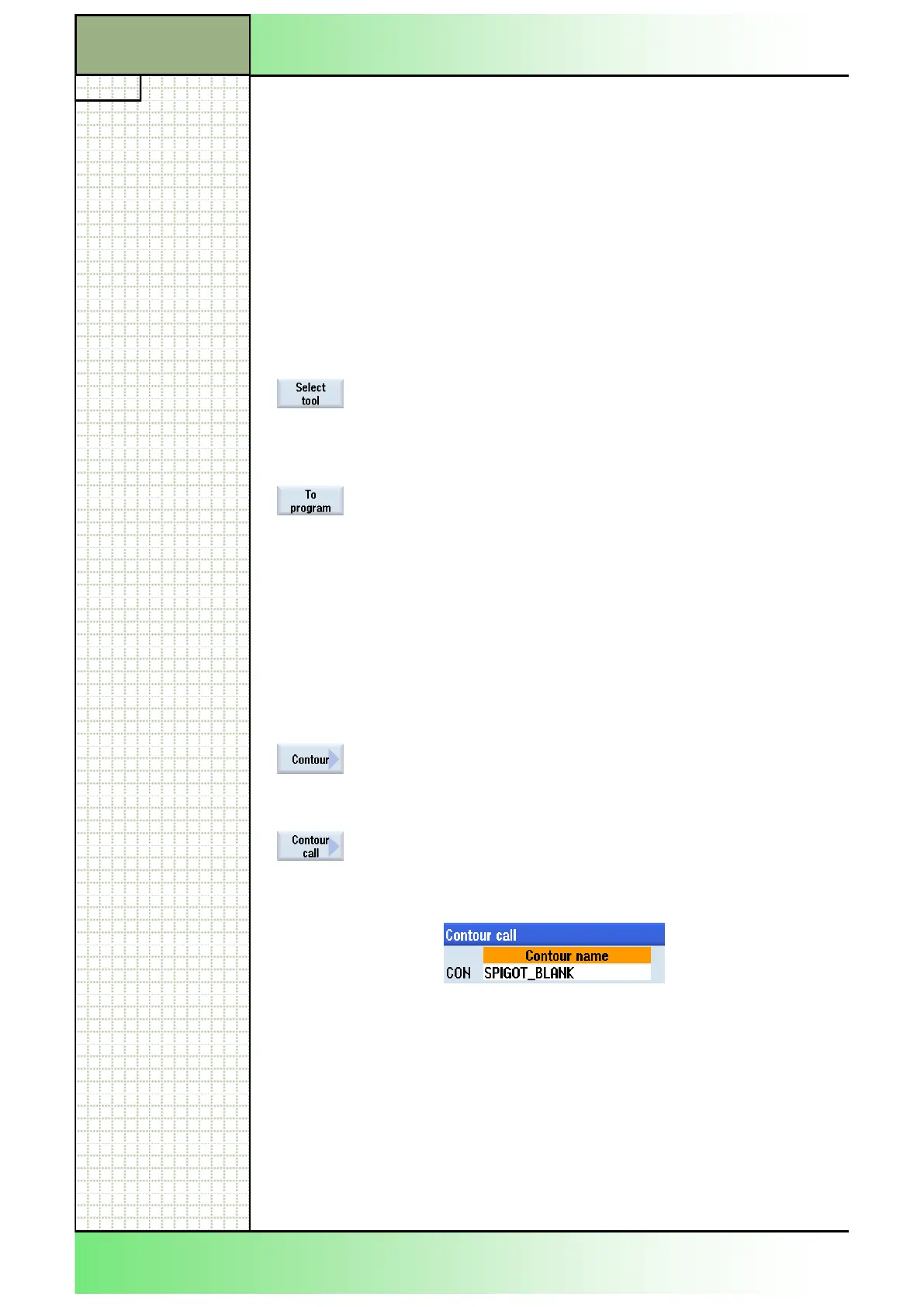
Press the VSK 1.1 “Select tool“.
The tool list window opens.
Select the tool “FINISHING_TOOL_35” by using the
blue cursor key on the keyboard.
Press the VSK 1.1 “To program”.
The following program line is inserted into the pro-
gram:
N270 T="FINISHING_TOOL_35"
23. Program the following G code commands by hand:
N280 M6
N290 S280 M4 F0.12
24.
Insert a contour call “CYCLE62“ into the program.
Press the VSK 1 “Contour”.
The vertical softkey bar with functions for creating
and calling up a contour opens.
Press the VSK 2 “Contour call” to open the input
window for the call up of a contour.
25. Enter the following name into the input mask:
Confirm your input by pressing the VSK 8 “Accept”.
The following line is inserted into the program:
N300 CYCLE62("SPIGOT_BLANK",1,,)
Note:
The contour you called up here, will be created at
the end of the program in section 31.
26.
Insert another call up of a contour “CYCLE62” into
the program.
Section 3
Complex programming example




 To Next Page