840D/828D SINUMERIK Operate
Notes
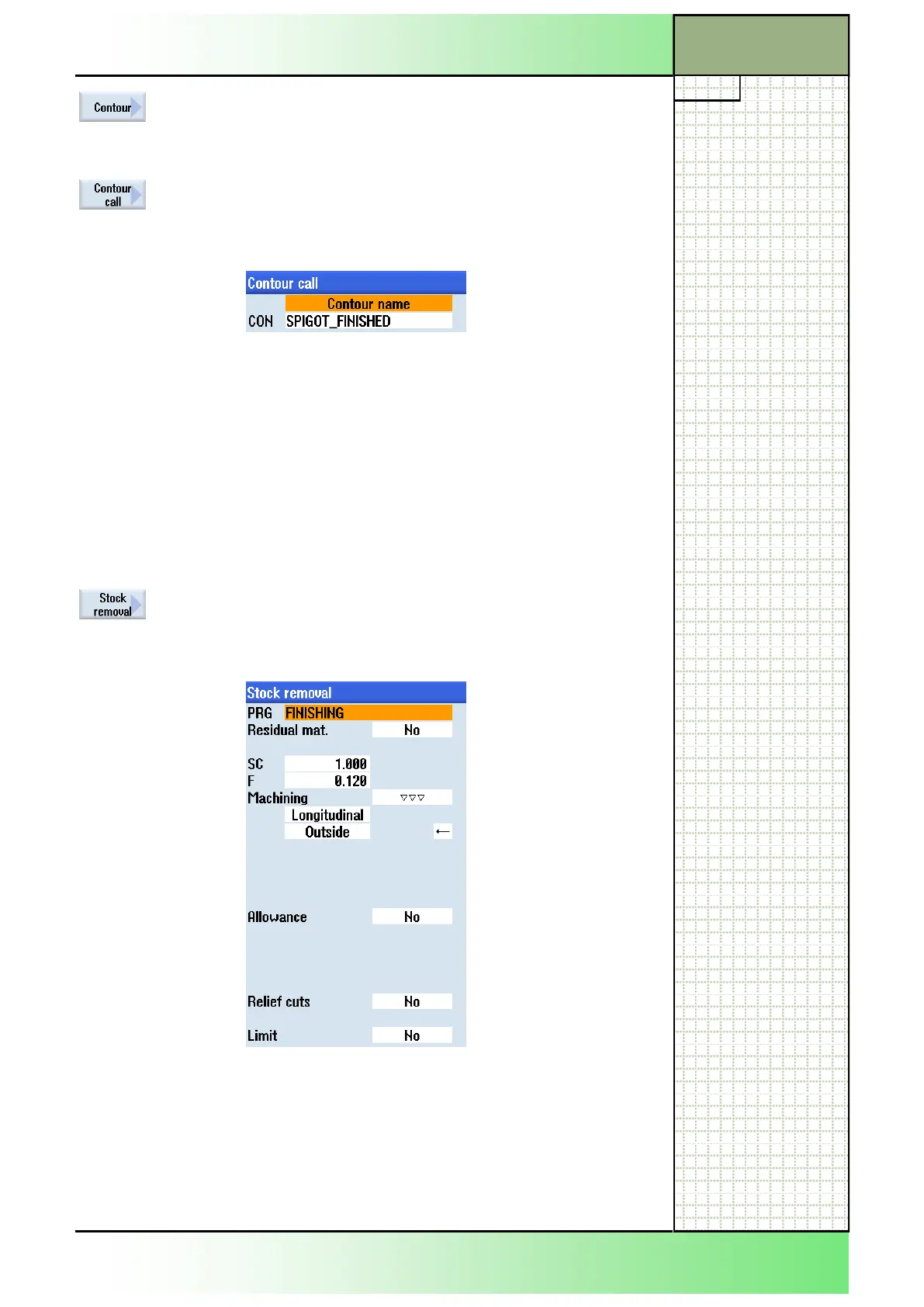
Press the VSK 1 “Contour”.
The vertical softkey bar with functions for creating
and calling up a contour opens.
Press the VSK 2 “Contour call” to open the input
window for the call up of a contour.
27. Enter the following name into the input mask:
Confirm your input by pressing the VSK 8 “Accept”.
The following line is inserted into the program:
N310 CYCLE62("SPIGOT_FINISHED",1,,)
Note:
The contour you called up here, will be created at
the end of the program in section 52.
28. As a last machining step program a stock removal
cycle “CYCLE952”.
Press the VSK 2 “Stock removal” to open the pa-
rameter mask for the “Stock removal cycle“.
29. Insert the following values into the parameter mask:
Confirm your inputs by pressing the VSK 8 “Accept”.
Section 3
Complex programming example




 To Next Page