roove and thread
12
© Siemens AG, 2002. All rights reserved
SINUMERIK 840D/810D Operator's Guide ManualTurn (BAM) – 08.02 Edition 12-185
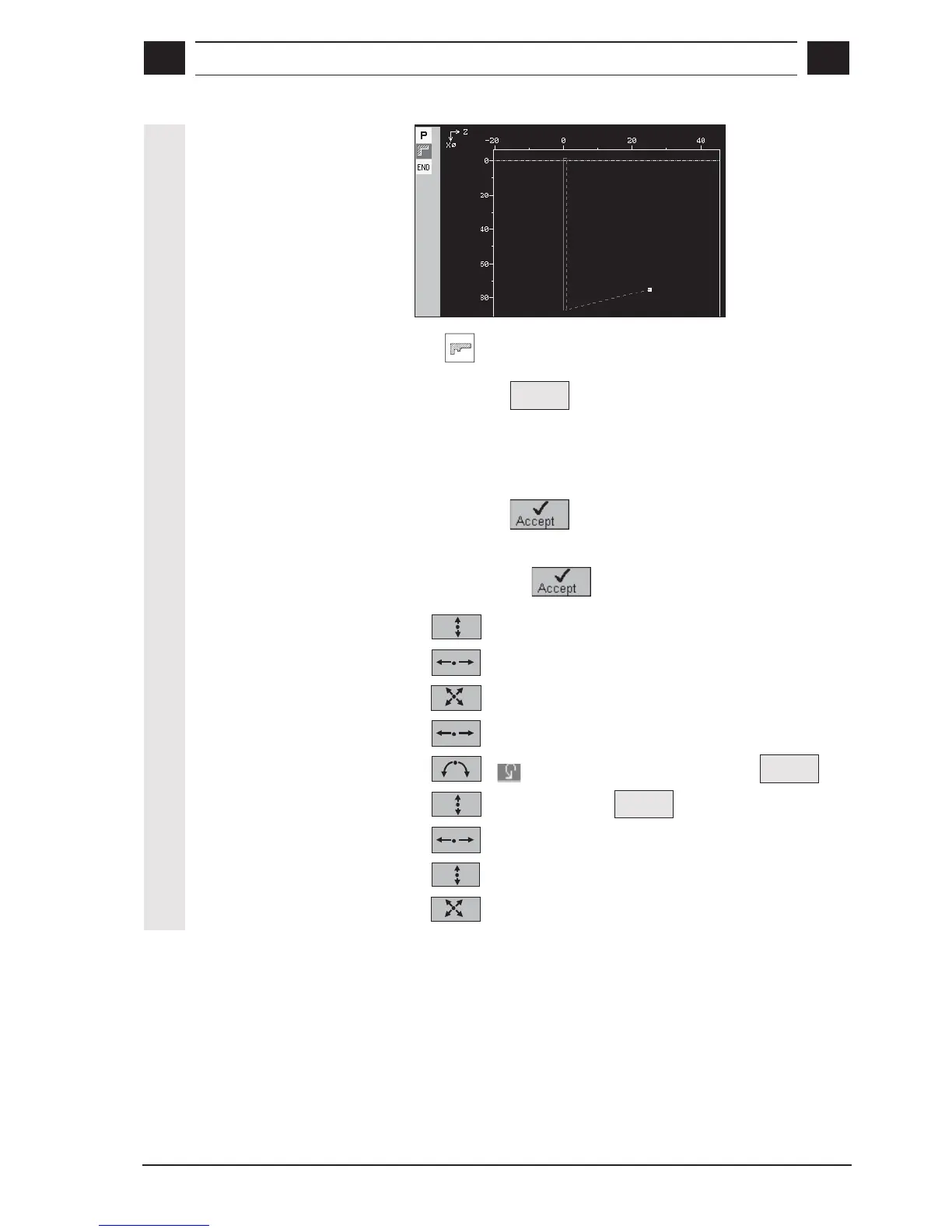
Result
3. Contour input
with contour calculator
• Call
CONTOUR mode
• Press soft key
New
contour
• Enter contour name (here: Cont_11) and confirm
• Define contour start point X0: 0 Z0: 0
FRCM: –
• Press soft key
• Enter the following contour elements and confirm each time by
pressing soft key
:
1. X: 12 FS: 2
2. Z: -20
3. X: 30 Z: -40 R: 0.5
4. Z: -50
5. R: 12.5 Z: -62.5 Select
Tangent
to prec.
6. X: 60 Select
Tangent
to prec.
7. Z: -72.5 R: 1
8. X: 80 R: 1
9. X: 85 Z: -87 FS: 0



 To Next Page