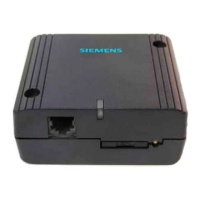
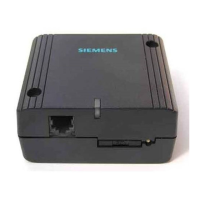
Before you begin,
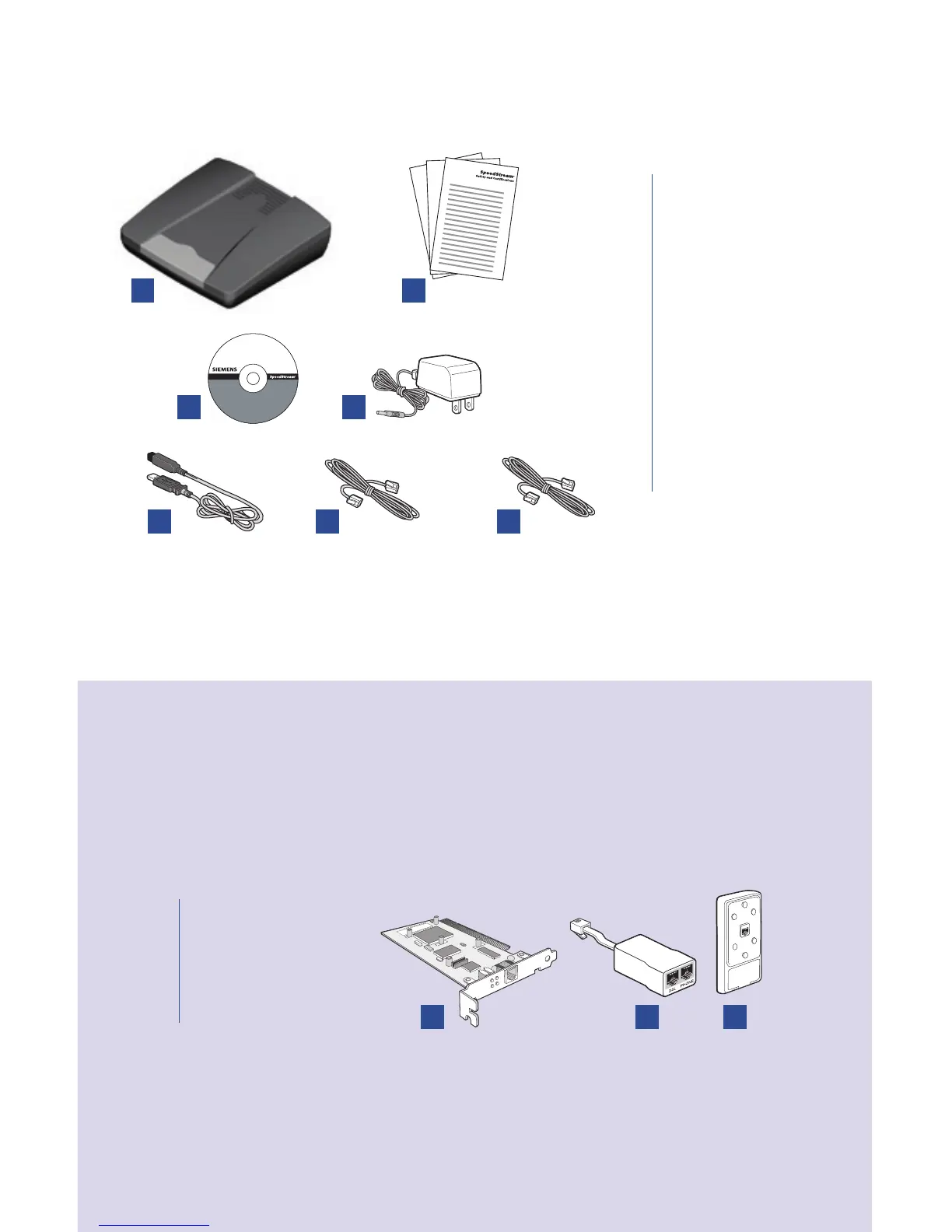
Verify that the following items came with your DSL kit:
1 SpeedStream® Device
2 Documentation
3 Software Manual CD-ROM
+ USB drivers
4
Power supply
5
USB cable
6
RJ-45 Straight-through
Ethernet cable
7 RJ-11 DSL cable
1
2
3
Your service provider may include an Ethernet adapter, a line lter, and a wall-mount
lter in your DSL kit. If you received any of these items, follow the instructions
provided in this guide for basic installation. If you need further assistance installing
these items, please contact your service provider.
A PCI Ethernet adapter
B Line lter(s)
C Wall-mount lter
A
B
C
4
5
6
7



 To Next Page