User Guide v.1.0 Siensor UNIC
6. Make sure that the driver is installed correctly. To do this, follow the steps below:
6.1. Connect Siensor UNIC to a free USB port using the cable supplied with the package. The red LED
must light up on the device (see 1 in Fig. 3.3).
6.2. Open the Windows Device Manager (Start – Control Panel – Device Manager).
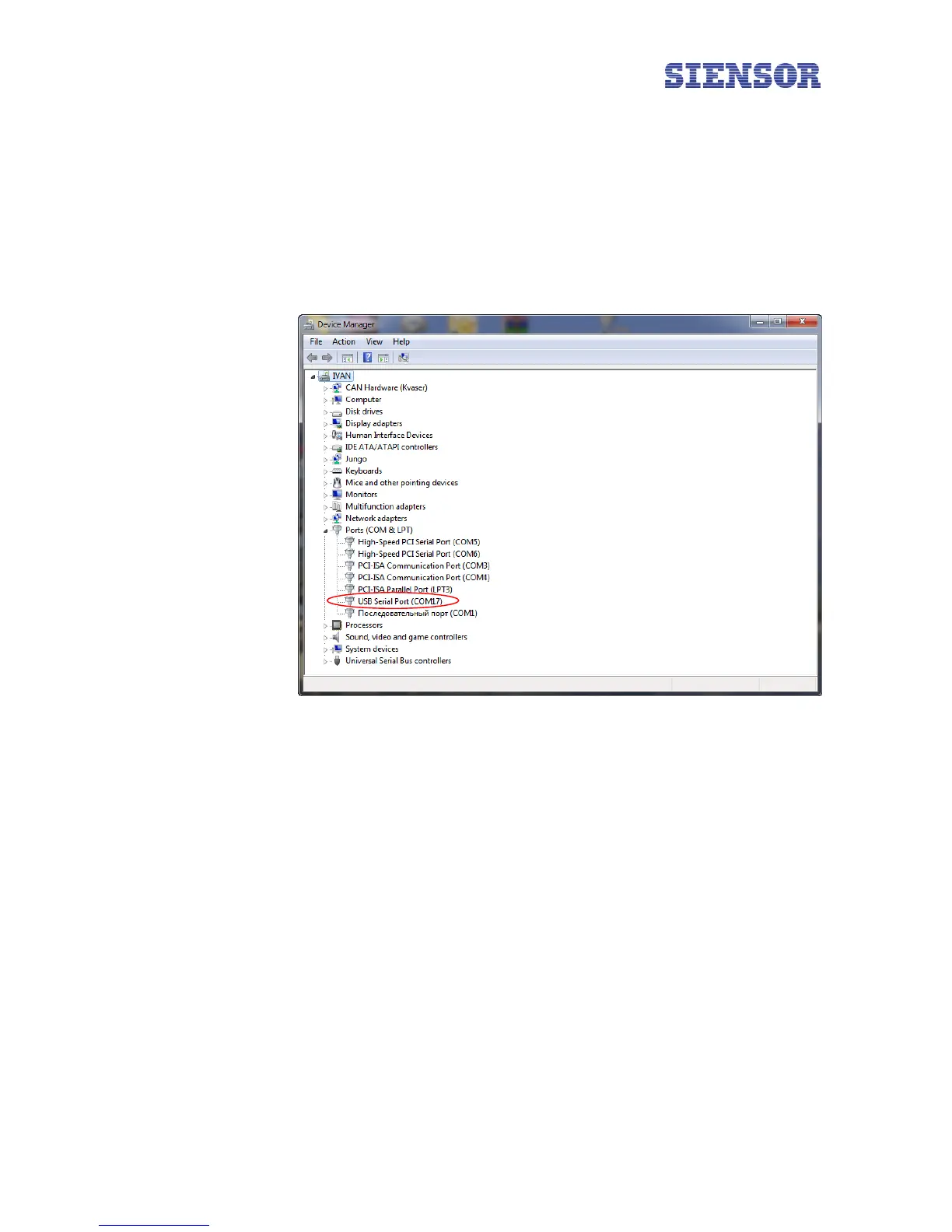
6.3. Go to the Ports tab (COM and LPT). If the driver is installed correctly, the system recognizes
Siensor UNIC as a USB Serial Port and assigns it a sequence number – in this case "USB Serial Port
(СОМ17)" (see 1 in Fig. 4.4).
Fig. 4.4 Windows Device Manager – the Ports tab (COM and LPT)
1
10



 To Next Page