User Guide v.1.0 Siensor UNIC
4. Getting Started
For proper operation of Siensor UNIC on a PC, you need to install the corresponding driver. After instal-
lation of the Siensor Monitor application, the driver installation wizard (the CDM v2.12.00 WHQL Certi-
fied.exe file) is decompressed to the application installation folder. If the driver for Siensor UNIC is not in-
stalled to a PC, it is required to install it (see paragraph 4.1 “Installing the Driver").
4.1. Installing the Driver
To install the driver, do the following steps:
1. Run the CDM v2.12.00 WHQL Certified.exe file.
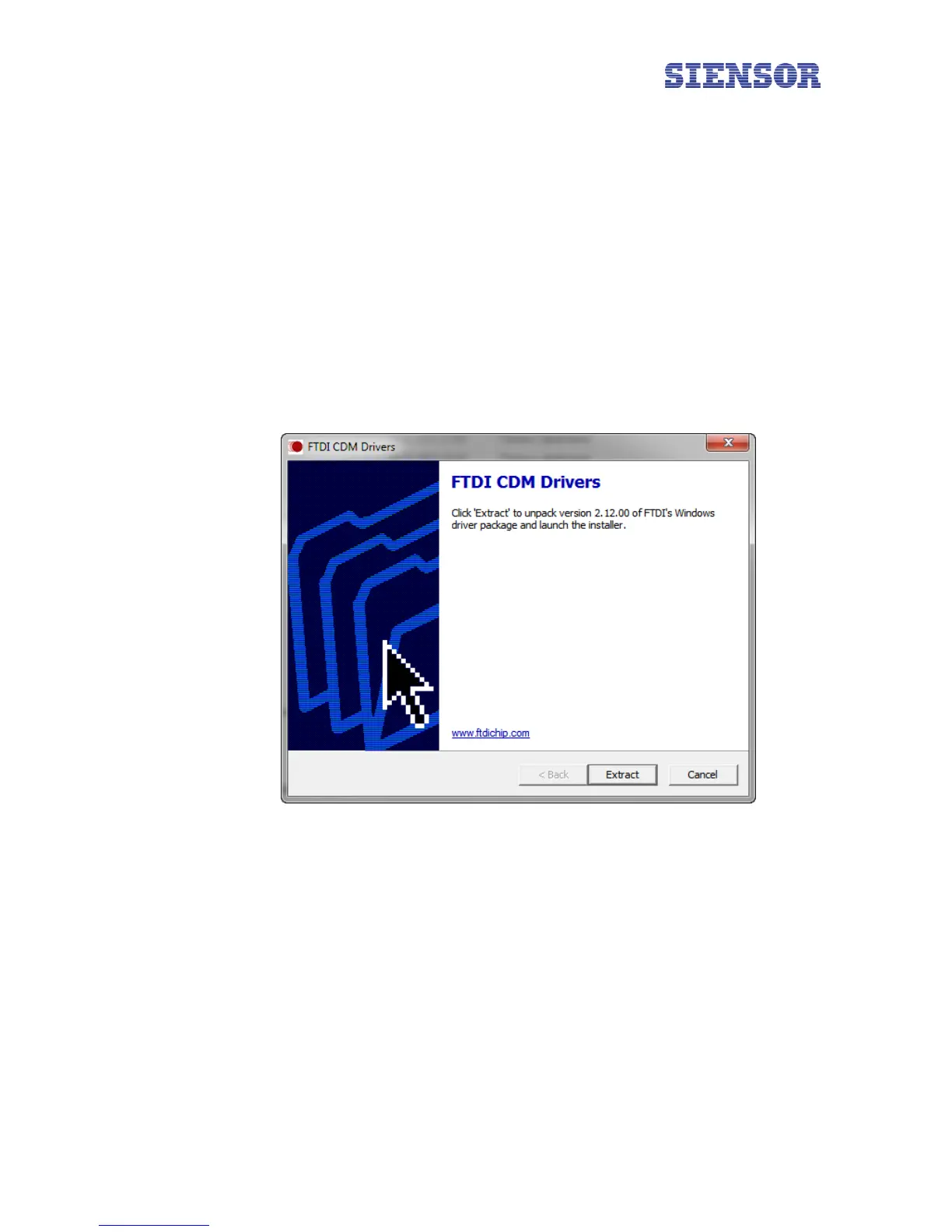
2. Click the Extract button in the window that appears (see Fig. 4.1).
Fig. 4.1 Installing the driver
3. In the next Device Driver Installation Wizard window click Next.
4. In the Device Driver Installation Wizard window (License Agreement), select I accept this agreement
and click Next (Fig. 4.2).
8



 To Next Page