13
5.8 Image settings
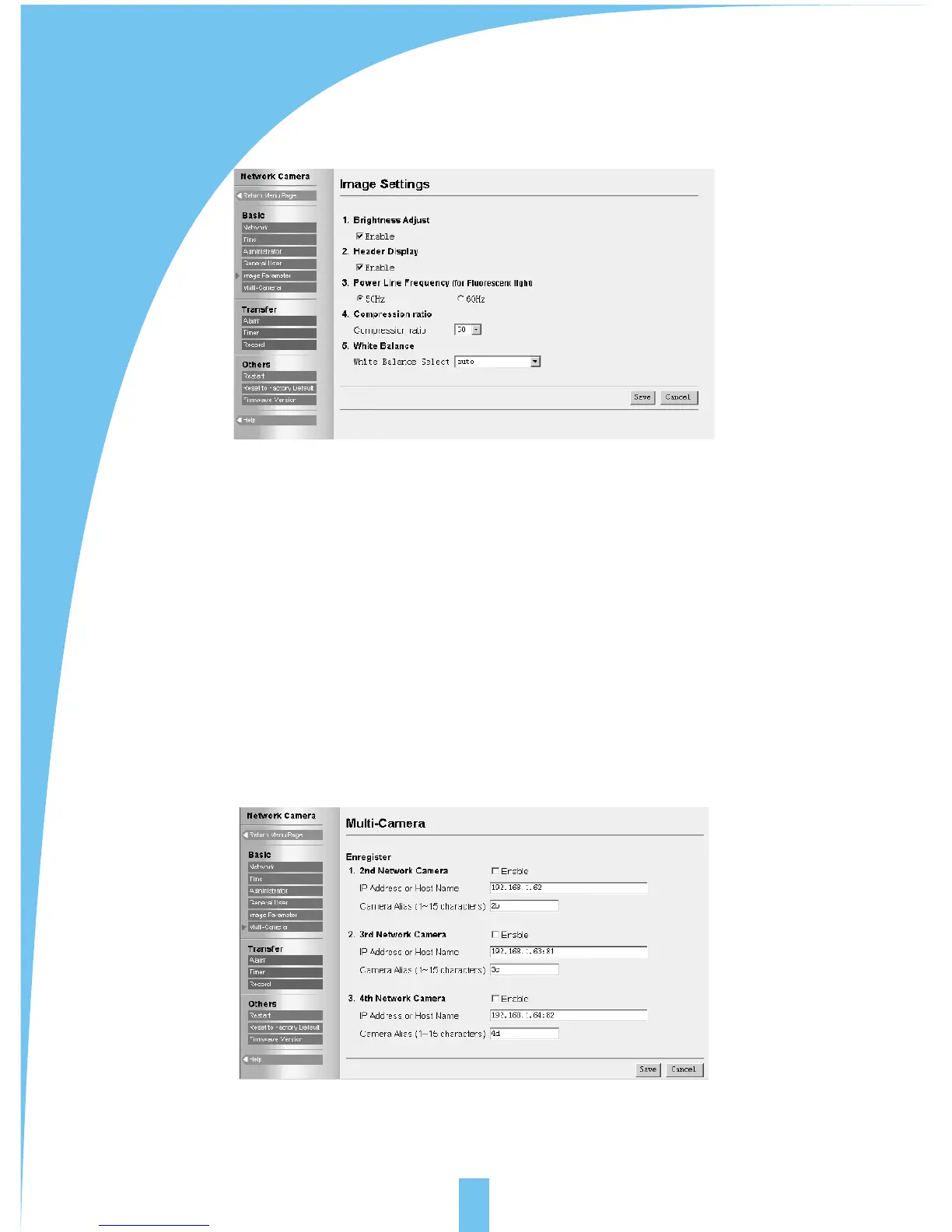
[brightness adjust]:17 levels, control the function for brightness adjustment.
[Header display]: display the name of network camera and time on image or not.
[Power line frequency]: 50HZ and 60HZ optional. Select correct power frequency
and prevent fluorescent light interfering the image.
[Power indicator]: indicate the network camera is power on or not.
[Image size]:100 levels for optional. It means the ratio between images before and
after compression.
[White balance]: according to different circumstance: auto, fixed indoor, fixed
fluorescent, fixed outdoor and hold is optional.
5.9 Multi-camera screen
Can set up multi-camera screen, the number is up to 4.



 To Next Page