7
5 IP CAMERA PAGES
5.1 Home page
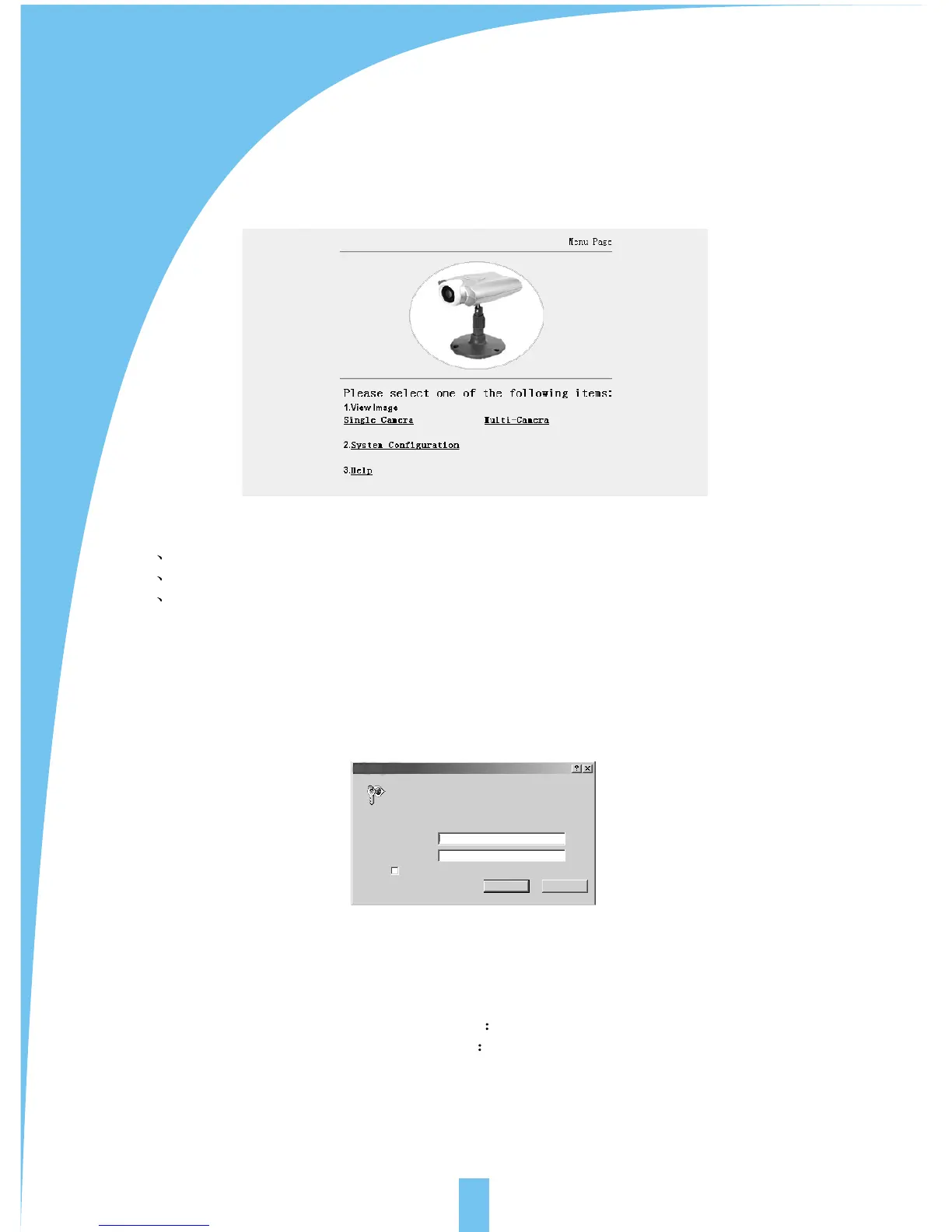
There are 3 options on home page:
1) image browsing (single camera screen/multi camera screen)
2) configuration
3) help
5.2 Video page
Click single camera screen mode, following dialogue box appears:
factory parameters
user name admin
password admin
In put network password
Please input users and password
Webserver: 192. 168. 0. 220
Domain: Camera
User(u)
Password(p)
Please store password into the list
Confirmation Cannel



 To Next Page