Specifications
Section 3A. Technical Specifications 23
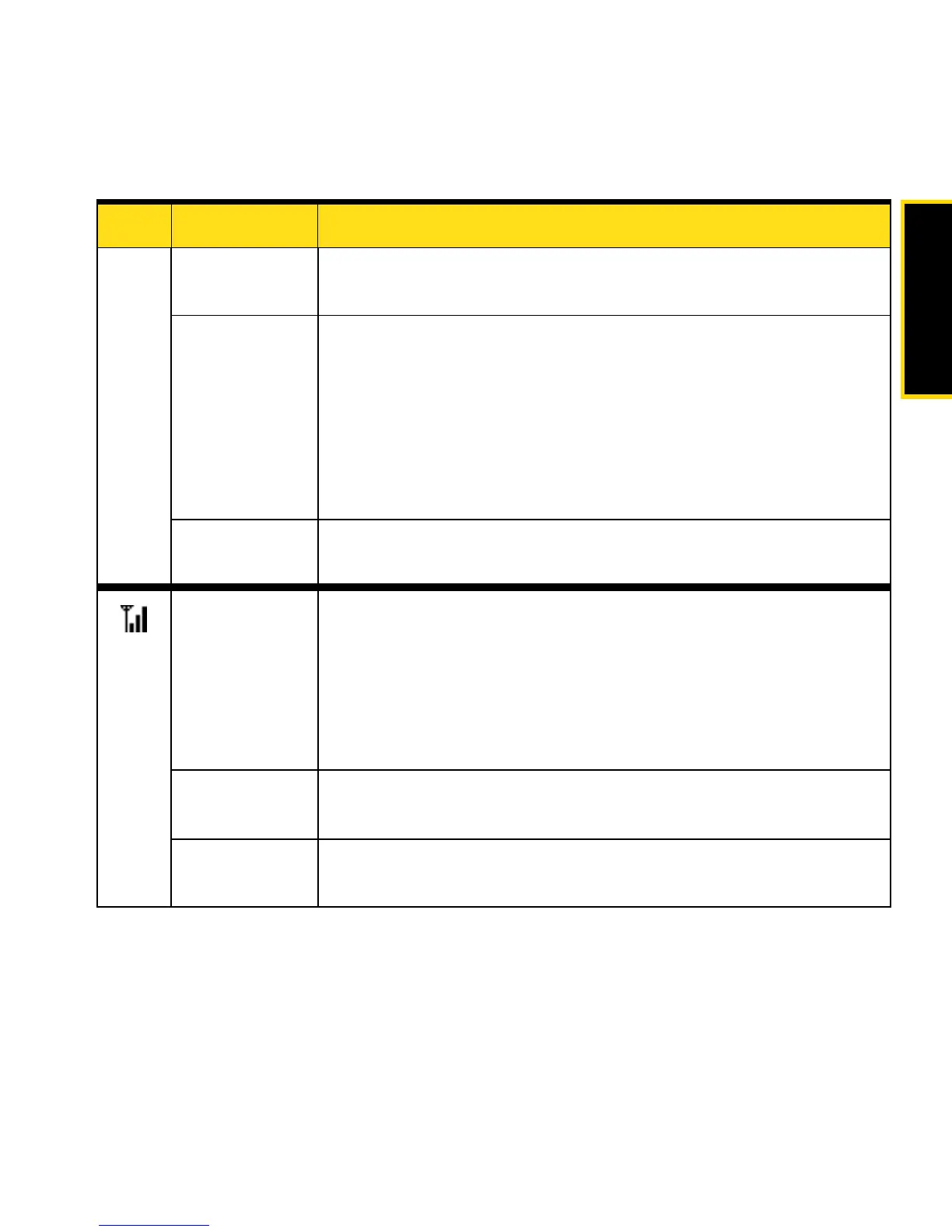
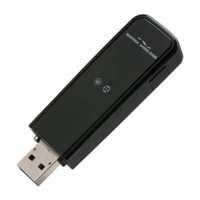
Blue, blinking The USB modem’s firmware is being updated. Do not remove the USB
modem.
Amber, blinking The USB modem is searching for service. If this state persists, try the
following:
䢇 Reorient your computer.
䢇 If you are inside a building or near a structure that may be
blocking the signal, change the position or location of your
computer.
䢇 Check with Sprint — a network or account problem may be
preventing the USB modem from obtaining service.
Amber, not
blinking
An error has occurred. Remove the USB modem and reinsert it.
Off No service is available. If this state persists, try the following:
䢇 Try reorienting your computer.
䢇 If you are inside a building or near a structure that may be
blocking the signal, change the position or location of your
computer.
䢇 Check with Sprint — a network or account problem may be
preventing the USB modem from obtaining service.
Amber, blinking
Sprint Vision
®
(1X) coverage is detected. Ready to connect to the network;
see the user guide.
Amber, not
blinking
The USB modem is connected to the Sprint Vision (1X) network and can
send or receive data.
LED State of LED Indicates










 To Next Page