Rev 10 Feb.12 15
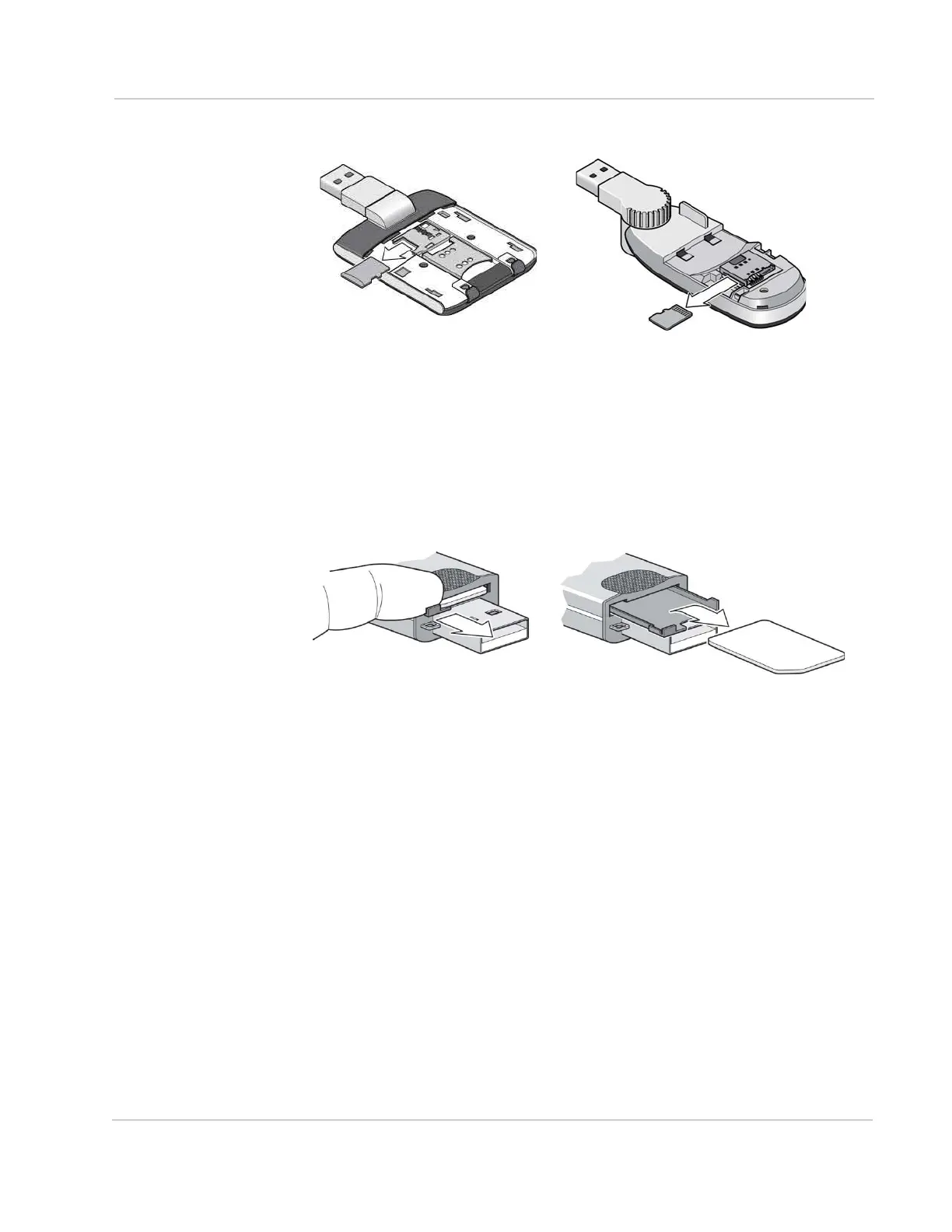
2. Gently pull the microSD card out.
Removing the SIM card
For instructions on inserting the SIM card, see the printed guide that came with
your product.
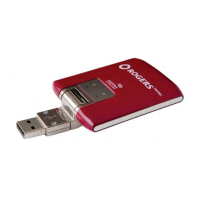
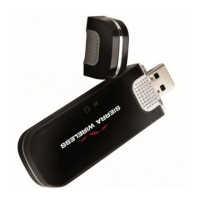
Some AirCard USB Modems have a SIM card slot with a “push to insert/push to
release” design. To remove the SIM card from the modem:
1. Slide out the SIM card tray and lift out the SIM card as shown in the illus-
tration.
If you slide the tray completely out of the AirCard USB Modem, carefully reinsert
it. Do not dispose of the tray.



 To Next Page