AirCard USB Modem User Guide
16 2131232
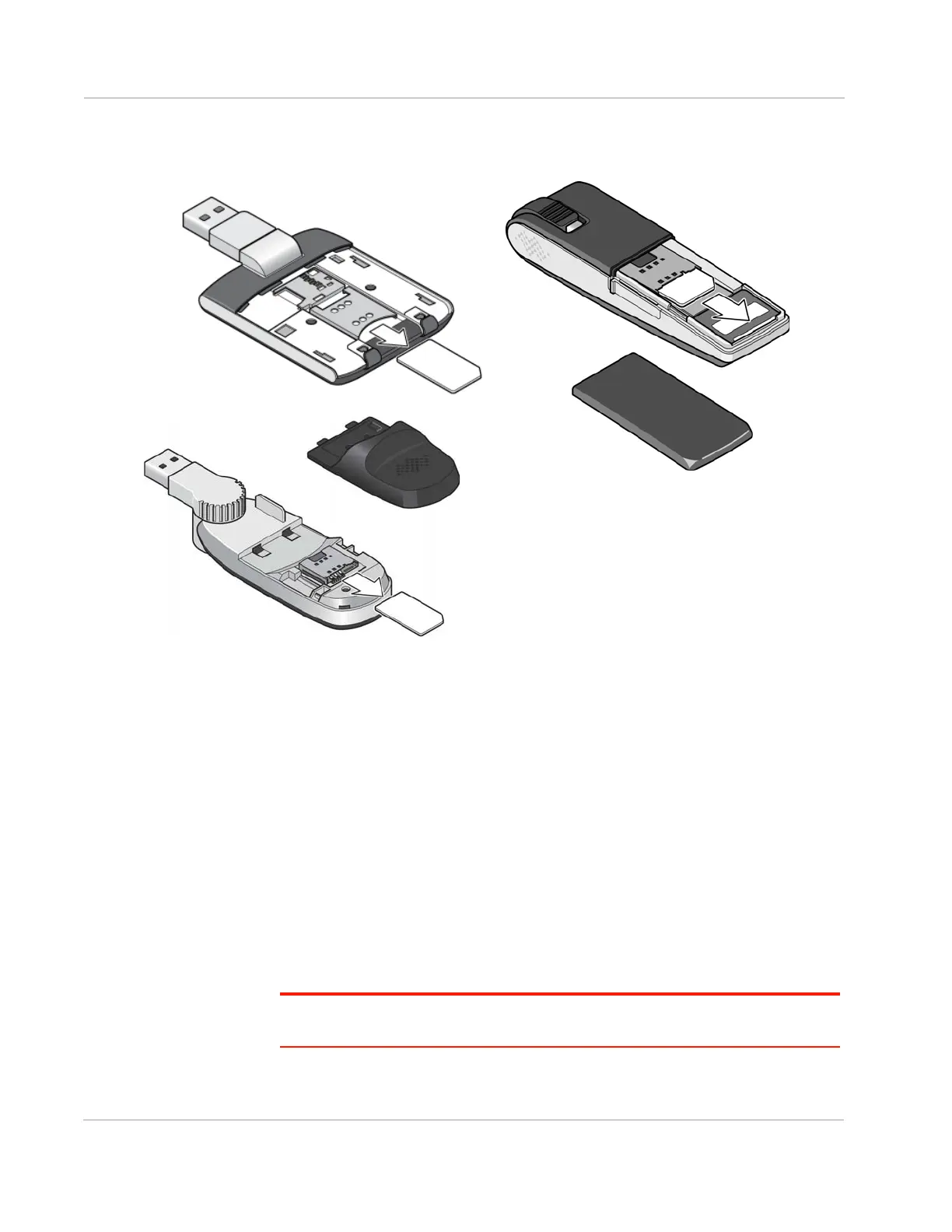
To remove the SIM card on AirCard USB Modems that have the SIM slot behind
the back panel, remove the back panel and slide the SIM card out of the slot.
Using AirCard USB Modem accessories
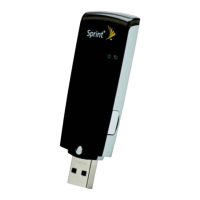
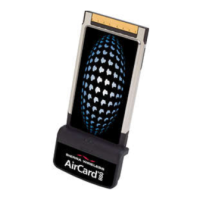
Depending on your carrier and your modem model, your AirCard USB Modem
may come with a:
• USB extension cable and clip
• Lanyard
Using the extension cable and clip
The extension cable and clip should be used if you have difficulty inserting the
AirCard USB Modem because of the orientation of your computer’s USB slot or
the thickness of your computer.
The clip fits on the top of your notebook computer and holds your AirCard USB
Modem.
Note: To meet FCC (regulatory) requirements, use only the supplied extension cable and
notebook computer clip; other cables and notebook computer clips should not be used.



 To Next Page