Rev 10 Feb.12 17
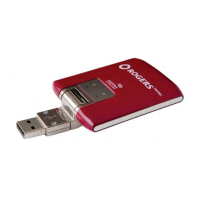
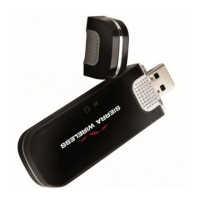
Note: Do not insert the AirCard USB Modem or the USB extension cable into a USB hub
or, if your keyboard is separate from your notebook computer, a USB slot on your
keyboard.
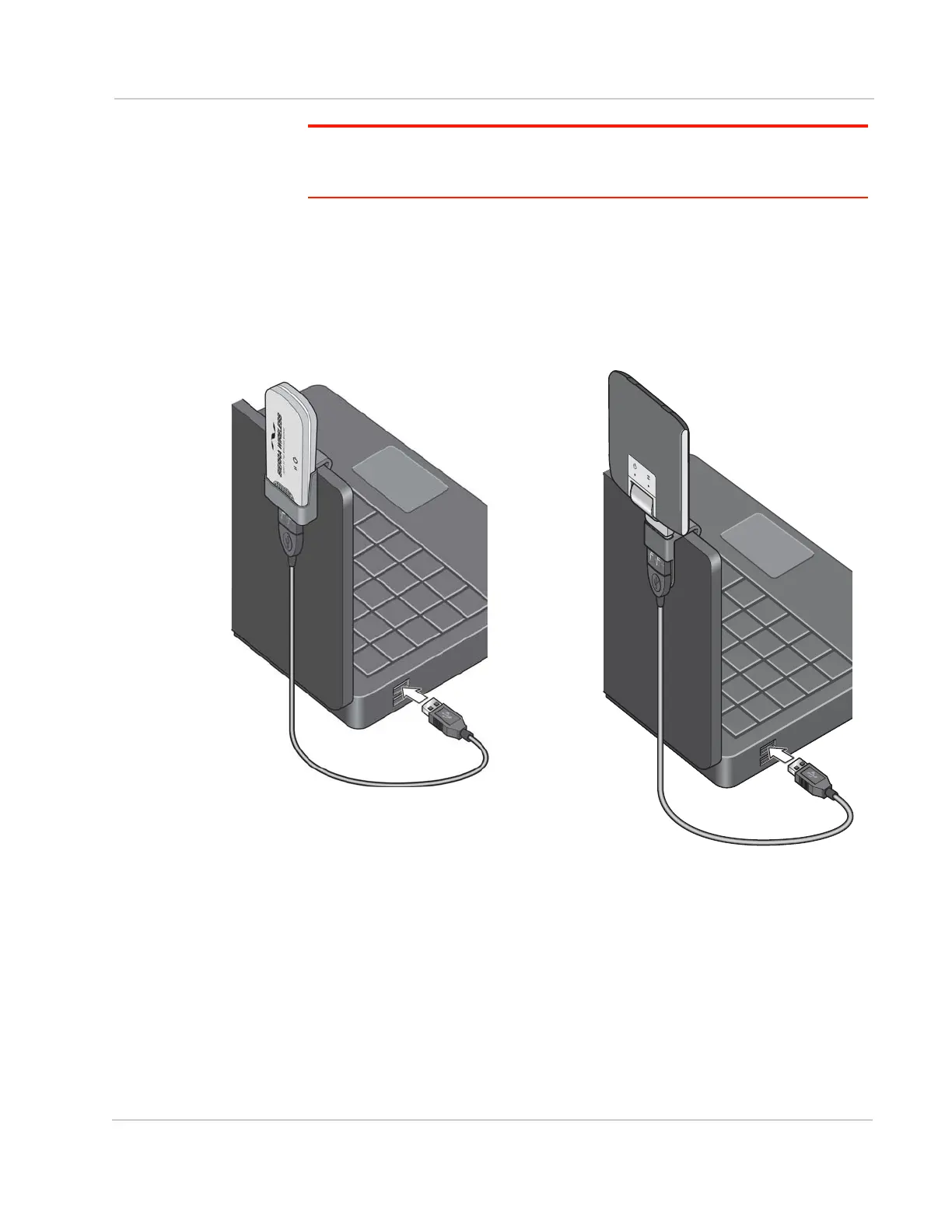
To use the extension cable and clip:
1. Place the modem in the clip holder.
2. Place the clip on top of the notebook computer.
3. Connect the extension cable to the AirCard USB Modem.
4. Connect the other end of the extension cable to the USB slot on your
computer.



 To Next Page