Ionics Instruments 2004 Page 6-18 DLM 30007-08 Rev. A
REPETITIONS
ENTER
CLEAR
GRAB SAMPLE SETUP
REJECTIONS
STATISITICS
PRINTOUT
REAGENTS
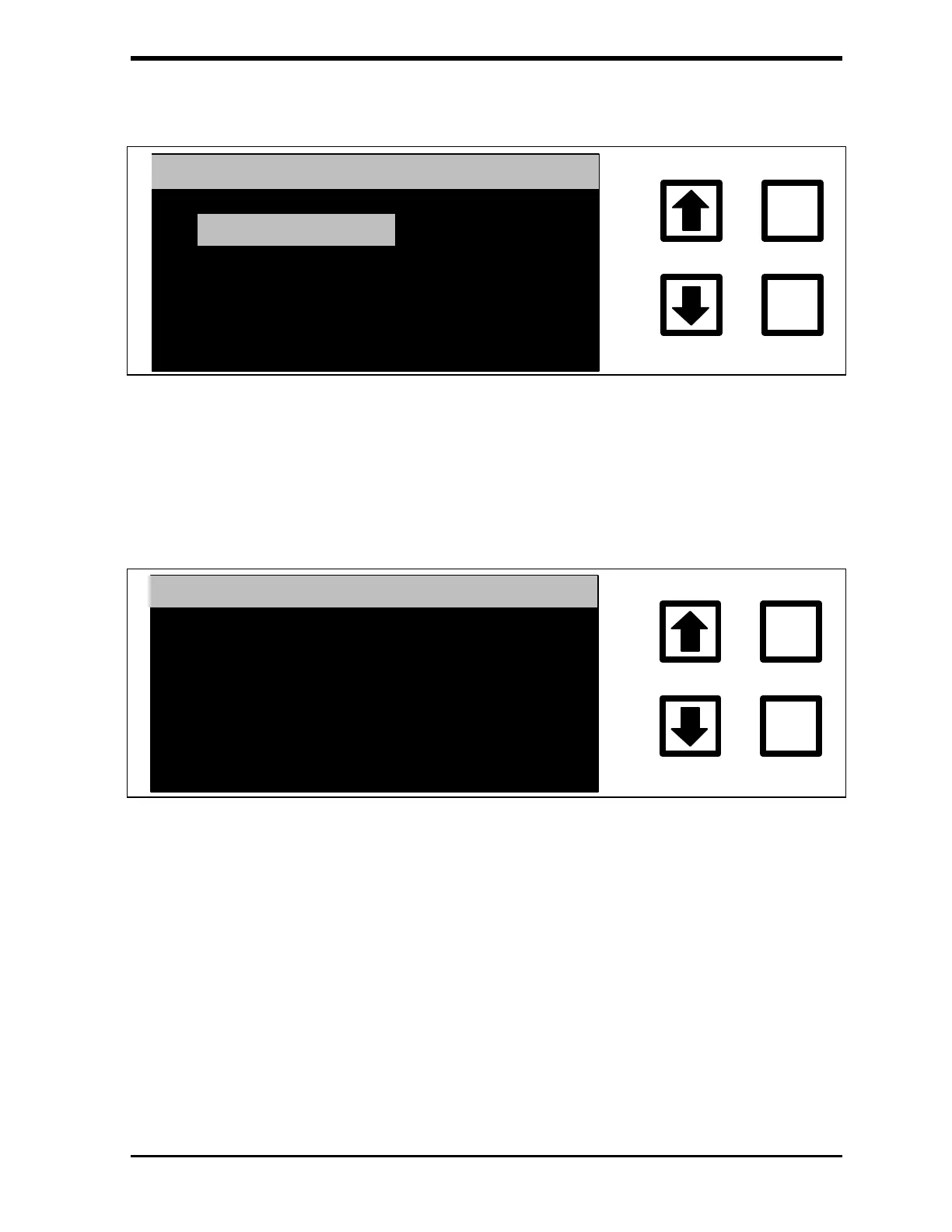
FIGURE 6-22: GRAB SAMPLE SETUP Menu
3. With the Repetitions option highlighted, press ENTER. The GRAB
REPETITIONS screen is displayed:
ENTER
CLEAR
GRAB REPETITONS
REPETITONS: 1
CHANGE TO: 3
RROWS TO CHANGE
ENT = SET, CLR = EXIT
FIGURE 6-23: GRAB REPETITIONS Screen
4. Use the arrows ( or ) to select the number of replicate TOC
measurements (1-99) to be made on the sample and press ENTER
to save the value.
The analyzer uses a “fast flush” of the sample in which the speed of
the sample pump and syringe pumps is doubled to fill the analyzer
with the new sample. The pumps are then returned to the normal
speeds and the first measurement performed. In most cases, this first
measurement will be close to the actual TOC but may be outside of



 To Next Page