Ionics Instruments 2004 Page 10-9 DLM 30007-08 Rev. A
After the error stack has been reviewed, the current warnings will no longer be
displayed on the front panel. If additional errors or warnings occur, the new
number(s) will be displayed.
Printing the Error Stack
To print the error stack from the MAIN menu:
1. Use the arrows ( or ) to scroll to SETUP and press ENTER. The
SETUP menu is displayed.
2. Use the arrows ( or ) to scroll to PRINTER and press ENTER.
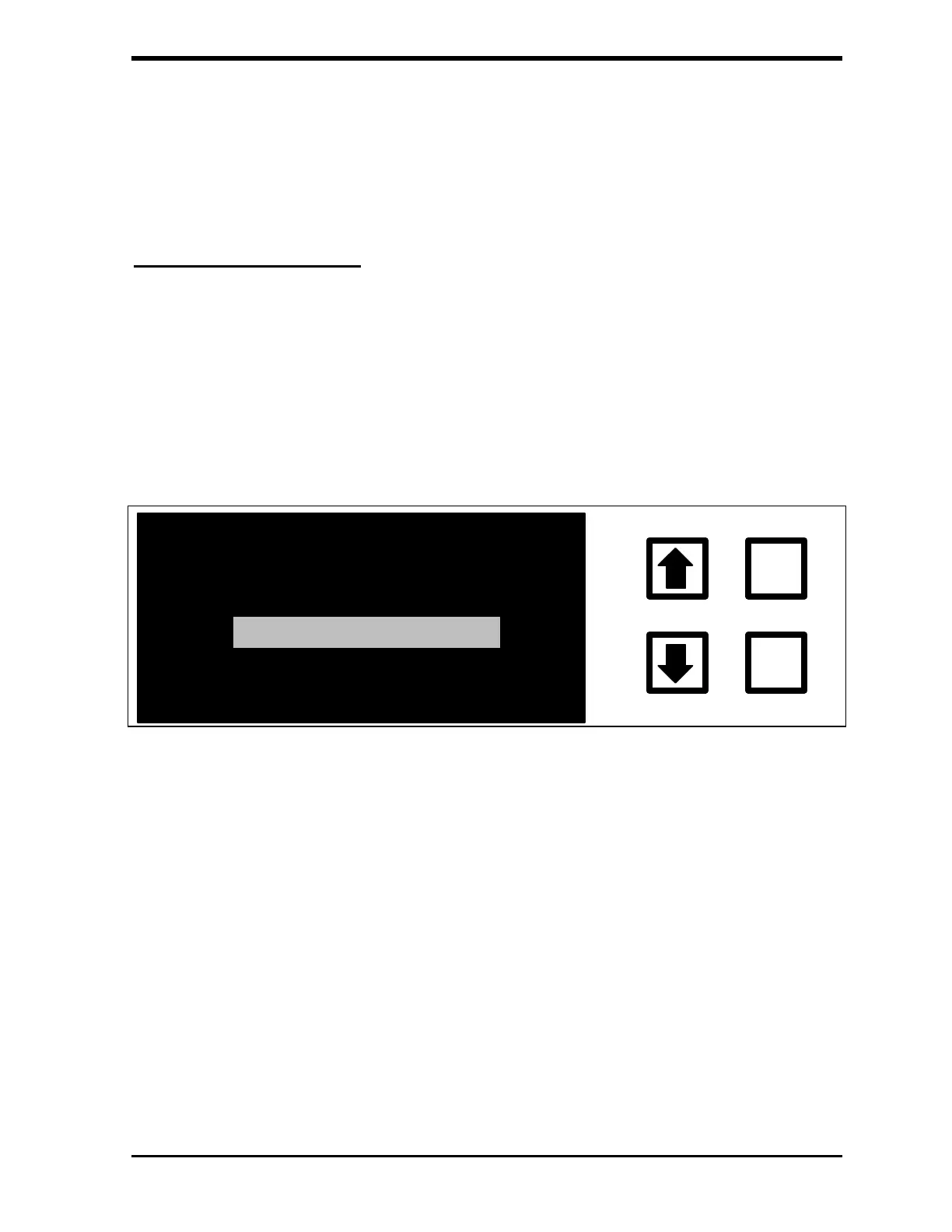
The PRINTER SETUP menu is displayed:
PRINT CONSTANTS
ENTER
CLEAR
PRINTER COLUMNS
PRINT INTERVAL
PRINT ERROR LIST
FIGURE 10-3: PRINTER SETUP Menu
3. Make sure the printer is turned on, has paper, and is in the on-line
mode.
4. Use the arrows ( or ) to scroll to PRINT ERROR LIST and press
ENTER.
The error list will be printed, showing the errors that have occurred,
the time and date the error occurred, and the number of times this
error was detected.



 To Next Page