Ionics Instruments 2004 Page 6-20 DLM 30007-08 Rev. A
ENTER
CLEAR
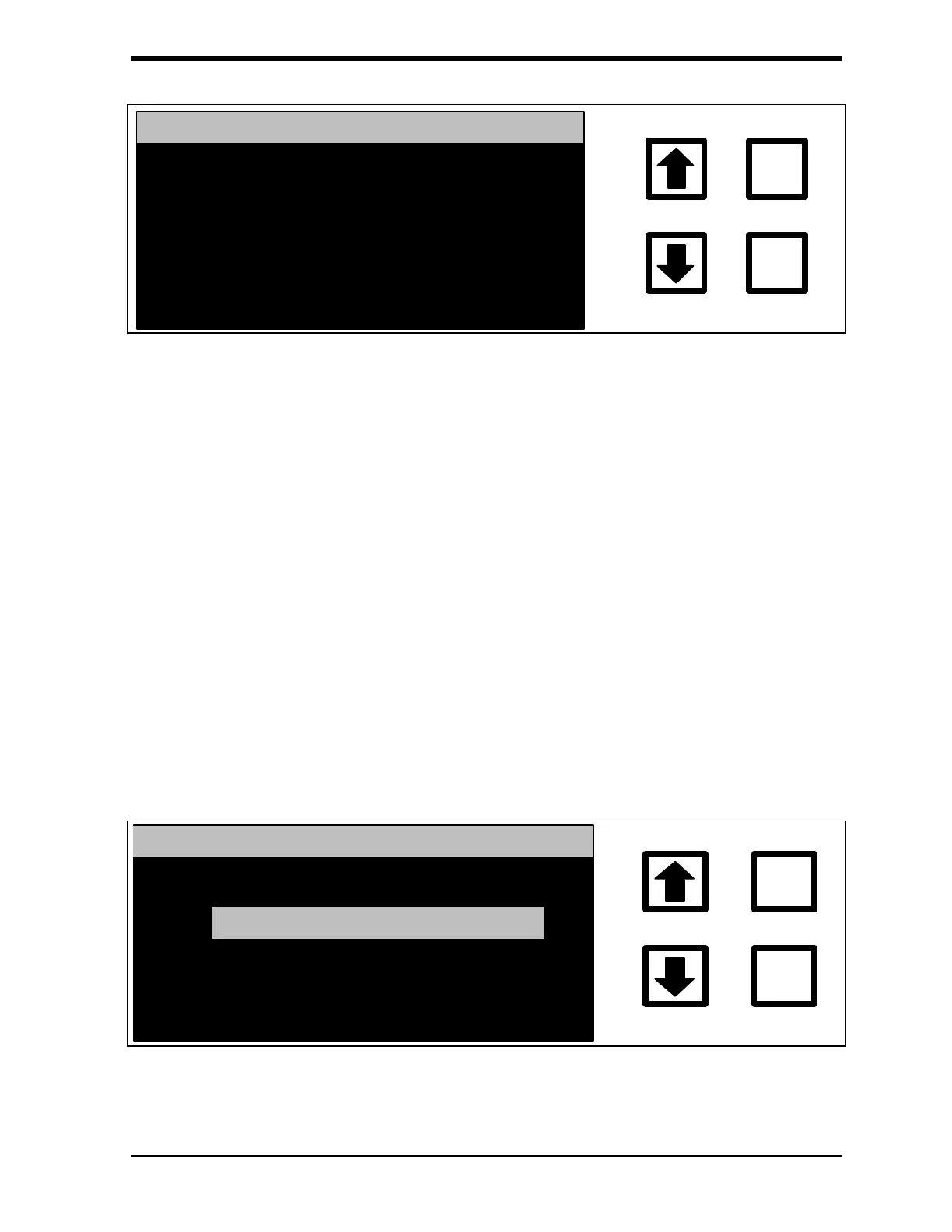
STATISTICS DISPLAY TYPE
CURRENTLY: AVE/CV
CHANGE TO: AVE/SD
RROWS TO CHANGE
ENT = SET, CLR = EXIT
FIGURE 6-25: STATISTICS DISPLAY TYPE Screen
After the analyzer has made the replicate measurements, the
average value and sample standard deviation are computed,
rejecting any measurements set in the REJECTIONS Option, and
displayed on the LCD Display. The display may be set to show
average value and the coefficient of variation (CV or relative standard
deviation) or to show the average value and standard deviation (SD).
10. Use the arrows ( or ) to select AVE/CV or AVE/SD and press
ENTER to save the setting.
11. Press CLEAR to return to the GRAB SAMPLE SETUP menu.
12. Use the arrows ( or ) to scroll to PRINTOUT and press ENTER.
The GRAB PRINTOUT menu is displayed:
ENTER
CLEAR
GRAB PRINTOUT MENU
DESCRIPTION SPACE
MAIN HEADER
FIGURE 6-26: GRAB PRINTOUT Menu



 To Next Page