Ionics Instruments 2004 Page 7-10 DLM 30007-08 Rev. A
2. Use the arrows ( or ) to select the user ID for changing the
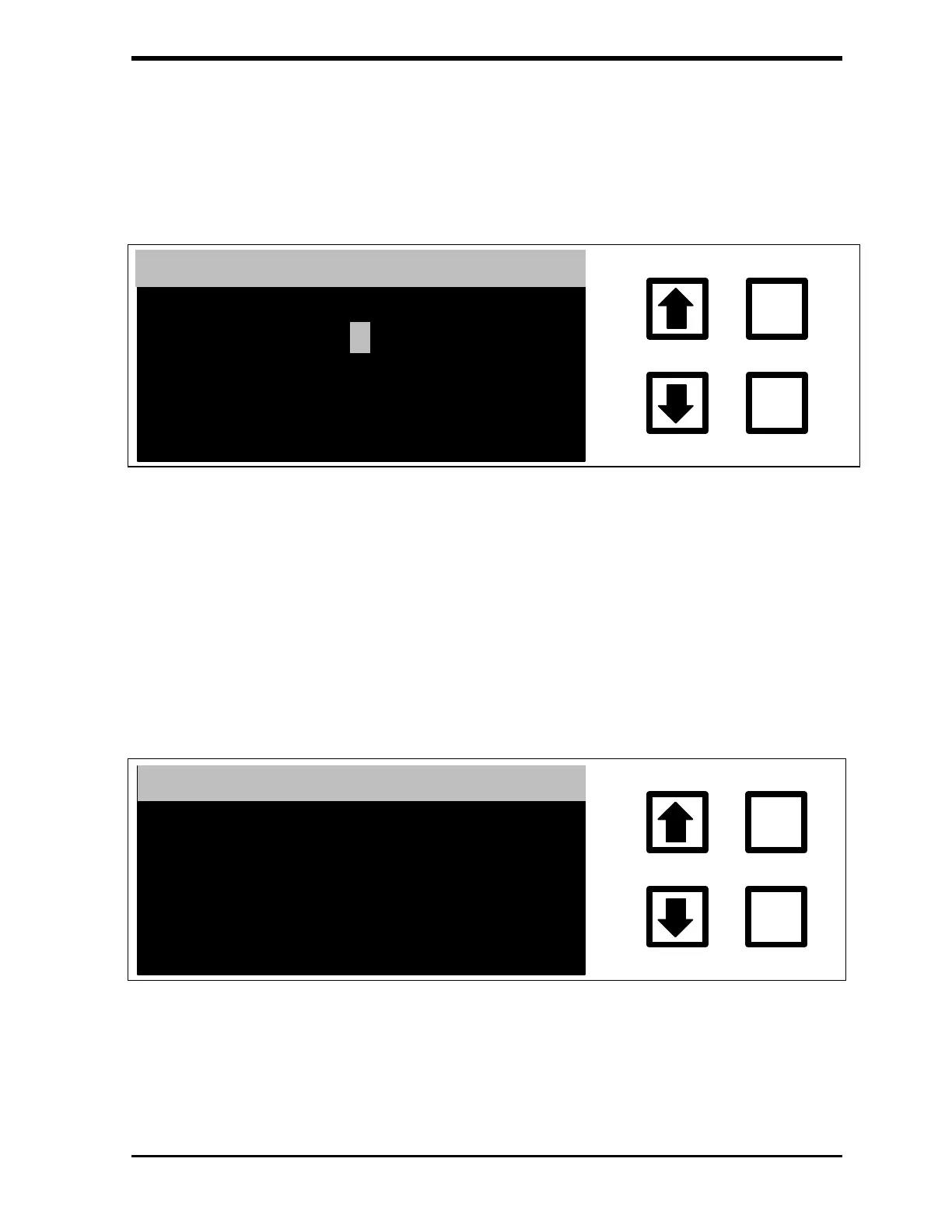
password. To display the ENTER NEW PASSWORD screen, press
ENTER when the desired user ID displays:
ENTER
CLEAR
ENTER NEW PASSWORD
ENT= SAVE CHAR/PSWD
CLR= RESTART/EXIT
RROWS = CHANGE USER
OPERATOR 01:
FIGURE 7-11: ENTER NEW PASSWORD Screen
3. Use the arrows ( or ) to select the first character. When the
desired character displays, press ENTER.
4. ENTER each character in sequence as described in Step 3.
5. After entering the entire password, press ENTER to save the new
password. The PASSWORD SET screen displays:
ENTER
CLEAR
PASSWORD SET
OPERATOR 01:
****
FIGURE 7-12: PASSWORD SET Screen
6. After the PASSWORD SET screen displays for a few seconds, the
display will return to the SELECT USER ID screen.



 To Next Page