Ionics Instruments 2004 Page 9-6 DLM 30007-08 Rev. A
NOTE
The TC Zero Offset can be positive or negative. Be sure to include the sign
when entering the new value.
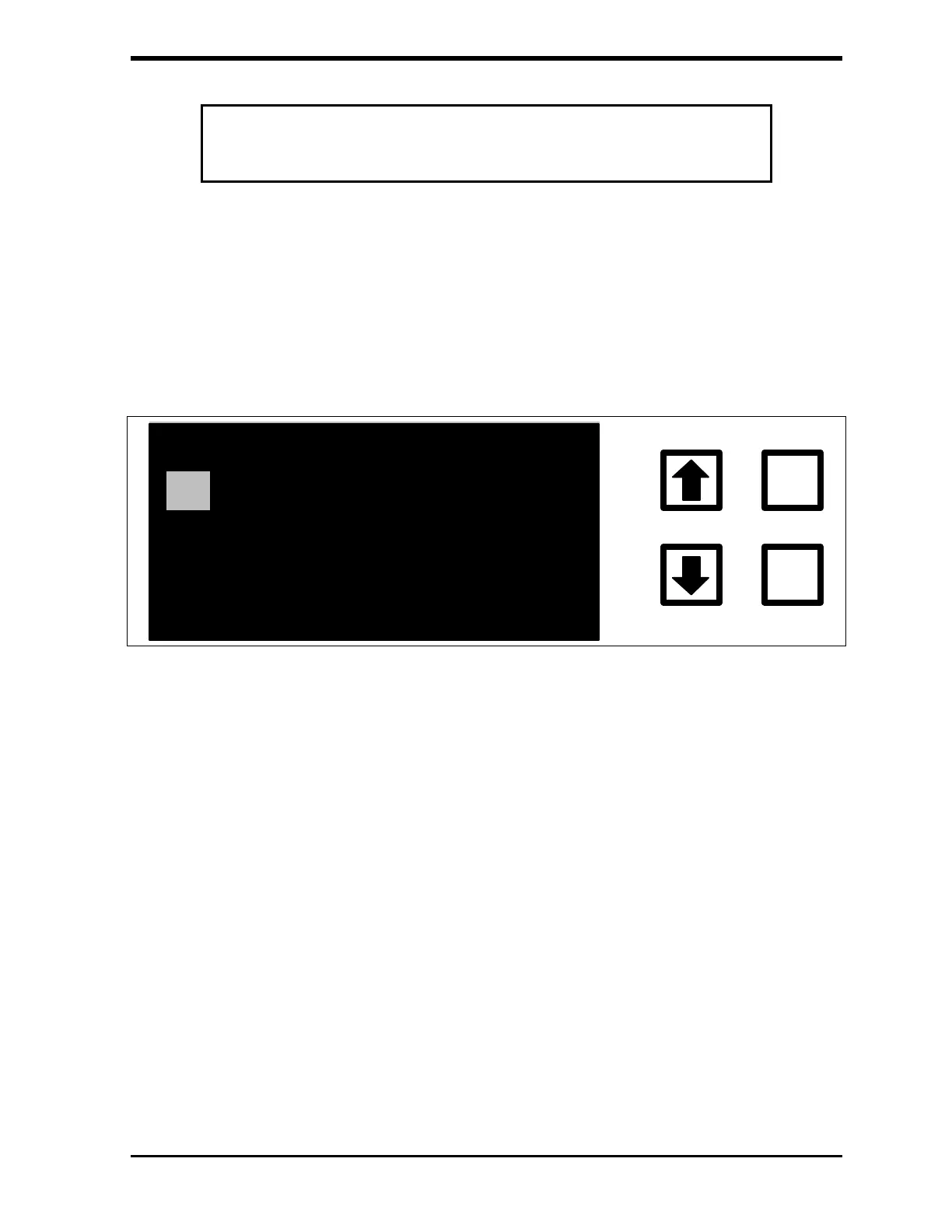
4. Enter the new TC Zero Offset by scrolling to the first digit or the minus sign
and pressing ENTER to save this entry. Press CLEAR if a mistake is made
when entering the value. Scroll to the second digit or decimal point and
press ENTER to save the entry. Continue this process until all of the values
for the new TC Zero Offset are entered.
TC ZERO CORRECTION
-1.3250000
ENTER
CLEAR
ENT = SAVE CHAR/NUM
CLR = RESTART/EXIT
RROWS = CHANGE CHAR
FIGURE 9-2: TC ZERO CORRECTION Screen
5. Pressing ENTER indicates entering the new TC Zero correction is
complete.
6. If the password protection is enabled, the ENTER PASSWORD screen will
be shown. If the password is not enabled, go to step 11.



 To Next Page