Ionics Instruments 2004 Page 9-13 DLM 30007-08 Rev. A
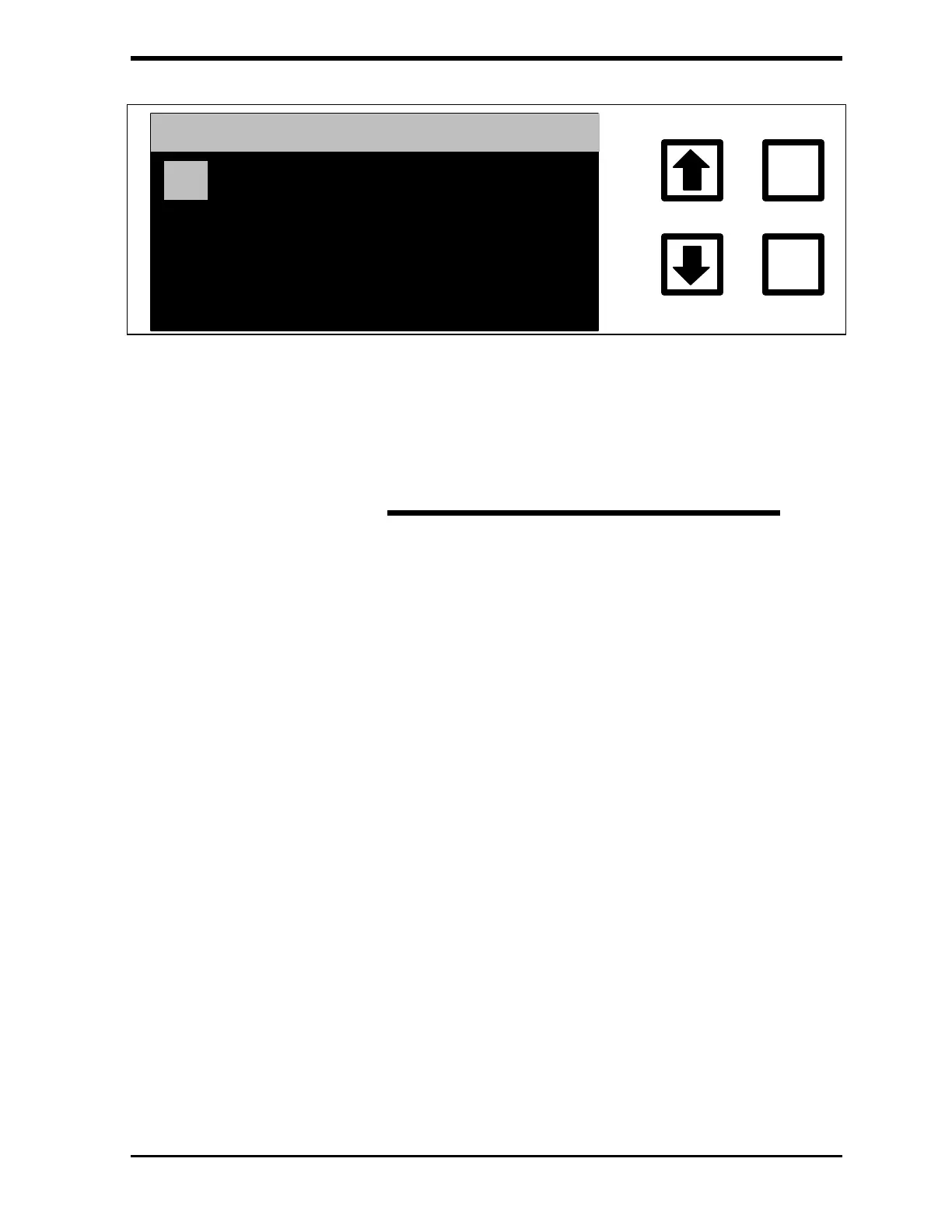
TC CALIBRATION CONST
1.19810000
ENTER
CLEAR
ENT = SAVE CHAR/NUM
CLR = RESTART/EXIT
ARROWS = CHANGE CHAR
FIGURE 9-5: TC CALIBRATION CONSTANT Menu
5. Compute the new TC calibration constant using the formula:
Average TC value
New TC
CALIB.
CONST.
Initial TC
CALIB.
CONST.
Adjusted Standard Concentration
(
)
*
=
(
)
6. Scroll to the first digit of the new TC CALIBRATION CONST. and
press ENTER to save this value. Press CLEAR to start again if a
mistake has been made while entering.
7. Scroll to the decimal point and press ENTER.
8. Repeat this process to set and save the remaining values for the TC
CALIBRATION CONST., pressing ENTER each time to store the
value. Five significant figures (e.g., 1.2416) are used for the
calibration constants.
9. Press ENTER to accept the new number .
10. If the password protection has been enabled, the ENTER
PASSWORD Display will be shown. If password is not enabled, go
to step 14.
11. Input the first letter of the password by using the arrows ( or ) to
scroll to the desired letter.



 To Next Page