Ionics Instruments 2004 Page E - 2 DLM 30007-08 Rev. A
1. If the analyzer has been used for on-line measurements, shut off the
water to the sample inlet system at the sampling port and follow the
procedures in the Installation Chapter to change the sample mode
from on-line to grab sampling and to change the sample inlet system
to grab sampling.
2. Perform a REAGENT FLUSH as described in the Installation chapter.
Select BOTH to flush the ACID and the OXIDIZER reagent
cartridges.
3. From the MAIN menu, scroll to SETUP and press ENTER.
4. Use the arrows ( or ) to scroll to OUTPUTS and press ENTER.
5. From the OUTPUTS menu, use the arrows ( or ) to scroll to
DISPLAY and press ENTER.
6. From the SET DISPLAY menu, use the arrows ( or ) to select TC
and press ENTER to save this setting. Press CLEAR three times to
return to the MAIN menu.
7. Use the arrows ( or ) to scroll to START TOC and press ENTER.
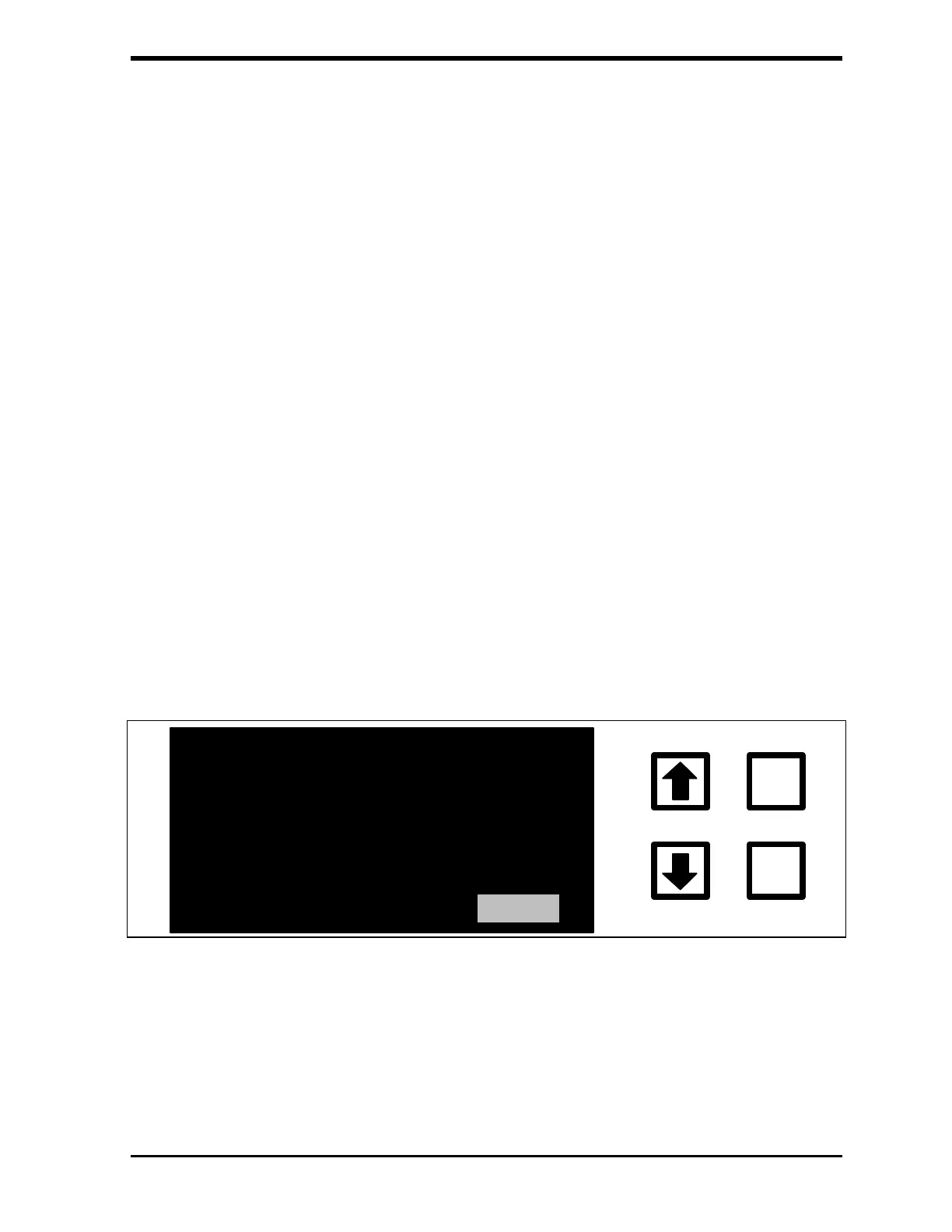
The GRAB SAMPLE screen is displayed:
TOC = GRAB SAMPLE MODE
ENTER
CLEAR
START SETUP EXIT
S=00 R=00
FIGURE D-1: GRAB SAMPLE Screen
8. Use the arrows ( or ) to scroll to SETUP and press ENTER. The
GRAB SAMPLE SETUP menu is displayed:



 To Next Page