Ionics Instruments 2004 Page 6-7 DLM 30007-08 Rev. A
History
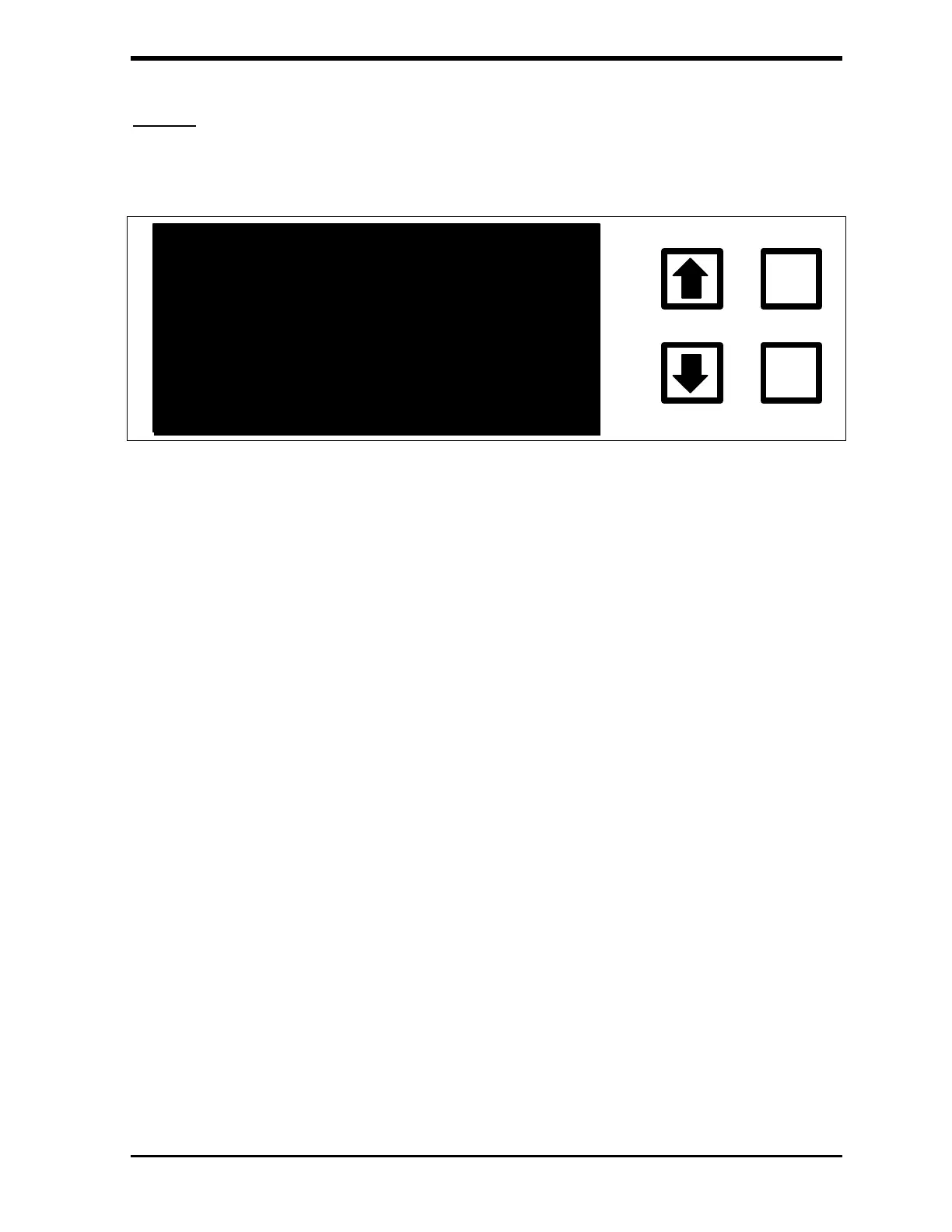
With the HISTORY option highlighted, press ENTER to display the last five
TOC measurements.
05:00
ENTER
CLEAR
07/04/92
08:05 TOC = 1.62 PPB
07:59 TOC = 1.62 PPB
07:53 TOC = 1.60 PPB
07:47 TOC = 1.63 PPB
07:00 TOC = 110.74 PPB G 10
FIGURE 6-6: History TOC Display
In addition to the TOC data, the sample mode is displayed (G=grab, S=stream,
T=autosampler and blank=on-line), and for grab and stream sampling, the
sample number or stream number is shown. The time remaining until the next
TOC measurement is displayed in the upper right-hand corner of the screen.
As new TOC measurements are completed, the latest value is displayed at the
top of the stack. Press the down arrow () to display the previous five TOC
measurements. Press the up arrow () again to display the five latest TOC
measurements.
Since the TOC measurements are stored and read from the RAM card, all of
the data stored on the card may be reviewed. The processor is carrying out
other functions associated with the TOC measurement, so TOC values are
displayed at a slower rate than when the processor is inactive. Stopping the
TOC measurements and using the HISTORY option from the MAIN menu
provides a faster means for reviewing data.
There is a one minute time-out for the history display. If scrolling back to
review earlier data, the display will reset to the most recent data after one
minute without any keystrokes.



 To Next Page