EasyManua.ls Logo

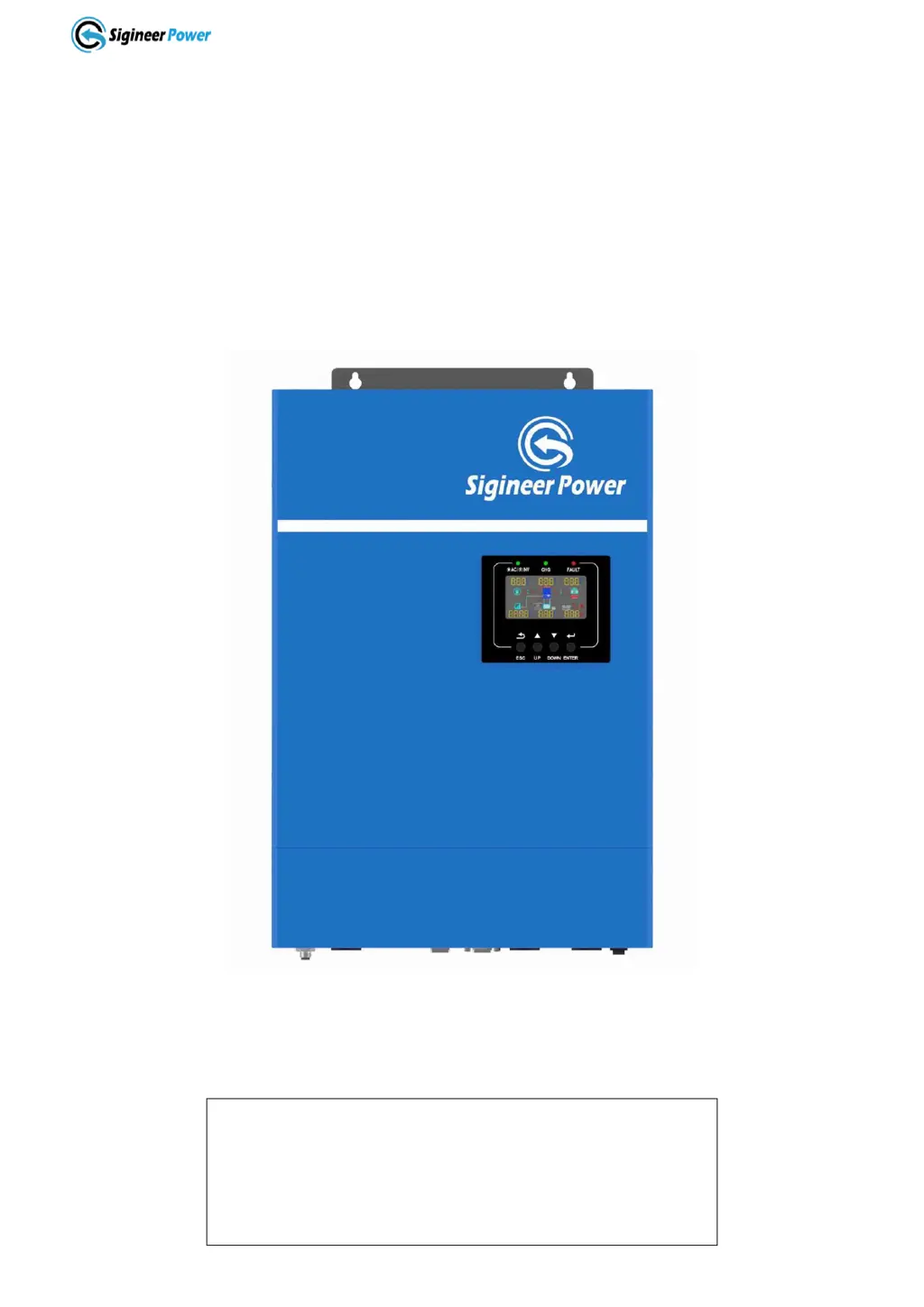
Sigineer Power M5000H-48BP - User Manual

Default Icon
55 pages
Print Icon
To Next Page IconTo Next Page
Loading...
www.sigineer.com
1
Transformerless Off Grid
Solar Inverter Charger
User’s Manual
For Model:
M3048BP
M5000H-48BP
Version 2.1 (PN:M35202111222)
Manufacturer Information
Sigineer Power Limited
Email: info@sigineer.com
TEL: +86 769 82817616
US Warehouse: 4415 S 32nd St, Phoenix, AZ 85040

Questions and Answers

  • B
    brandon70Sep 23, 2025
    What does fault code 80 mean on a Sigineer Power M5000H-48BP Battery Charger?
    • T
      Terri BurnsSep 23, 2025
      Fault code 80 on your Sigineer Power Battery Charger indicates a CAN fault. To address this: 1. Check whether the parallel communication cables are well connected. 2. Check whether Program 23 settings are correct for the parallel system. 3. If the problem persists, contact a repair center.
  • M
    Michael CurryAug 23, 2025
    Why is my Sigineer Power Battery Charger working in battery mode when mains exist?
    • E
      Emily CochranAug 23, 2025
      If your Sigineer Power Battery Charger is operating in battery mode despite the presence of mains power, it could be due to a couple of reasons: * The input protector may have tripped. Check if the AC breaker is tripped and ensure the AC wiring is properly connected. * The AC power quality might be insufficient, especially if you're using shore power or a generator. In this case, verify that the AC wires aren't too thin or too long. If using a generator, confirm it's functioning correctly and that the input voltage range setting is correct (UPS? Appliance).
  • K
    Karen ClarkAug 25, 2025
    What to do if my Sigineer Power Battery Charger has no response after power on?
    • C
      Crystal RobinsonAug 26, 2025
      If your Sigineer Power Battery Charger doesn't respond after being powered on, it could be due to the following reasons: * The battery voltage is far too low (less than 1.4V/Cell). * The battery polarity is connected in reverse. To address this: 1. Check if the batteries and wiring are properly connected. 2. Recharge the battery. 3. Replace the battery if necessary.
  • D
    dennishillAug 26, 2025
    How to fix Sigineer Power Battery Charger that shuts down automatically during startup?
    • C
      Christine EstradaAug 26, 2025
      If your Sigineer Power Battery Charger shuts down automatically during startup, it's likely because the battery voltage is too low (less than 1.91V/Cell). To fix this, try to recharge the battery. If the problem persists, consider replacing the battery.
  • W
    William PhillipsAug 27, 2025
    What does fault code 03 mean on a Sigineer Power Battery Charger?
    • B
      brandondixonAug 27, 2025
      Fault code 03 on your Sigineer Power Battery Charger indicates that the battery is either over-charged or the battery voltage is too high. To address this, first restart the unit. If the error persists, it may need to be returned to a repair center. Also, verify that the specifications and quantity of batteries meet the required specifications.
  • M
    Maria ReidSep 18, 2025
    What does fault code 56 mean on a Sigineer Power Battery Charger?
    • D
      David MartinezSep 18, 2025
      Fault code 56 on your Sigineer Power Battery Charger indicates that the battery is not connected well or the fuse is burnt. If the battery is connected well, please return the unit to a repair center.
  • G
    Gary WeaverSep 15, 2025
    What does warning code 17 mean on a Sigineer Power M5000H-48BP Battery Charger?
    • D
      Dillon RitterSep 15, 2025
      Warning code 17 on your Sigineer Power Battery Charger indicates that the output phase is not correct in parallel. To solve this: 1. Make sure the parallel settings are the same system (single or parallel; 3P1, 3P2, 3P3). 2. Make sure all phase inverters are powered on.
  • B
    Brianna NicholsonSep 16, 2025
    What does warning code 20 mean on a Sigineer Power Battery Charger?
    • T
      Tracie GrahamSep 16, 2025
      Warning code 20 on your Sigineer Power Battery Charger indicates that the Li battery can't communicate with the inverter. To resolve this: 1. Check whether the communication line is correctly connected between the inverter and the battery. 2. Check whether the BMS protocol type is correctly set.
  • J
    Jessica GrimesSep 6, 2025
    What does fault code 02 mean on a Sigineer Power Battery Charger?
    • B
      Brandi BryantSep 6, 2025
      Fault code 02 on your Sigineer Power Battery Charger indicates that the internal temperature of a component is over 100 degrees Celsius. Check if the unit's airflow is blocked or if the ambient temperature is too high. Also, check whether the thermistor plug is loose.
  • J
    Jennifer BrownSep 3, 2025
    What does fault code 60 mean on a Sigineer Power Battery Charger?
    • T
      Terry WhiteSep 3, 2025
      Fault code 60 on your Sigineer Power Battery Charger indicates a negative power fault. To address this: 1. Check whether the AC output is connected to the grid input. 2. Check whether Program 8 settings are the same for all parallel inverters. 3. Check whether the current sharing cables are well connected in the same parallel phases. 4. Check whether all neutral wires of all parallel units are connected together. 5. If the problem persists, contact a repair center.

Summary

1 Important Safety Information

1.1 General Safety Precautions

Describes installation, environment, wiring, fire, and explosion prevention guidelines.

1.2 Precautions When Working with Batteries

Safety guidelines for handling batteries to prevent hazards like sparks and acid contact.

2 Introduction

2.4 Electrical Performance

Covers various electrical aspects including DC/AC conversion, charging, transfer, and protections.

2.4.5 Protections

Lists the various safety features protecting the inverter from faults like overload and short circuits.

3 Installation

3.3 Battery Wiring

Details the process and recommendations for connecting batteries, including cable size and torque.

3.4 PV Wiring

Instructions for connecting PV modules to the inverter, including voltage limits and connections.

3.5 AC Wiring

Guidelines for connecting AC input and output power, including breaker specifications.

3.7 Inverter Parallel Operation

Describes how to connect multiple inverters for increased output power and system configurations.

4 Maintenance & Troubleshooting

Indicator and Buzzer

Explains fault codes and their corresponding indicators/buzzers for quick diagnosis.

TroubleShooting

Provides a guide to diagnosing and resolving common inverter issues with solutions.

Sigineer Power M5000H-48BP Specifications

General IconGeneral
ModelM5000H-48BP
CategoryBattery Charger
Input Voltage120/240VAC
DC Input Voltage48VDC
Output Voltage48VDC
AC Output Power5000W
Power Output5000W
Charging Mode3-stage (Bulk, Absorption, Float)
Operating Temperature-20°C to 50°C
Cooling MethodFan
Protection FeaturesOver Temperature, Short Circuit

Related product manuals