SIGLENT
SVA1000X User Manual 85
5.1 Basic Settings
5.1.1 Frequency
Switch to the Frequency Settings menu by pressing Frequency on the front panel. When entering the
frequency menu, the “Center Freq” is selected by default.
5.1.1.1 Center Freq
Set the modulated carrier frequency.
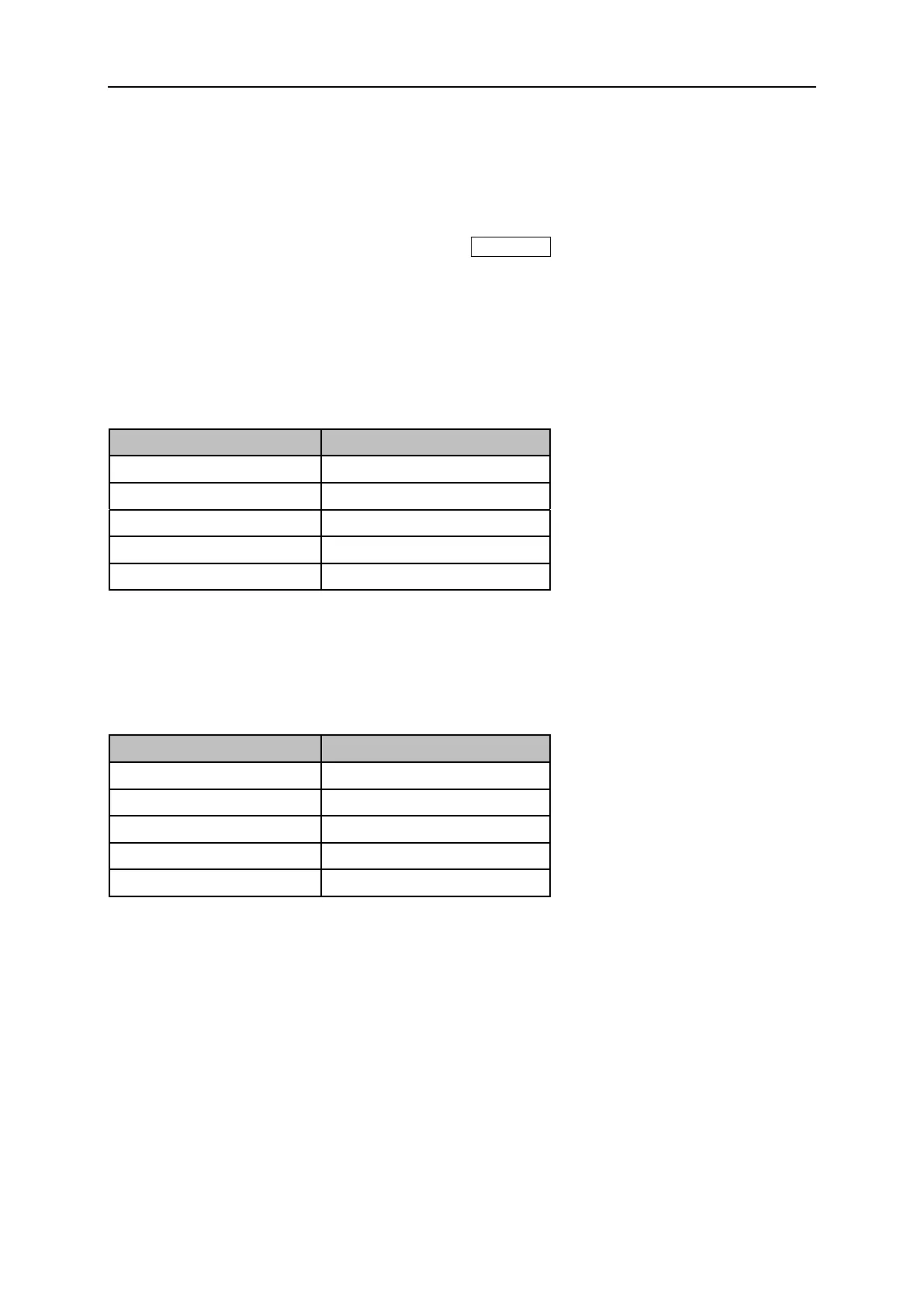
Table 5-1 Center Freq
5.1.1.2 Freq Step
Setting the value of Freq Step will change the direction key step and knob step of the center frequency.
Table 5-2 Freq Step
5.2 Measurement
5.2.1 Digital Modulation Analysis
When ASK, FSK, MSK, PSK or QAM modulation type is selected, digital modulation analysis is carried
out.
5.2.1.1 Format
Select the modulation format.


 To Next Page
 Loading...