SIGLENT
42 SVA1000X User Manual
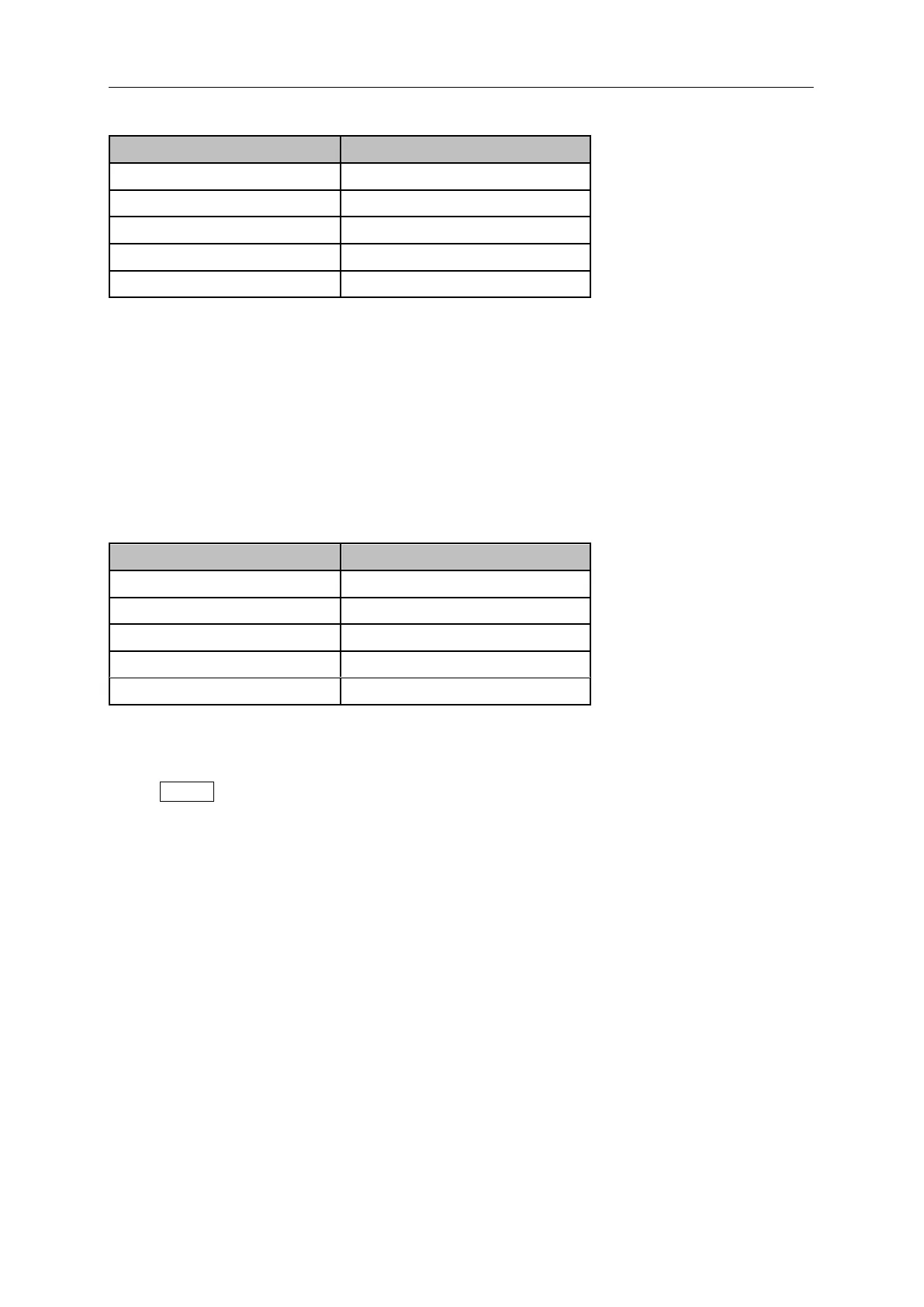
Table 2-25 Reference level under normalization
2.2.7.8 Norm Ref Pos
Adjust the vertical position of the normalization reference level on the screen by adjusting the reference
position when normalization is enabled.
The function of this menu is similar to that of Norm Ref Level. When it is set to 0%, the
normalization reference level is displayed at the bottom of the screen grid and at the top when it is
set to 100%.
Table 2-26 TG reference position under normalization
2.2.8 Demod
Press Demod at the front panel to enter the demodulation setting menu. Both AM and FM
demodulations are available on the analyzer.
2.2.8.1 Demod (AM/FM)
Set the demodulation type to AM or FM or off. The default is off.
The analyzer features an earphone jack and the demodulated signal can be output in audio
frequency (AF) mode through the earphone. The frequency and intensity of AF denotes the
frequency and amplitude of the signal respectively.
A marker would be enabled automatically, place it at the desired frequency and set a demod time.
The analyzer would demod at the marker frequency for the demod time, and then performs a
normal sweep.
Zero span and linear scale type amplitude can be used to see the time domain waveform of the
modulated signal.
More demodulation analysis, please refer to AM/FM modulation analyzer in MA option.


 To Next Page
 Loading...