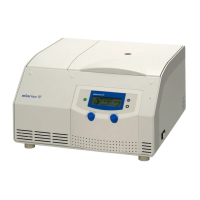
1-14K
Using the Centrifuge
26 Version 05/2010, Rev. 1.8 of 01/09/2011- sb
Translation of the original operating manual
6.3 Operation
6.3.1 Operating Panel
1 Centrifuge display
2 Set key
3 Program key
4 Arrow key
5 Precool key
6 Start/Stop key
7 Lid key
Fig. 6.3: Operating Panel
The centrifuge is started directly via the operating panel. When the
centrifuge is switched on, all segments will be illuminated for a short
time. It is now ready for operation.
6.3.2 Centrifuge Display
The centrifuge display has the following display fields:
1 Field for acceleration/
deceleration curves
and run mode
2 Speed / rcf field
3 Time field
4 Field for temperature
and rotor selection
Fig. 6.4: Display, completely active
1
2
3
4



 To Next Page