Mode 2
Mode 1
Reset
Set
Mode 2
Mode 1
Reset
Set
Mode 2
Mode 1
Reset
Set
Contrast
Basic settings
www.sigmasport.com MC 1812 Page 14
MC 1812
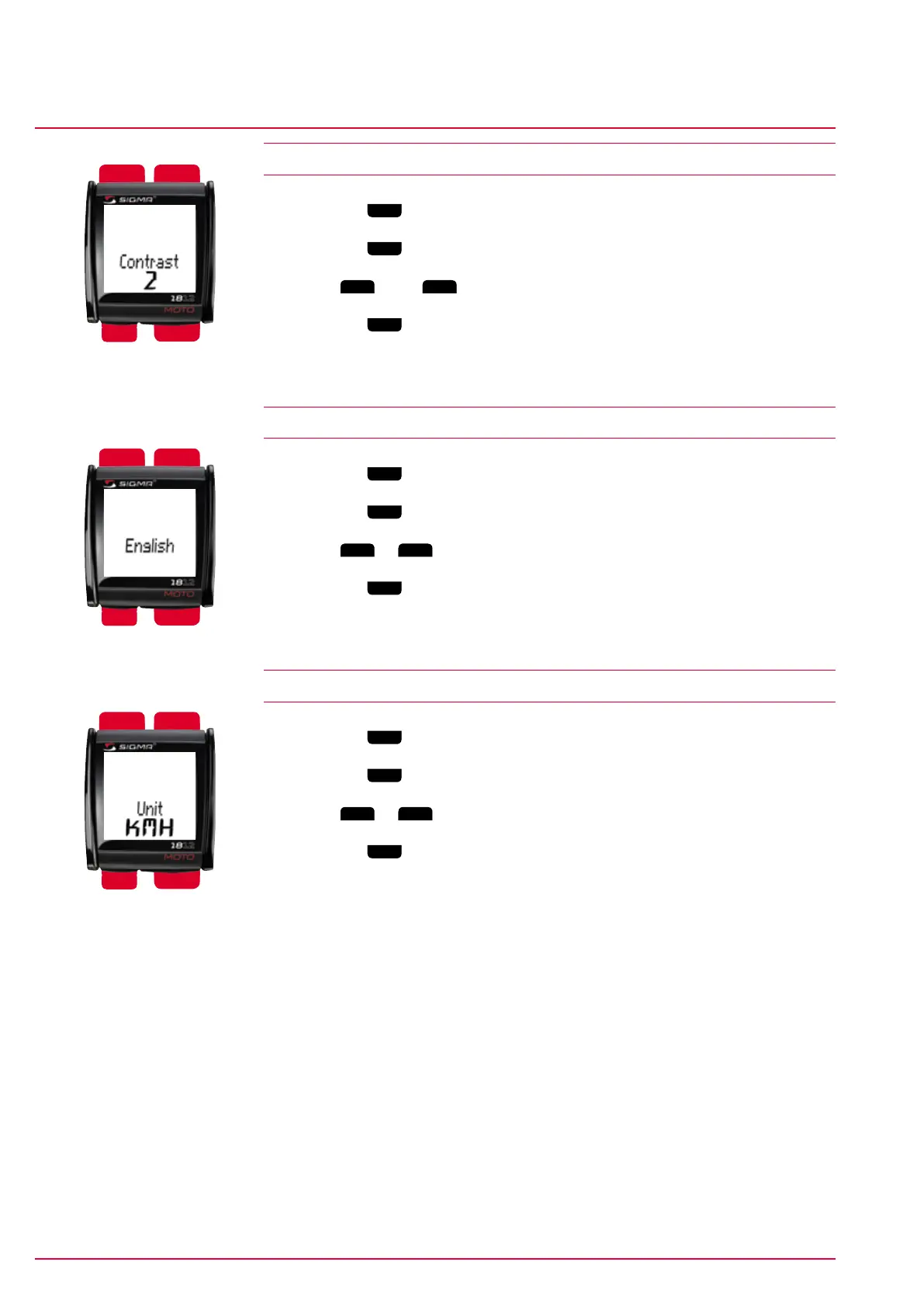
4.6 Contrast
1 Press the
Mode 1
button to switch to the default menu item ‘Contrast’.
2 Press the
Set
button. The digit displayed flashes.
3 Press
Mode 2
(+) or
Reset
(-) to set the value. (1=weak/3=strong)
4 Press the
Set
button to save your setting.
‘Set OK’ appears on the display.
4.7 Language
1 Press the
Mode 1
button to switch to the default language.
2 Press the
Set
button. The display flashes.
3 Press
Mode 2
or
Reset
to select the desired language.
4 Press the
Set
button to save your setting.
‘Set OK’ appears on the display.
4.8 Setting/changing the unit
1 Press the
Mode 1
button to switch to the default unit.
2 Press the
Set
button. The display flashes.
3 Press
Mode 2
or
Reset
to switch between KMH and MPH.
4 Press the
Set
button to save your setting.
‘Set OK’ appears on the display.


 To Next Page