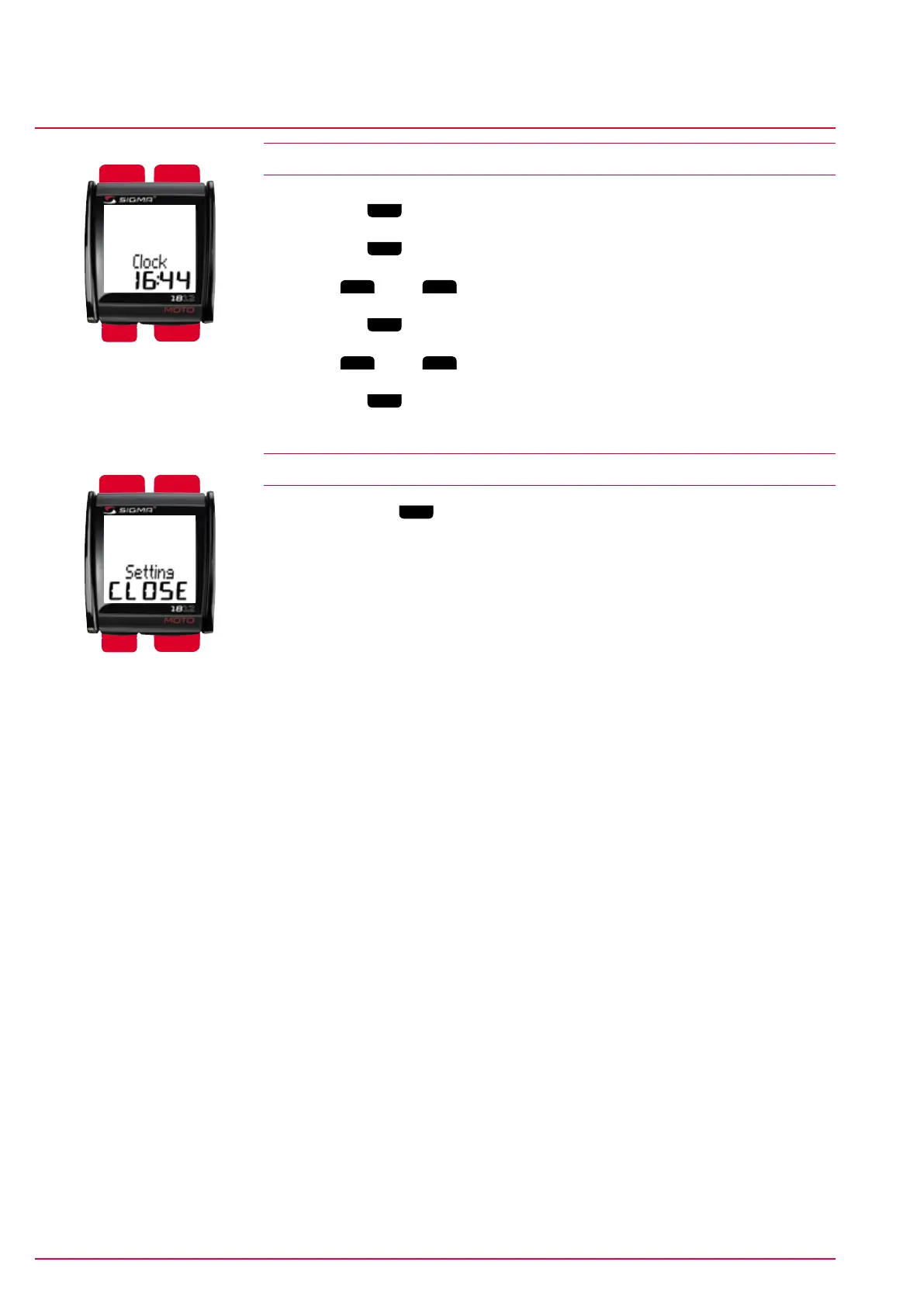
Mode 2
Mode 1
Reset
Set
Mode 2
Mode 1
Reset
Set
Time
Basic settings
www.sigmasport.com MC 1812 Page 16
MC 1812
4.10 Time
1 Press the
Mode 1
button to switch to the ‘Time’ menu.
2 Press the
Set
button. The hours digit flashes.
3 Press
Mode 2
(+) or
Reset
(-) to set the value.
4 Press the
Mode 1
button to move to the minutes.
5 Press
Mode 2
(+) or
Reset
(-) to set the value.
6 Press the
Set
button to save your setting.
‘Set OK’ appears on the display.
4.11 Exiting the basic settings
Press and hold the
Set
button for at least three seconds to exit the basic
settings. ‘Setting CLOSE’ appears on the display, which then switches to the
normal menu.


 To Next Page