AFTER SALES SUPPORT
1300 777 137
service@unclebills.com.au
MODEL: EA0863 PRODUCT CODE: 59016 12/2018
28
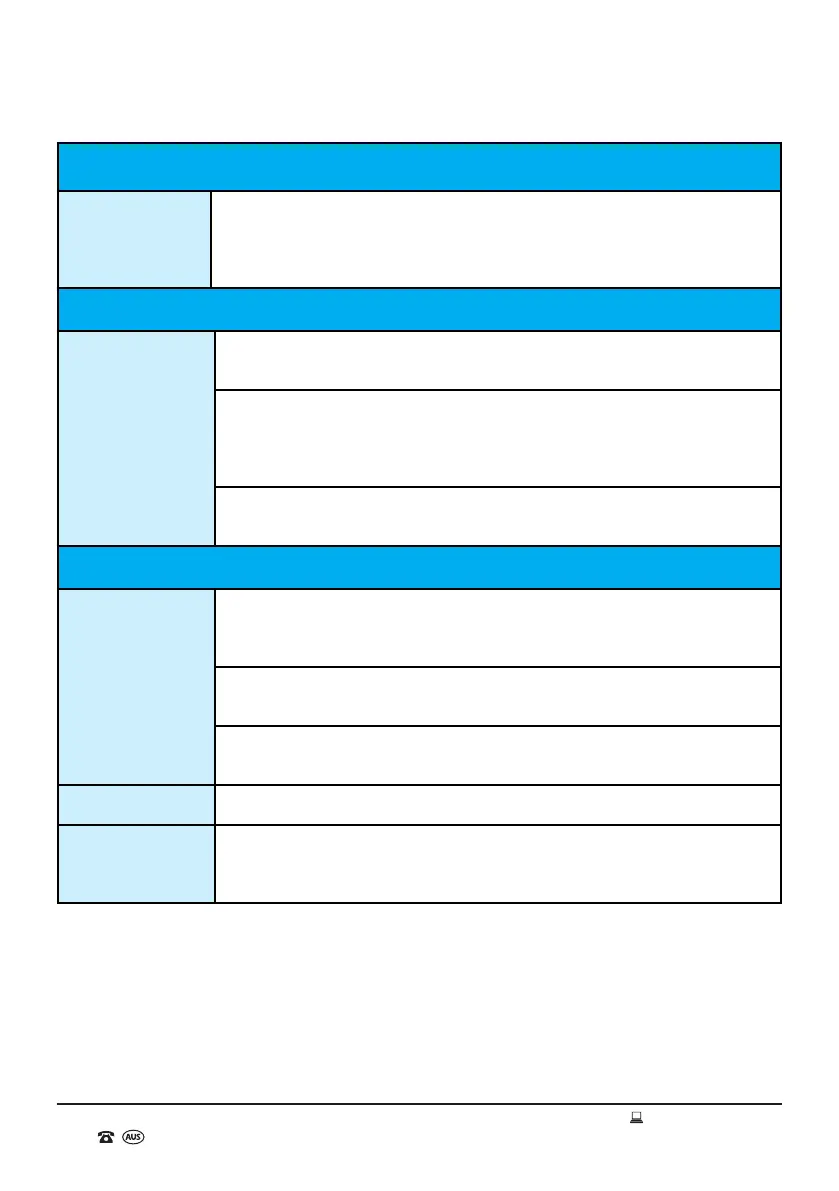
Frequently Asked Questions (cont.)
USB or SD Inputs
Audio les will not
play correctly?
The le type may not be compatible with the Jukebox, please load
standard MP3 les on to the USB drive or SD card and try again.
The USB drive or SD card may not have been ejected from the computer
correctly which can cause damage to the les. Please reload the les via
the same PC and electronically eject (or safely remove hardware) the USB
drive or SD card before physically removing.
The audio les may be copyright protected and therefore will not play
correctly as an MP3 le.
General
No Power?
Check that the power adaptor has been correctly and securely connected
(see page 12 for further instructions), and that the power socket has been
switched on.
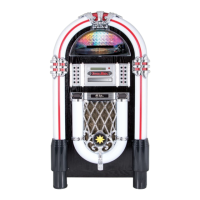
Check that you have pressed the ON/OFF (Main Power) Button (No. 6 on
the Jukebox parts list).
The Jukebox may still be in standby mode. Press the STANDBY button to
wake the Jukebox from standby mode.
No sound? Press the VOL+ button to turn the volume up.
The LED lighting
effects are not
working?
Press the LIGHT button on the front of the Jukebox.
The track skips
and “breaks up”
or stops playing
altogether?
It is likely that the Bluetooth® enabled device is located too far away from
the Jukebox and is out of range or its range is impeded by objects such as
walls. Move the device closer to the Jukebox and ensure that it has a clear
line of sight to the Jukebox.
Bluetooth
®
(cont.)


 To Next Page