9
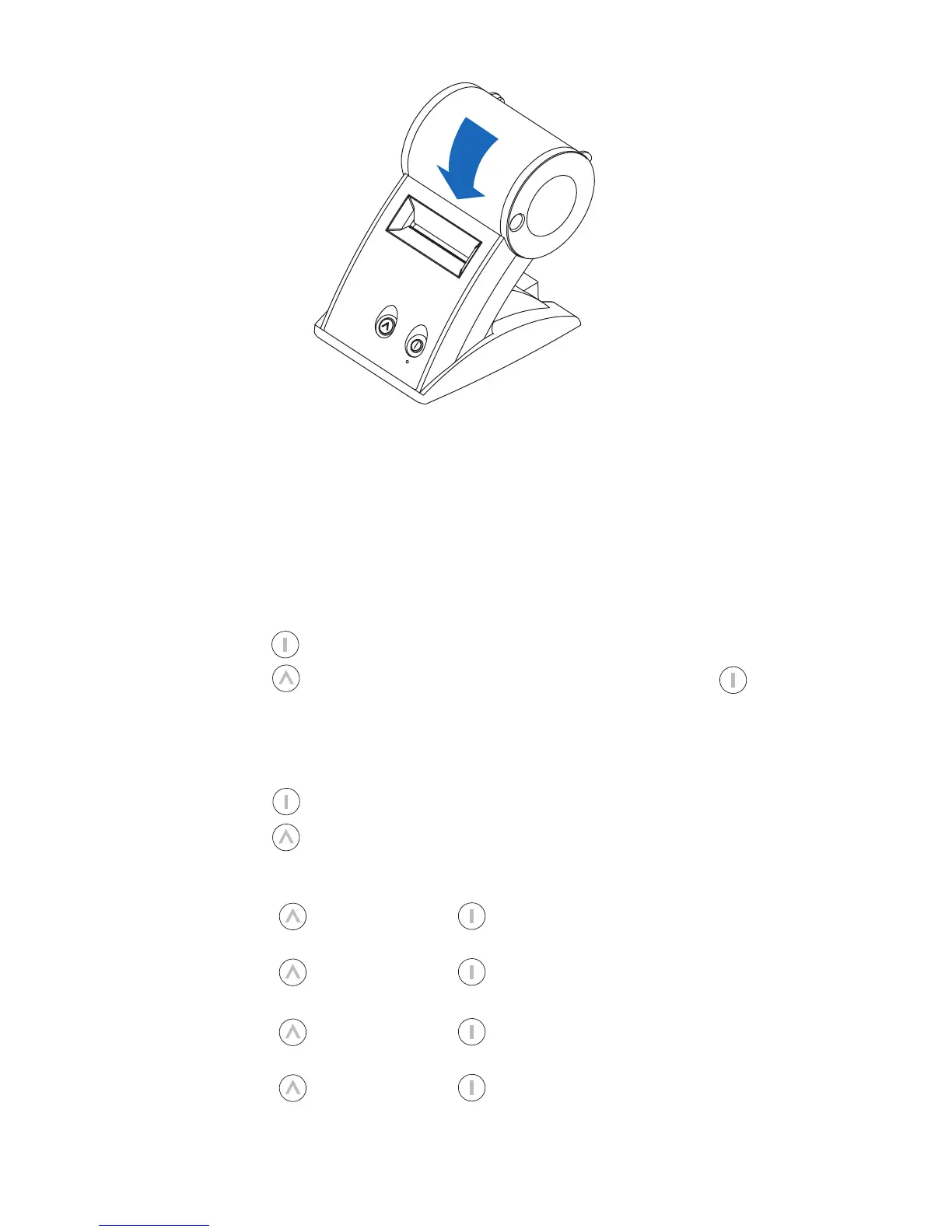
6 Close the label cover.
Testing the Printer
A quick test lets you know your printer is operating properly and that the labels
are loaded correctly.
Testing the SLP 410, 420 or 430
1 Press and hold the power button for 2 seconds to turn the printer off.
2 Press and hold the form feed button while you press and release the button.
If the test is successful, the SLP 410/420/430 will print a test label
.
Testing the SLP 440 or 450
1 Press and hold the power button for 2 seconds to turn the printer off.
2 Press and hold the form feed button until the LED begins to flash green.
Do not release.
3 To print the SII graphic logo:
• While holding the button, press the power button 1x and release both buttons.
4 To print the SII sample address label:
• While holding the button, press the power button 2x and release both buttons.
5 To print the density test:
• While holding the button, press the power button 3x and release both buttons.
6 To print the serial number and firmware:
• While holding the button, press the power button 4x and release both buttons.


 To Next Page