3
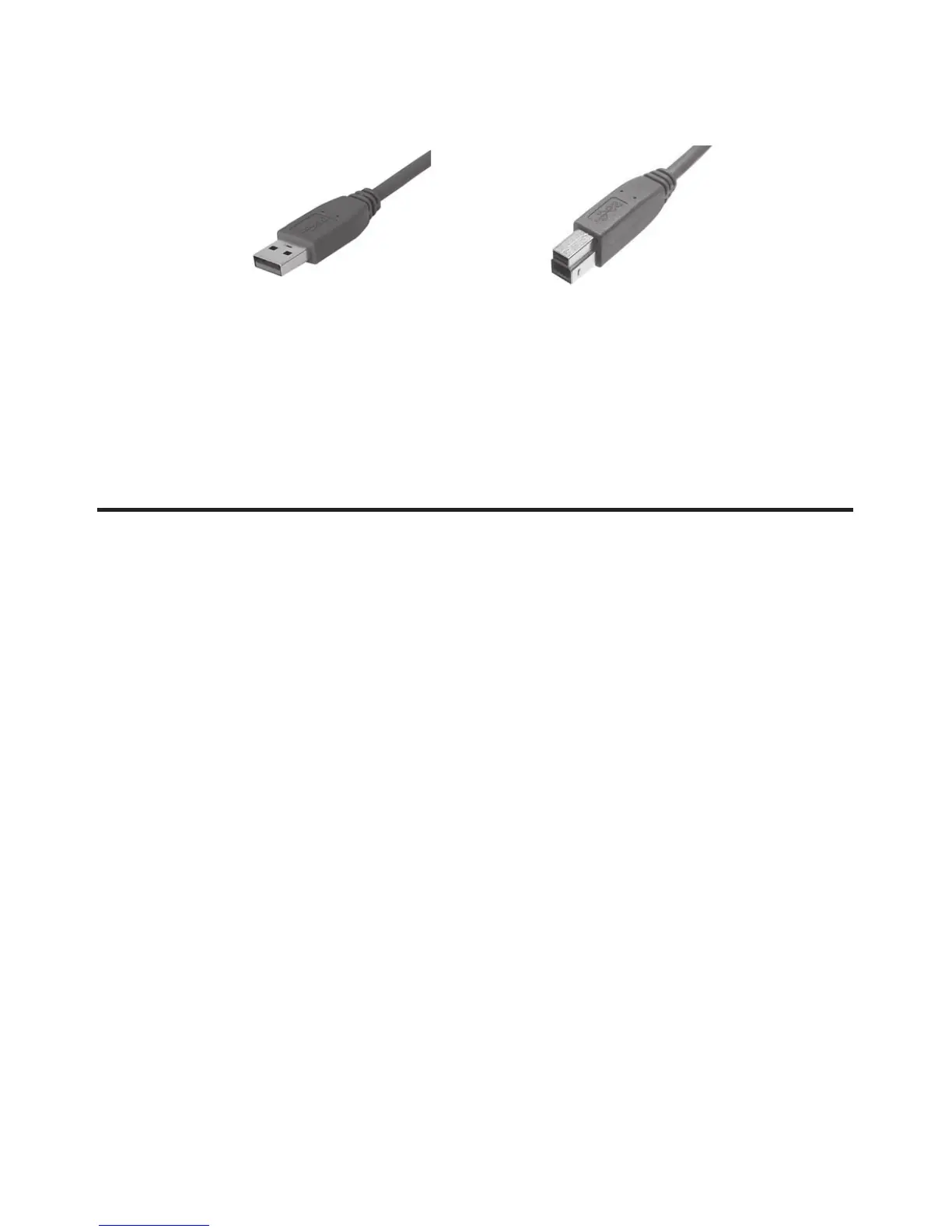
USB 3.0 Cable Connectors
Figure 2: USB 3.0 Connectors
Installation
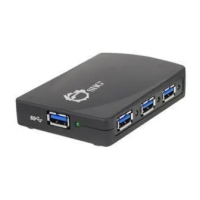
Important: The SuperSpeed USB 4-Port Hub only works at
USB 3.0 speed when connected to a USB 3.0 controller.
Otherwise it will work as a USB 2.0 or USB 1.1 hub when
connected to USB 2.0 or USB 1.1 controller respectively.
In order for the SuperSpeed USB 4-Port Hub to work as a
USB 3.0 hub, the driver for your existing USB 3.0 host
controller has to be properly installed. This hub will
automatically be detected and installed when connected to
the USB 3.0 port.
1. Connect the Type-B connector of the included USB
3.0 cable to the Upstream port (Root Port, Type-B)
of the SuperSpeed USB 4-Port Hub.
2. Connect the Switching power adapter into the Power
jack of the SuperSpeed USB 4-Port Hub, then plug
the power adapter into a reliable power source.
Type-A connector Type-B connector


 To Next Page
 Loading...