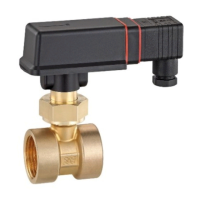
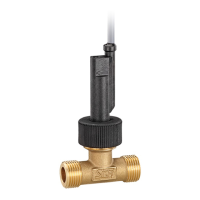
Adjusting the switching unit (optional) VH / VK
- 28 - © SIKA • Ea3000_FlowSwitch • 03/2021
Loosening the locking screw
Loosen the locking screw (hexagon socket AF 2.5 with brass and stainless steel ver-
sions and cross recess with plastic versions).
Setting the normally open contact
Move the switch unit until the red arrow is visible at the starting point of the unit’s
guide.
Setting the normally closed contact
Move the switch unit until the white/blue arrow is visible at the starting point of the
unit’s guide.
Setting the setpoint for lower flow
Move the switch unit into the direction of the arrow
tip .
Setting the setpoint for higher flow
Move the switch unit into the direction of the arrow
end .
Tightening the locking screw
Carefully tighten the locking screw with approx.
2 Nm.
If applicable, secure the locking screw of the switching
unit using varnish / thread-locking fluid after individually
setting the setpoint.
Closing the switch head (only VHS, VKS)
Close the lid until it clicks into place.
and VK3


 To Next Page
 Loading...