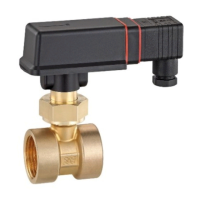
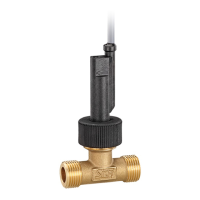
VH / VK Adjusting the switching unit (optional)
Technical changes reserved - 27 -
4 Adjusting the switching unit (optional)
Standard contact
The flow switch can be operated as normally open contact or as normally closed contact. The
following table explains the two types of contact:
(open without flow)
contact
blue arrow
• If not otherwise agreed with the customer, the switching unit is factory set as a normally
open contact.
• If there are no arrows on your switching unit, the contact type cannot be altered.
Changeover contact (only VH3)
For flow switches with a change-over contact a fine adjustment can only be carried out within
the red arrow. The contact switches after reaching the set setpoint.
Setpoint range
• Adjustment of the switching unit is not required if a desired ex works setpoint setting has
been agreed with the customer.
• Fine adjustment is not possible with the types VHS06, VHS09, VKS06, VK306 and
VK309. You can only change the contact type by adjusting the switching unit.
• Only if a setpoint range is specified on the type plate, the setpoint can be adjusted.
Flow switch of type VH…X
The flow switch type VH...X is supplied ex works with normally open contact and a fixed set-
point. Adjustment of the type of contact and the setpoint for flow switch version VH...X is not
permitted.
Opening the switch head (only VHS, VKS)
Open the lid of the plug connector.


 To Next Page
 Loading...