6
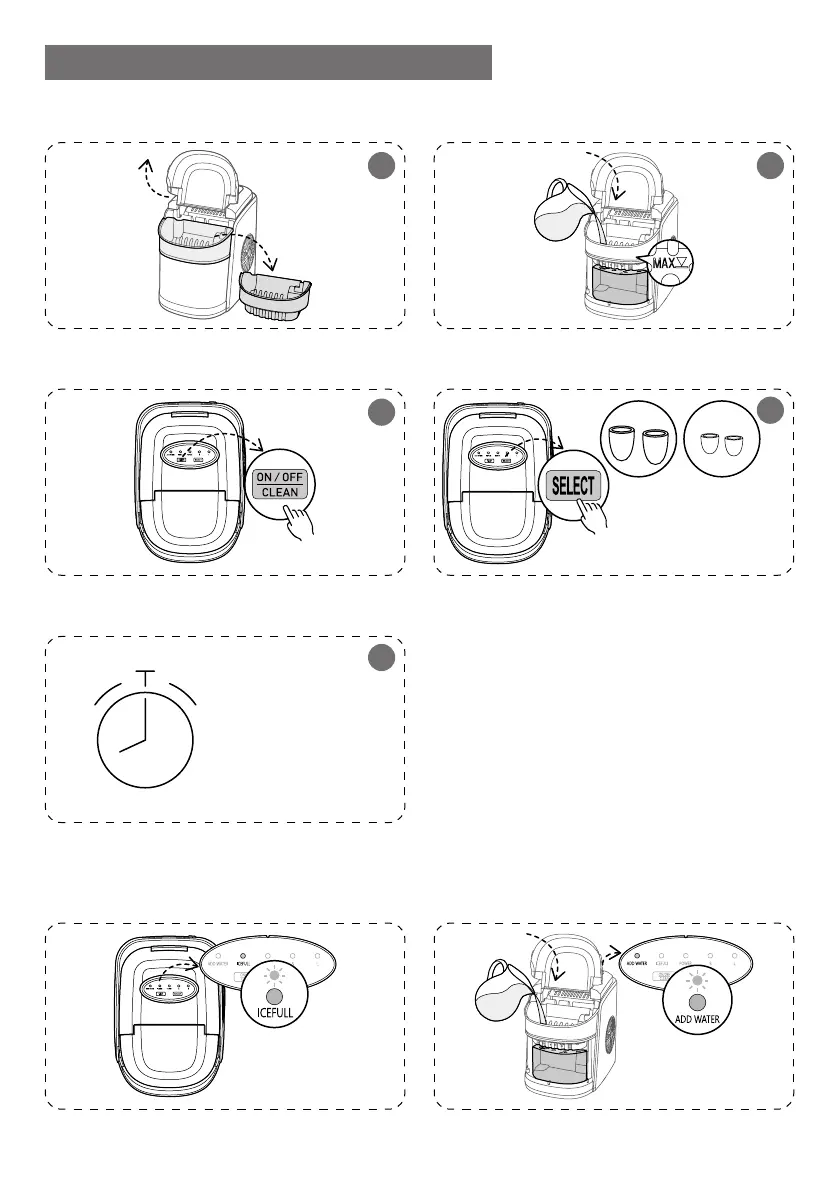
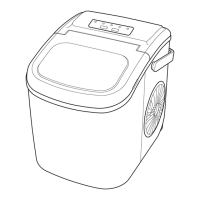
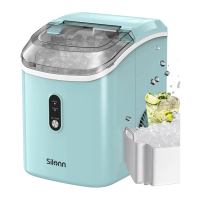
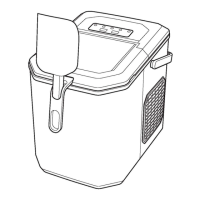
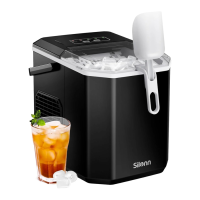
HOW TO USE YOUR ICE MAKER
Open cover and remove basket
Ice full and ready when “Ice” indi-
cator is on.
Wait 6min-13min
When “ADD WATER” indicator is
red, add water and press “ON/OFF”
Pour water, do not exceed the
“MAX” water mark
Press the “ON/OFF/CLEAN” button
Press “Select” to choose ice cube size
Note: Room temp
below 6°F select
small ice.
SMALLLAGRE
4
6min-13min
Depending on Room
temp and ice size.
5
2
3
Done Refill
1


 To Next Page