Page 4Rev. 060518
DiscountRamps.com • 1-888-651-3431
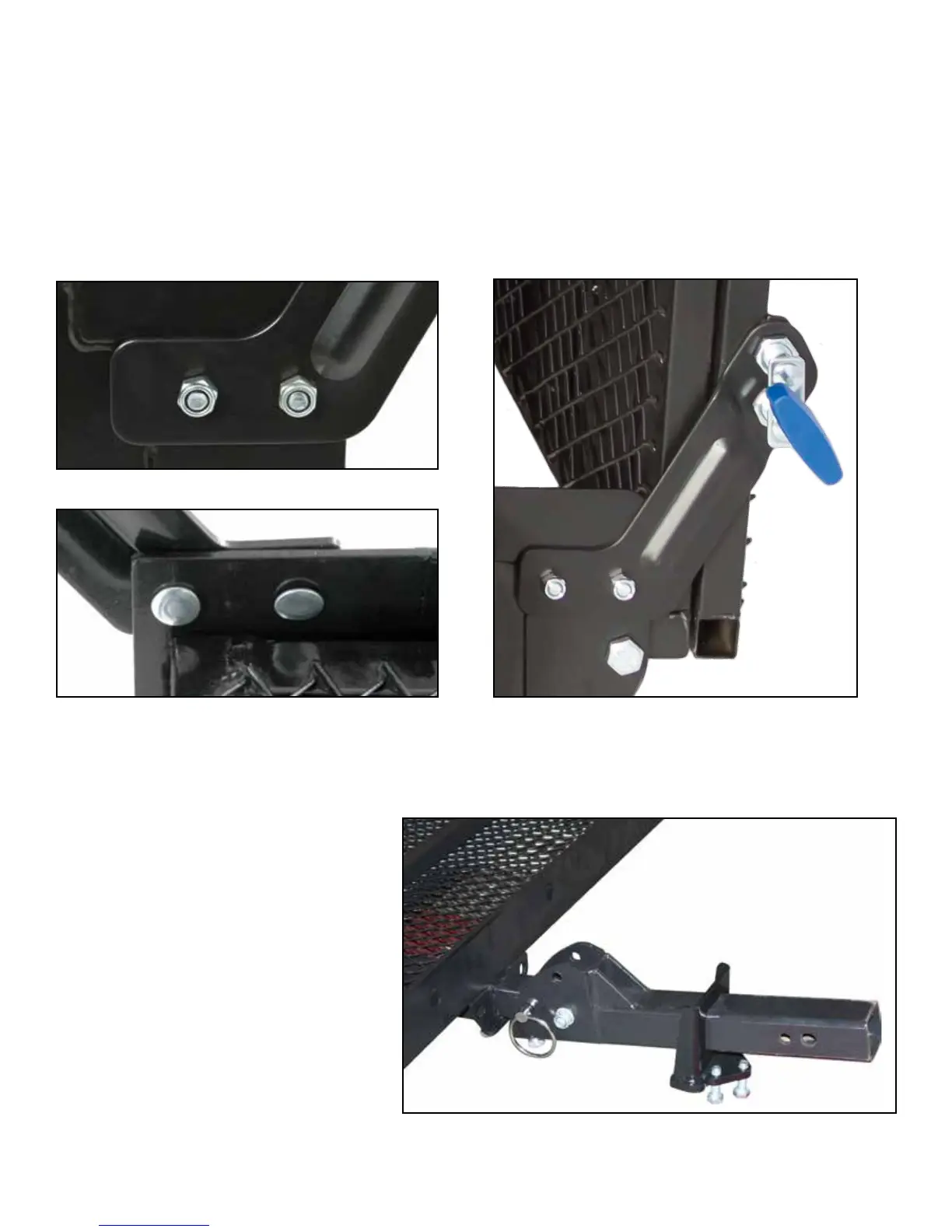
Step 3. Flip the carrier right side up and install the ramp bracket (11) using the carriage bolts (3) and
lock nuts (4) using a 13mm or 1/2" wrench. Be sure the square shoulders on the carriage bolts seat
fully in the square holes on the carrier.
Note: Fully tighten the carriage bolts only after the ramp is in the upright position and the spring pins
are locked into place. This will align the pins with the holes in the ramp as there is some play in the
bracket that could cause misalignment if this procedure is not followed.
Fig. 3a
Fig. 3b
Fig. 3c
Step 4. Slide the anti-tilt locking device
(17) onto the carrier hitch tube with the
3-bolt side facing the hitch.
Fig. 4


 To Next Page