CRB-631 - Overview of the device
16
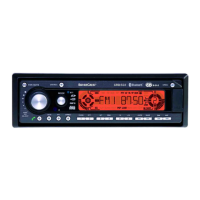
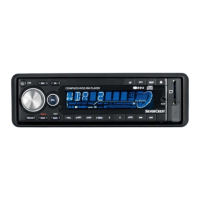
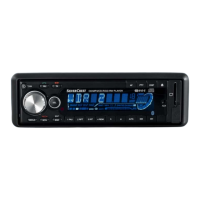
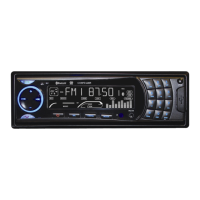
10 Overview of the device
10.1 Front
1. Open
2. Button 6 / Track + 10
3. Button 3 / Intro
4. Button 2 / Repeat
5. Button 5 / Track - 10
6. Button 1 / Pause
7. Button 4 / Random
8. LCD display
9. Volume control + / -
10. Telephone button: Accept call
(Pick-up)
11. Previous track / Tune down
12. Telephone button: Reject/Hang up
13. Next track / Tune up
14. On/Off/Mute
15. Select
16. Telephone menu
17. Mode (Radio, CD, SD, USB, AUX)
18. IR receiver
19. AUX-IN (3.5 mm)
20. Button 7 / AF
21. Telephone button / AS / PS
22. Button 0 / Display / REC
23. Button 8 / TA / TP
24. Telephone button # / Band button (FM /
AM)
25. Numeric button 9 / PTY
26. USB connection
Note on no. 19 - AUX-IN (3.5 mm):
External audio devices (such as MP3/MP4 players, cassette recorders, mini-disc
players etc.) can be connected to the 3.5 AUX-IN socket with the earphone output or
AUX-OUT. A connection cable (not included in the scope of supply) is required to
connect the audio devices (3.5 mm mini-jack to mini-jack).
Note:
The corresponding button numbers are used in the following text for easier
location (e.g. for button 1 -> (1), for button 2 -> (2)). Unfold the cover of the user
guide with the overview of the device. This shows the respective button
numbers.




 To Next Page
