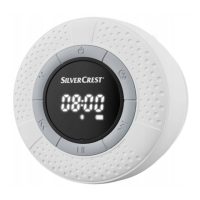
SilverCrest SBL 3 D1
50 - English
• Switch the speaker on by pressing and holding the button (1) for
approx. 2 seconds.
• Press the M button (9) multiple times until (12) flashes on the display
(2). The pairing mode will now be active for approx. 15 minutes. If no
device is paired during this time, the speaker switches off.
• Now pair your mobile phone or music player to the speaker via
Bluetooth
®
. Please read the operating instructions of your mobile phone.
From the list of devices found, select “SBL 3 D1” and establish the
connection. If you are prompted to enter a PIN, use "0000".
• The speaker beeps to confirm the pairing and (12) is shown
continuously on the display (2).
• You can now start playback from your Bluetooth
®
device. The speaker
starts playing the audio.
When it is switched on, the speaker automatically
reconnects to the last-paired Bluetooth
®
device. To pair
the speaker with a different Bluetooth
®
device, press
and hold the button (3) for approx. 2 seconds until a
beep sounds. The speaker disconnects and toggles to
pairing mode.



 To Next Page